Can AI make a video from a swimsuit photo?
Yes. SpicyFrame turns a swimsuit photo of a consenting adult into a 5, 10 or 30-second vertical video with native sound, without explicit content.
SPICYFRAME · PRACTICAL GUIDES
AI swimsuit video guide: turn a swimsuit photo into a pool or editorial clip, with one piece swimsuit AI prompts, camera moves, prices and rules (18+).
5 seconds · 480p · $3.99. Pay per video, no subscription required.
Updated
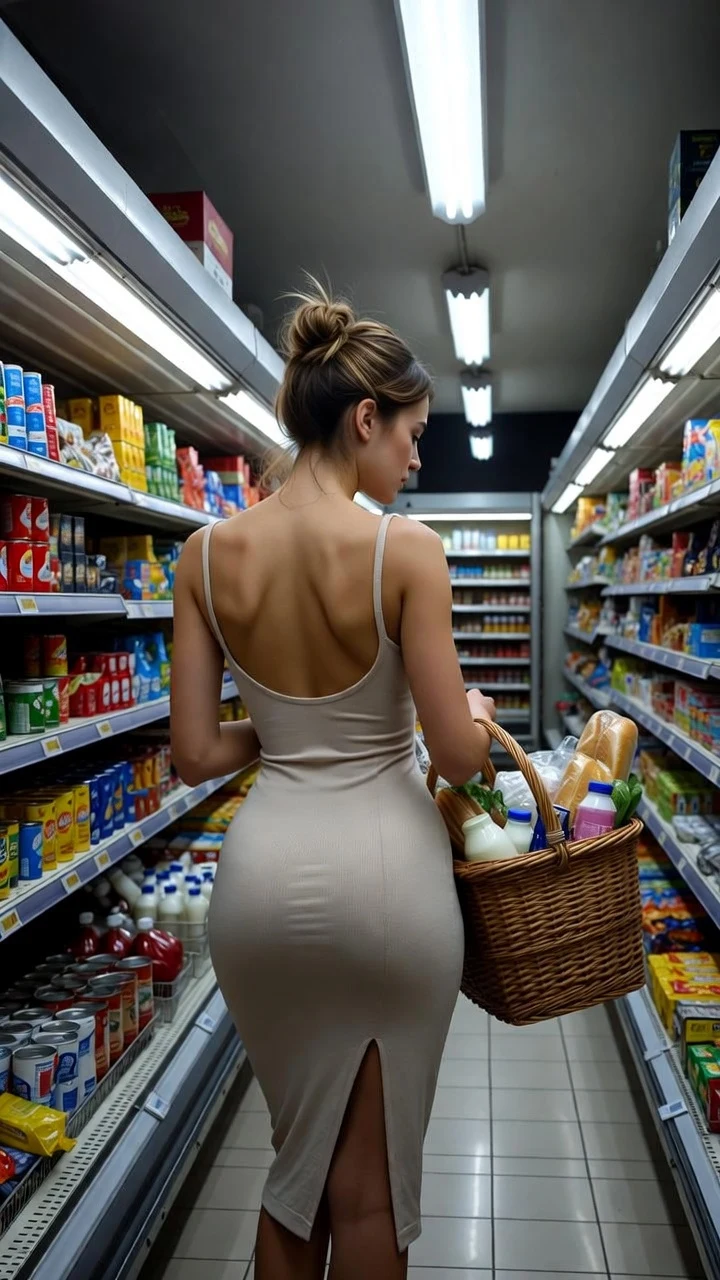
A public SpicyFrame example illustrating the guide. Results depend on the photo and prompt.
An AI swimsuit video starts with one sharp swimsuit photo of an adult who agreed to the transformation: upload it to SpicyFrame, describe one slow action and a camera move, and the swimsuit AI generator renders a vertical 9:16 MP4 of 5, 10 or 30 seconds with native sound. The studio runs on Seedance 2.5 and is 18+; it handles swimwear the way a fashion shoot does, as styled, flattering motion rather than explicit content. This guide covers swimsuit fashion, poolside and editorial scenes. For beach, sunset and bikini-specific prompts, use our separate bikini and beach prompt guide so you are not reading the same list twice.
A swimsuit AI generator that works from photos does not design swimwear from scratch; it animates what is in your picture. That means the cut, color and pattern of the swimsuit come from your reference, and your prompt controls the movement, setting, light and camera. You refer to the photo as @Image 1, and you can add a second reference of the same swimsuit from another angle as @Image 2 to help the model keep the fabric and straps consistent. Expect water, hair and fabric to be the most convincing motion, and expect fine details such as tiny prints, logos and thin straps to shimmer in fast moves. For two-piece looks, the AI bikini generator guide covers the same workflow from a bikini image.
One piece swimsuit AI clips look best when the prompt respects the garment’s lines: plunge necklines, cut-outs, high-leg cuts, ruching and bold prints all read well in slow motion. Example prompts: “@Image 1 walks along the pool edge in a black one-piece swimsuit, side tracking shot, sparkling reflections.” · “@Image 1 adjusts a high-leg red one-piece strap and smiles, sun flare, slow push-in.” · “@Image 1 turns to show an open-back one-piece, golden light, slow orbit.” · “@Image 1 steps down pool stairs in a ruched one-piece, ripples at the ankles, static wide shot.” · “@Image 1 pulls on a sheer sarong over a navy one-piece, sea breeze, slow motion.” · “@Image 1 sits on a lounger in a printed one-piece, sunglasses on, palm shadows moving.”
The pool is the best set for swimsuit video because water gives the model natural motion. “@Image 1 lifts sunglasses and smiles by a turquoise pool, slow push-in.” · “@Image 1 dips her toes in the water and looks up, top-down shot.” · “@Image 1 climbs out of the pool and squeezes water from her hair, slow motion, low angle.” · “@Image 1 lies on a white lounger with a magazine, sun and shade patterns, static shot.” · “@Image 1 walks the length of an infinity pool, resort backdrop, drone-style follow.” · “@Image 1 sips an iced drink under a cabana, linen curtains moving, shallow focus.” · “@Image 1 dives into clear water, slow-motion splash, underwater light.” · “@Image 1 laughs and splashes toward the camera, golden hour, handheld.”
Swimwear brands, creators and photographers shoot editorial clips with a clear concept. “@Image 1 poses against a terracotta wall in a cobalt one-piece, hard sun, minimal shadows, slow push-in.” · “@Image 1 walks across white sand toward a rock arch, wide shot, wind in a long cover-up.” · “@Image 1 stands in shallow water at dawn, pastel sky, slow dolly, soft haze.” · “@Image 1 sits on a stone staircase in a printed swimsuit, Mediterranean light, static shot.” · “@Image 1 turns on a rooftop pool terrace, city skyline at dusk, gentle orbit.” · “@Image 1 holds a straw hat and looks away from camera, film grain, 35mm look.” · “@Image 1 walks in front of a bold color backdrop, fashion catwalk pace, tracking shot.” · “@Image 1 poses on a yacht bow in a monochrome swimsuit, drone-style pull-back.”
Name the cut and the fabric: “one-piece with plunge neckline,” “high-waisted swimsuit,” “ribbed swimsuit,” “satin-finish,” “crochet swimwear,” “halter neck.” Name the pattern or color: “emerald,” “polka dot,” “animal print,” “monochrome.” Add the accessories that sell the story: “wide-brim hat,” “gold hoops,” “linen shirt cover-up,” “sarong.” Keep the descriptions of the swimsuit consistent with your photo; contradicting the photo (“red bikini” on a black one-piece photo) confuses the model and can change the garment mid-clip.
Slow and smooth works best. A slow push-in flatters portraits, a side tracking shot suits walks, a top-down drone-style shot suits floating, and a low angle with slow motion suits pool exits. Hard midday sun makes shadows under eyes; use golden hour, open shade or “soft overcast light” for the cleanest skin tones. Backlight and water reflections add sparkle; say “sun flare” and “sparkling reflections” sparingly. Avoid combining waves, wind and splashes in the same clip; choose one moving element.
To keep a swimsuit stable, use a full-body photo as @Image 1 and, if you have one, a second angle as @Image 2. Keep the prompt’s action simple: a walk, a turn or a pose. Long clips drift more, so ten seconds is usually the sweet spot for a swimsuit video. If straps or patterns warp, simplify the camera move, shorten the clip and render again in High 720p. Our guide to artifacts explains common fixes.
Test an idea in Medium 480p for 5 seconds ($3.99) and render the best take in High 720p ($4.99 for 5 seconds, $8.99 for 10, $24.99 for 30). Medium 480p costs $4.99 for 10 seconds and $11.99 for 30, and Ultra High 1080p costs $11.99, $23.99 or $70.99. Pay per video, with no subscription required; the price is shown before you confirm. Weekly plans give about 25% more piments for the same money if you produce a whole lookbook. The sexy AI video generator guide compares the same prices across other glamour scenes.
SpicyFrame is for adults. Upload only photos you own or are entitled to use, of people who are 18 or older and have agreed to the AI transformation and to how the clip is shared. A swimsuit photo found online, a friend’s holiday picture or a photo of a stranger is not permission. Explicit sexual content is not offered, SpicyFrame has no feature that removes clothing, prompts for nudity are against the terms, and the provider’s safety checks can refuse a prompt. If you plan to promote a swimwear brand with AI clips, label realistic AI content where platforms require it.
| Scene | What moves | Camera | Best length |
|---|---|---|---|
| Pool edge walk | Reflections, hair, water ripples | Side tracking shot | 10 seconds |
| Pool exit | Dripping water, wet hair | Low angle, slow motion | 5 seconds |
| Lounger and cabana | Palm shadows, curtains | Static or slow push-in | 5–10 seconds |
| Editorial wall pose | Fabric, light, small turn | Slow push-in | 5 seconds |
| Rooftop pool at dusk | City lights, wind | Gentle orbit | 10 seconds |
| Lookbook walk | Cover-up, hat, stride | Tracking shot | 10–30 seconds |
Yes. SpicyFrame turns a swimsuit photo of a consenting adult into a 5, 10 or 30-second vertical video with native sound, without explicit content.
Name the cut, one slow action and a camera move, for example “@Image 1 walks along the pool edge in a black one-piece swimsuit, side tracking shot, sparkling reflections.”
The bikini and beach guide covers beach, yacht and sunset prompts. This one focuses on swimsuit fashion, pool and editorial scenes, so the prompt lists do not overlap.
Only with models who are adults and agreed to the AI transformation and its use in marketing. Label realistic AI content where platforms require it.
No. It animates the swimsuit in your photo. Prompts control movement, setting, light and camera, not the design of the garment.
From $3.99 for 5 seconds in Medium 480p. High 720p costs $4.99, $8.99 or $24.99 for 5, 10 or 30 seconds, with no subscription required. Ultra High 1080p costs $11.99, $23.99 or $70.99.
No. Explicit sexual content is not offered, there is no feature that removes clothing, prompts for nudity are against the terms, and the provider’s safety checks can refuse a prompt.
Long, busy clips make the model drift. Use a full-body photo, add a second angle as @Image 2, keep one action and render in High 720p.