Off duty
IMAGE → VIDEO

18+ · ADULTS ONLY
You must be 18 or older to enter. Use only images you own or have permission to transform, featuring adult subjects and, for identifiable real people, their consent.
I am under 18 — LeavePrivacy · Terms of useSPICYFRAMEVIDEO STUDIOYOUR NEXT SCENE STARTS HERE
Create bold glamour and cinematic videos from your reference photos. Choose your scene, duration and quality.
FROM PHOTO TO PLAY
One photo or a few. Your scene starts here.
Write your prompt. Pick 5, 10 or 30s and your quality.
Use your credits, then follow your render as it comes to life.
Play your video, download it and keep the result.
Guest videos are never added to a library. Payment, consent and provider processing records still apply. Previously saved files can be deleted in Settings.
Checkout is temporarily unavailable. No payment has been taken.
One payment. No credit pack or subscription required. Sign in to save across devices.
Upload your references, describe the scene, and choose your duration and quality.
Vertical 9:16 · Native audio · MP4
Keep creating while your videos render. Select any video to see its status or watch it.
Your videos will appear here after checkout or generation.
Signed-in orders are available across devices. Guest orders need this browser’s session. Rendering time varies; no fixed countdown is promised.
SEE THE TRANSFORMATION
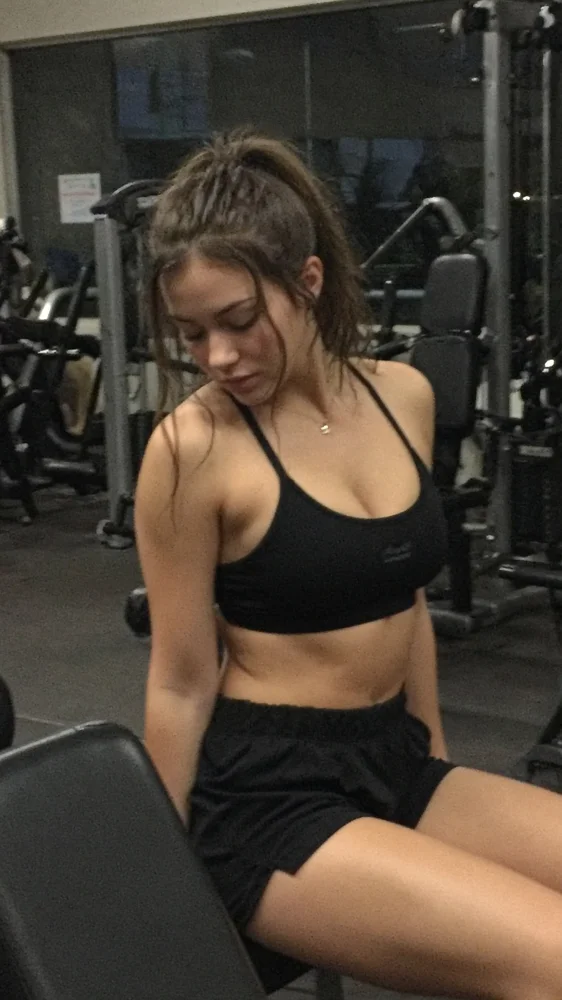
Start with an image from social media, your camera roll, a screenshot or another source. See it come to life.
Turn saved posts, profile images and social snapshots into video.
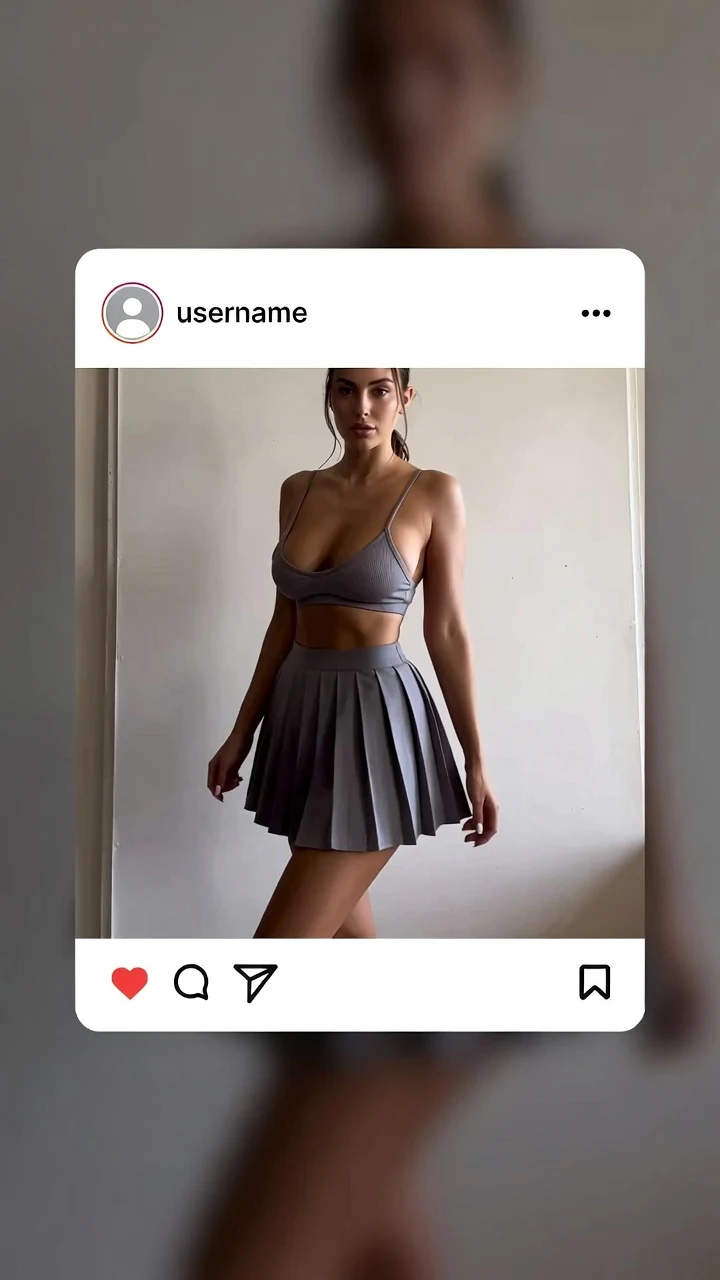
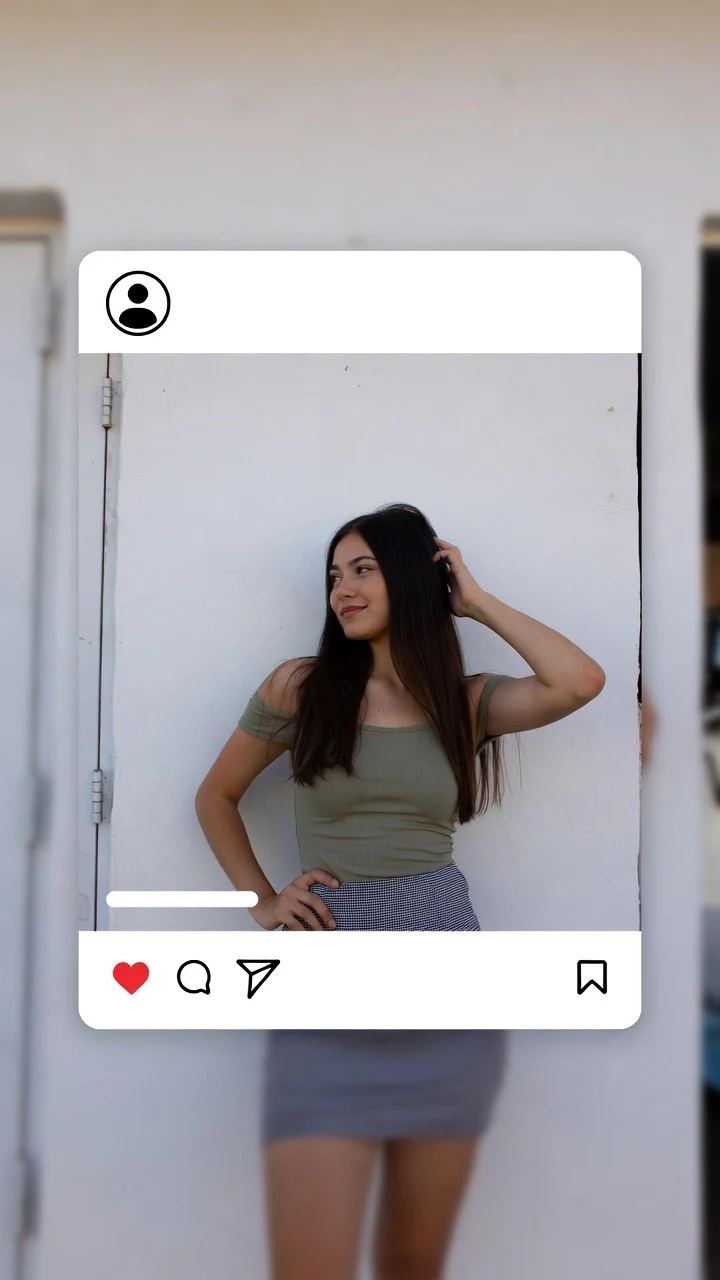
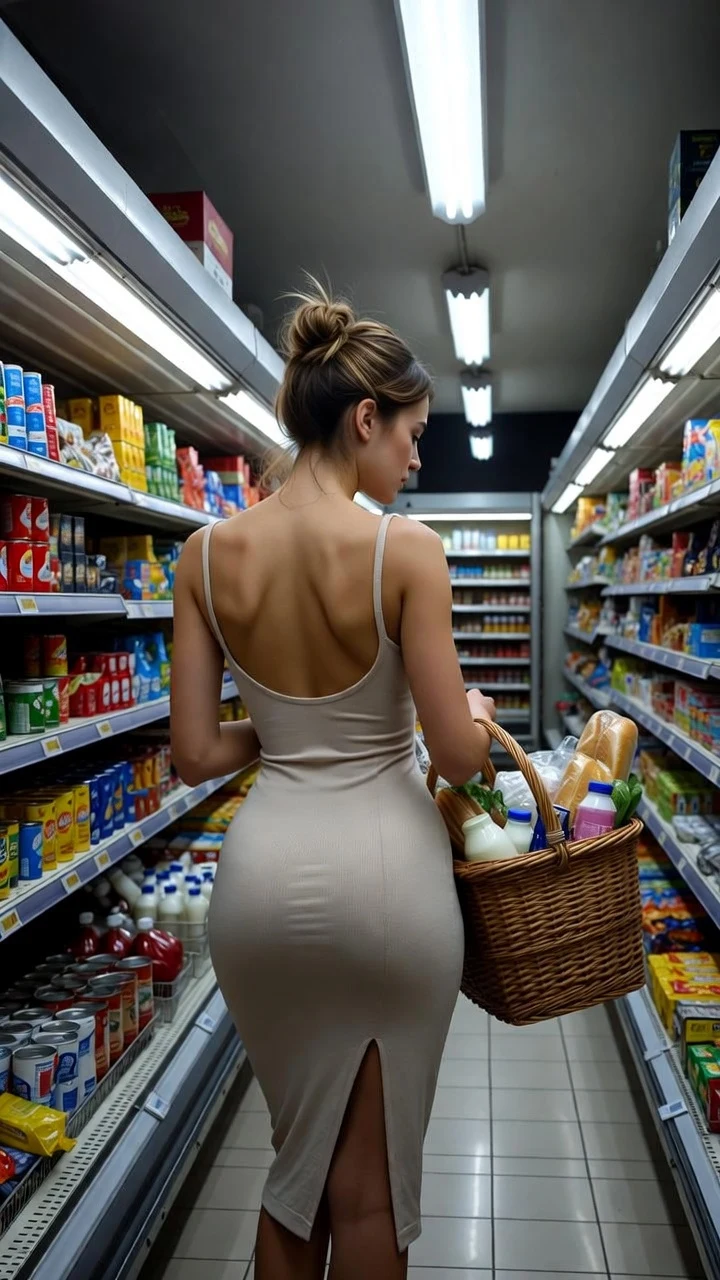
Use screenshots, downloaded images or AI artwork as your starting point.
CREATE YOUR WAY
Top up your wallet once. Use credits when you want. No subscription required.
Create from 107 credits ↗AI IMAGE-TO-VIDEO
SpicyFrame turns reference images and a written prompt into short cinematic videos. Choose a 5, 10 or 30-second clip, in Medium 480p or High 720p quality. Every render is a single scene, with vertical framing and native audio.
Buy piments through Stripe, then spend your balance on individual videos. The credit cost is shown before generation. No subscription is required.
100 credits cost $1. Medium videos use 107, 213 or 639 credits for 5, 10 or 30 seconds. High videos use 239, 478 or 1,434 credits. Costs are displayed before generation.
Use photos from your camera roll, saved social posts, screenshots or AI-generated images. Upload up to 12 JPG, PNG or WEBP files that you have permission to use and mention them in your prompt using @Image 1, @Image 2 and so on. You can also generate from a prompt alone.
Stripe confirms your purchase before credits are added. A render deducts credits once, on the server. Confirmed failures restore credits. Your render stays linked to your account; returning to My studio resumes status checks and saves completed videos. Submission problems are marked for review rather than charging again.
Glamour, bold fashion and NSFW-inspired aesthetics without explicit sexual content. All requests are subject to the generation provider’s content rules.
Choose whether to keep new photos and videos before uploading. Turn storage off to avoid saving new files to My studio or your browser draft. Guest videos use a temporary link, available for 24 hours after completion. Generation providers and payment services still process the data necessary to deliver your order.
DON’T JUST WATCH. DIRECT.
Your images. Your prompt. Your next scene.
Start with one video — no subscription needed.
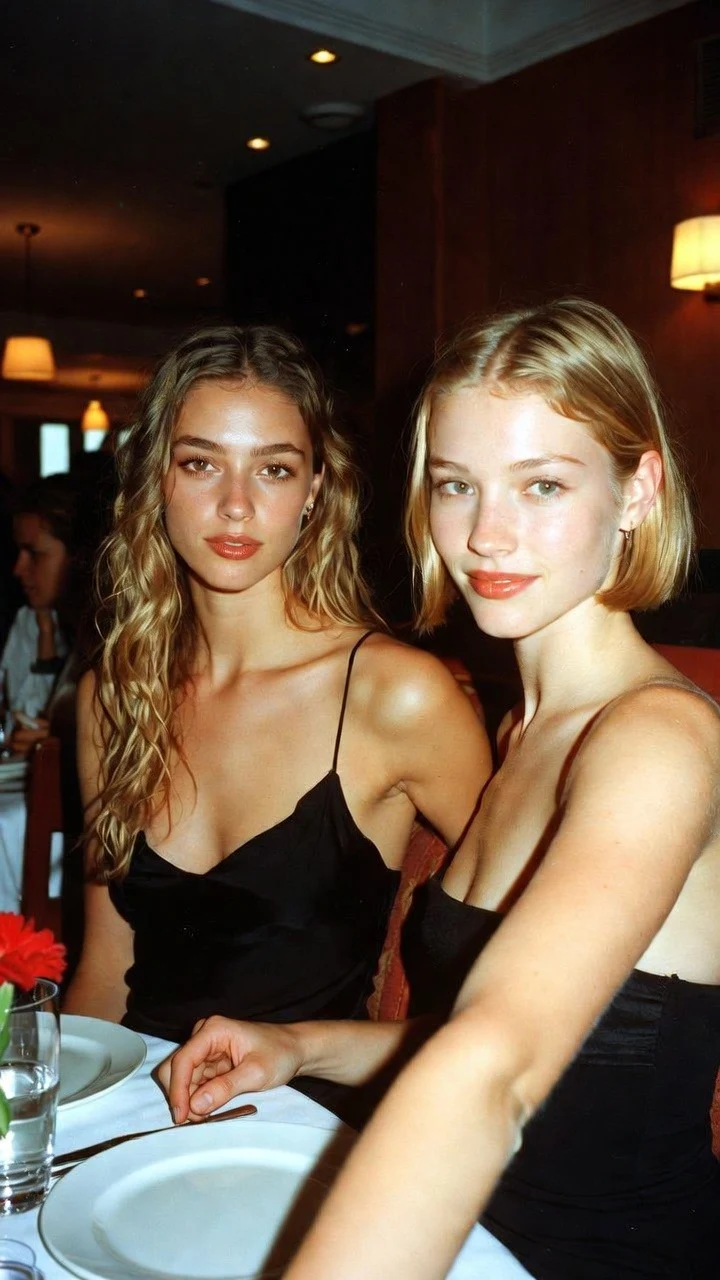
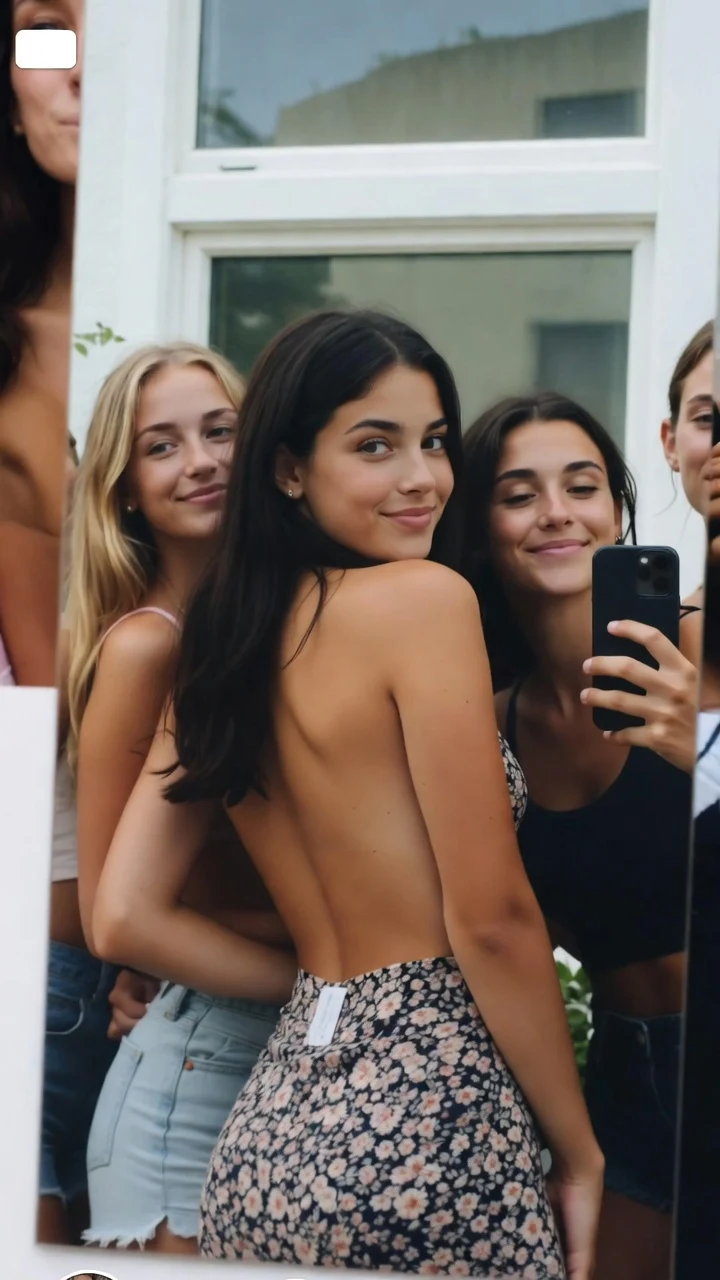
From your camera roll
Bring portraits, shared moments and everyday photos to life.
Dinner glow
IMAGE → VIDEOWith friends
IMAGE → VIDEO