Natural portrait · one image
@Image 1 blinks naturally, then smiles softly at the camera, window light, very slow push-in, preserve the hairstyle and background.
SPICYFRAME · PRACTICAL GUIDES
Copy-ready image-to-video prompt examples for portraits, fashion, glamour, products and AI art, plus a six-part prompt formula and fixes for weak prompts.
5 seconds · 480p · $3.99. Pay per video, no subscription required.
Updated
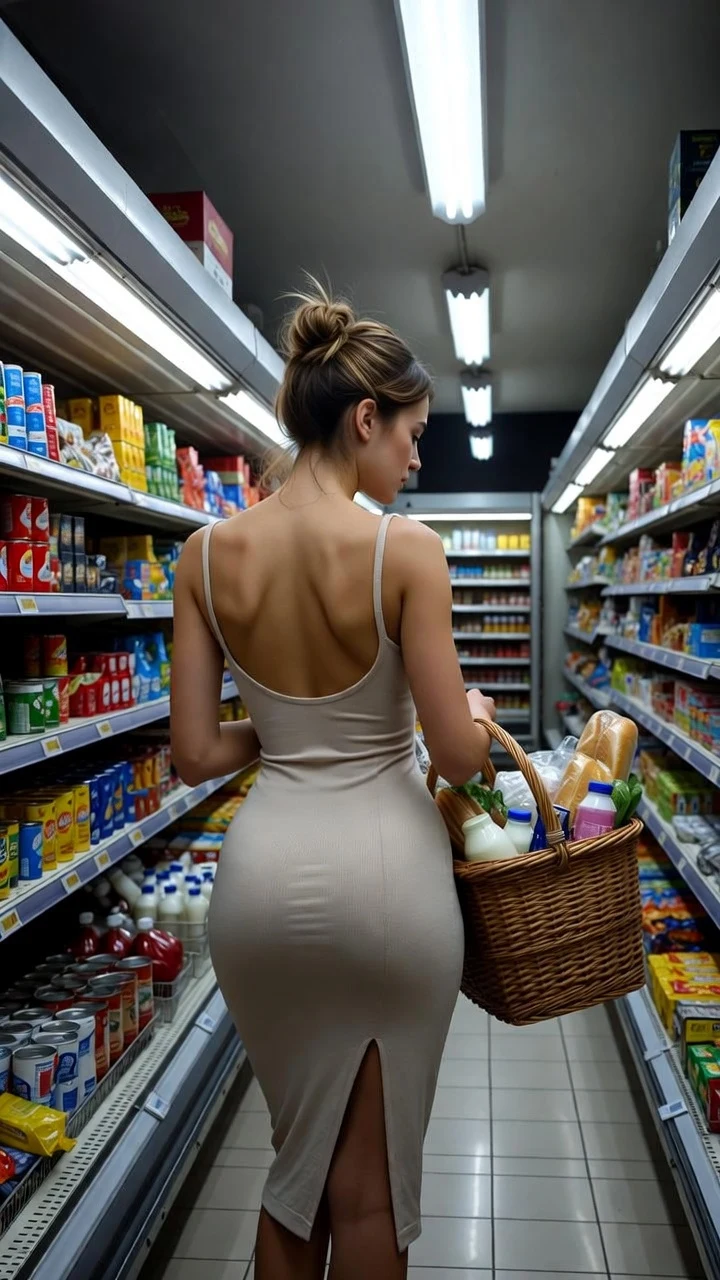
A public SpicyFrame example illustrating the guide. Results depend on the photo and prompt.
Adapt each example to your authorized adult reference images. @Image 1 is the first uploaded reference; the last example needs two images. Copying a prompt does not start a generation or replace your studio draft.
@Image 1 blinks naturally, then smiles softly at the camera, window light, very slow push-in, preserve the hairstyle and background.
@Image 1 takes two slow steps toward the camera and stops, full-body framing, backward tracking shot, preserve the outfit and shoes.
@Image 1 remains centered and unchanged, slow push-in, soft reflections travel across the bottle, preserve the exact label and cap.
Use the adult subject from @Image 1, preserving their face and outfit, in the location from @Image 2. They look around and take two slow steps. Static camera, consistent natural light, quiet ambient sound.
A good image-to-video prompt names the reference, describes one visible action, gives one camera move, sets the light and mood, suggests a sound and says what must stay unchanged. It describes what moves, not what the photo already shows. The 40 image-to-video prompt examples below follow that pattern; replace @Image 1 with your own reference and adapt the wardrobe and setting words to match it.
Use this order: reference role, action, camera, light and atmosphere, sound, preservation. Reference role tells the model what each image is for (“@Image 1 for the face and outfit”). The action is one verb you could see in a single shot: turns, walks, smiles, lifts. The camera is one move: slow push-in, side tracking, static, partial orbit. Light and atmosphere set the mood: golden hour, neon haze, soft window light. Sound is optional ambience that fits the scene. Preservation lists what must not change: hairstyle, outfit, background, logo. One or two sentences are usually enough; SpicyFrame accepts prompts from 8 up to 5,000 characters, but length is not control.
1. “@Image 1 blinks naturally, then smiles softly at the camera, window light, very slow push-in, preserve the hairstyle and background.” · 2. “@Image 1 turns from profile to face the camera, soft rim light on a dark background, static shot, quiet room tone.” · 3. “@Image 1 laughs and looks away, natural daylight, subtle handheld movement, keep facial features unchanged.” · 4. “@Image 1 tucks hair behind the ear and glances up, warm afternoon light, shallow depth of field, slow push-in.” · 5. “@Image 1 takes a slow breath and relaxes the shoulders, overcast light, locked camera, faint wind outside.” · 6. “@Image 1 raises the eyes from a book to the camera, café background softly blurred, gentle push-in, quiet café murmur.”
7. “@Image 1 takes two slow steps toward the camera and stops, full-body framing, backward tracking shot, preserve the outfit and shoes.” · 8. “@Image 1 adjusts the jacket sleeve and looks over the shoulder, editorial studio light, static shot.” · 9. “@Image 1 spins slowly so the dress flares, warm backlight, slow motion, keep the fabric colour unchanged.” · 10. “@Image 1 walks down a city sidewalk in the outfit, side tracking shot, morning sun, footsteps and distant traffic.” · 11. “@Image 1 poses against a white wall, light breeze moves the fabric, slow push-in, soft key light.” · 12. “@Image 1 steps out of a doorway into daylight, low-angle shot, preserve the bag and accessories.” For retro styling, see the pin up AI video prompts.
These stay sensual through light, styling and attitude, never explicit content. 13. “@Image 1 turns slowly toward the camera under red and violet neon, haze in the air, slow push-in, confident smile.” · 14. “@Image 1 sits on the edge of a bed in a silk robe, morning light through sheer curtains, slow push-in, soft smile.” · 15. “@Image 1 leans against a velvet wall in an evening dress, warm lamp light, slow dolly-in, sultry glance.” · 16. “@Image 1 brushes hair back in front of a mirror, candlelight, shallow focus, quiet room tone.” · 17. “@Image 1 lifts sunglasses and smiles by the pool, sparkling reflections, slow push-in.” · 18. “@Image 1 looks back over the shoulder in a satin slip dress, golden backlight, slow motion.” More ideas in the same spirit: 36 seductive AI video prompts and spicy-style camera prompts.
19. “@Image 1 walks through a rainy street at night, neon reflections on wet asphalt, steady tracking shot, rain and traffic hiss.” · 20. “@Image 1 leans on a bar counter and laughs, warm tungsten light, rack focus from glass to face.” · 21. “@Image 1 stands on a rooftop as city lights switch on, slow orbit, wind and distant sirens.” · 22. “@Image 1 steps out of a car at night, city reflections, handheld follow shot.” · 23. “@Image 1 looks up into a spotlight, glitter drifting in the air, slow crane up.” For a red-light scene, see the red-light glamour video guide.
24. “@Image 1 walks along the shoreline at sunset, waves at the ankles, side tracking shot, gentle surf.” · 25. “@Image 1 runs a hand through wet hair, golden hour, slow push-in, preserve the swimsuit colour.” · 26. “@Image 1 sits on the pool edge with feet in the water, sun flare, static shot, water lapping.” · 27. “@Image 1 rests on a boat deck, sea breeze in the hair, drone-style pull-back.” · 28. “@Image 1 walks under palm trees, dappled sunlight moving across the face, tracking shot.” One-piece and pool editorials have their own AI swimsuit video prompts.
For products, keep the object fixed and move the camera or light. 29. “@Image 1 remains centered and unchanged, slow push-in, soft reflections travel across the bottle, preserve the exact label and cap.” · 30. “@Image 1 on a marble table, morning light slowly sweeps across it, locked camera, quiet room ambience.” · 31. “@Image 1 handbag on a chair, gentle quarter orbit, warm boutique light, preserve the logo and stitching.” · 32. “@Image 1 sneaker on a concrete step, light rain begins to fall around it, slow push-in, rain sound.”
Environmental motion brings a still scene to life without changing its composition. 33. “@Image 1, mist drifts across the valley while the camera slowly moves forward, preserve the mountains and colours, distant wind.” · 34. “@Image 1, clouds move across the sky and water ripples, static shot, birds in the distance.” · 35. “@Image 1, lanterns sway and petals fall through the street, slow push-in, soft evening ambience.” · 36. “@Image 1, the painted character blinks and the cloak moves in the wind, keep the illustration style unchanged, static camera.” · 37. “@Image 1, neon signs flicker and rain falls across the futuristic city, slow crane down, preserve the architecture.” To animate a drawing or a costume photo, see sketch to video AI and the AI cosplay video guide.
Give every image a job and keep them compatible. 38. “@Image 1 for the face and hair, @Image 2 for the full outfit: the subject walks slowly toward the camera, backward tracking shot, soft daylight.” · 39. “@Image 1 as the subject, @Image 2 for the rooftop setting and warm sunset light: the subject turns toward the skyline, slow push-in, wind.” · 40. “@Image 1 for identity, @Image 2 for the right profile, @Image 3 for the dress: a slow half turn toward the camera, static shot, preserve facial features.” The labels follow the order of your uploads, so check it before you pay. SpicyFrame accepts up to 12 references, but two or three clear ones usually work better. For two people in one embrace, the AI hug video page applies this method to a hug.
A long clip needs a beginning, a main action and an ending in the same place. “@Image 1 begins seated by a window in morning light, then stands, walks slowly across the room and finally stops to look at the camera with a soft smile. Smooth tracking shot, consistent outfit and room, quiet footsteps and birdsong.” · “@Image 1 stands at the edge of the sea at dusk, then walks along the waterline as the sky turns pink, finally turns back toward the camera. Side tracking shot, steady breeze, gentle waves.” Use sequence words rather than timestamps; the model interprets pacing loosely.
Weak: “Make her sexier and more cinematic, 4K, masterpiece.” Better: “@Image 1 turns slowly toward the camera, warm golden backlight, slow push-in, confident smile, preserve the outfit.” Quality tags do not raise resolution, and vague upgrades invite the model to change the person. Weak: “She dances, changes into a red dress, walks to the beach and waves.” Better: “@Image 1 sways gently to imagined music, fairy lights, slow dolly-out.” One action per short clip. Weak: “A woman in a blue jacket with long brown hair stands in a street.” Better: “@Image 1 zips the jacket and starts walking, side tracking shot, light wind.” Do not describe the photo; describe what changes.
Helpful words are slow, gentle, subtle, locked camera, single continuous shot, preserve and consistent, plus concrete light (golden hour, neon, window light). Unhelpful words include quality tags (4K, 8K, ultra-detailed, masterpiece), which do not change the selected 480p, 720p or 1080p output; contradictions with the photo, such as a different outfit or location; and stacked camera moves like “orbit then zoom then pan”. Explicit or anatomical wording is not supported and can make the provider refuse the request; describe mood, wardrobe and attitude instead. Never name a real celebrity or another identifiable person who has not agreed.
Run each new prompt as a five-second Medium 480p clip, which costs 399 piments ($3.99). If the motion works, keep the prompt and references and order the duration and quality you need: High 720p costs 799, 1,599 or 4,499 piments for 5, 10 or 30 seconds. Ultra High 1080p costs 1,999, 3,499 or 9,999 piments. Change one variable at a time, such as the camera move or the light, so you know what improved the result. Each render is a new random interpretation, so the same prompt never produces an identical clip twice. Keep a note of prompts that worked with each reference set.
| Duration | Actions to request | Camera | Example structure |
|---|---|---|---|
| 5 seconds | One small gesture | Static or very slow push-in | Blink, smile, glance at the camera |
| 10 seconds | One action and a pause | Tracking shot or slow push-in | Two steps, stop, turn the head |
| 30 seconds | Opening, main action, ending | One slow move that can last | Seated, stands and walks, looks back |
It is the text that tells the model how your reference photo should move: the action, camera, light, sound and what must stay the same. The image supplies appearance; the prompt supplies motion.
One or two sentences usually work best. SpicyFrame accepts 8 to 5,000 characters, but a focused prompt with one action and one camera move is easier for the model to follow.
Only briefly. The reference already shows the subject, outfit and setting. Spend your words on what changes and on the details that must be preserved.
Use @Image 1, @Image 2 and so on, in upload order, and say what each contributes, such as the face, the outfit or the setting. Avoid conflicting references.
Each generation is a new random interpretation of the prompt and references. Results vary, so test at five seconds and keep the prompts that work for each reference set.
Yes. Prompt-only generation is available. Replace @Image 1 with a description of the subject and setting, and keep the same single-action structure.
Requests follow SpicyFrame’s rules and the provider’s content rules. Explicit wording, minors, real people without consent or deceptive scenes are refused; rewrite around styling, light and camera.
External pages, opened in a new tab. Rankings reflect the time of writing.