Pay as you go
One scene?
Start with piments.
Top up your wallet once. Use piments when you want. No subscription required.
Create from 399 piments ↗ SPICYFRAME
18+ · Photo to video AI
NSFW image to video, done honestly: upload your photo or up to twelve references, write one sentence and SpicyFrame animates it into a vertical 5, 10 or 30-second clip with sound. Built for suggestive glamour, lingerie, bikini and boudoir photos of consenting adults — explicit content is not made.
Select one or more models for a duo or group video. Describe who appears in your prompt.
Type @ to mention an image in your scene.
Choose an idea to add it. Your existing text is kept.
If generation fails, you get refunded.
One payment, no subscription required. Piments are deducted once and your balance is saved to your account. Guest videos are never added to a library; previously saved files can be deleted in Settings.
Generated with Seedance 2.5 by ByteDance: strong face, outfit and style consistency with your reference photos.
Upload your references, describe the scene and choose your length. Your clip appears right here.
Your videos will appear here after checkout or generation. Keep creating while they render.
Signed-in orders are available across devices. Guest orders need this browser’s session. Rendering time varies; no fixed countdown is promised.
Everything happens in the studio above. Nothing is charged until you confirm the price shown on the button.
Add a sharp, well-lit photo of an adult you may use: a camera-roll shot, a saved post, a screenshot or an AI image. Add up to 12 references if one sets the face and another the outfit or the room.
Name the photo as @Image 1 and write one action, one camera move and the mood: “@Image 1 lifts her sunglasses and smiles by the pool, sparkling reflections, slow push-in.” Prompt ideas are one tap away in the studio.
Choose 5, 10 or 30 seconds and 480p, 720p or 1080p. The price updates instantly. Pay for this one video as a guest or with piments, then watch and download the MP4.
Each pair shows the reference image and the clip SpicyFrame generated from it with Seedance 2.5. The model follows the face, outfit and setting and adds movement, camera and sound; an exact likeness is never guaranteed.
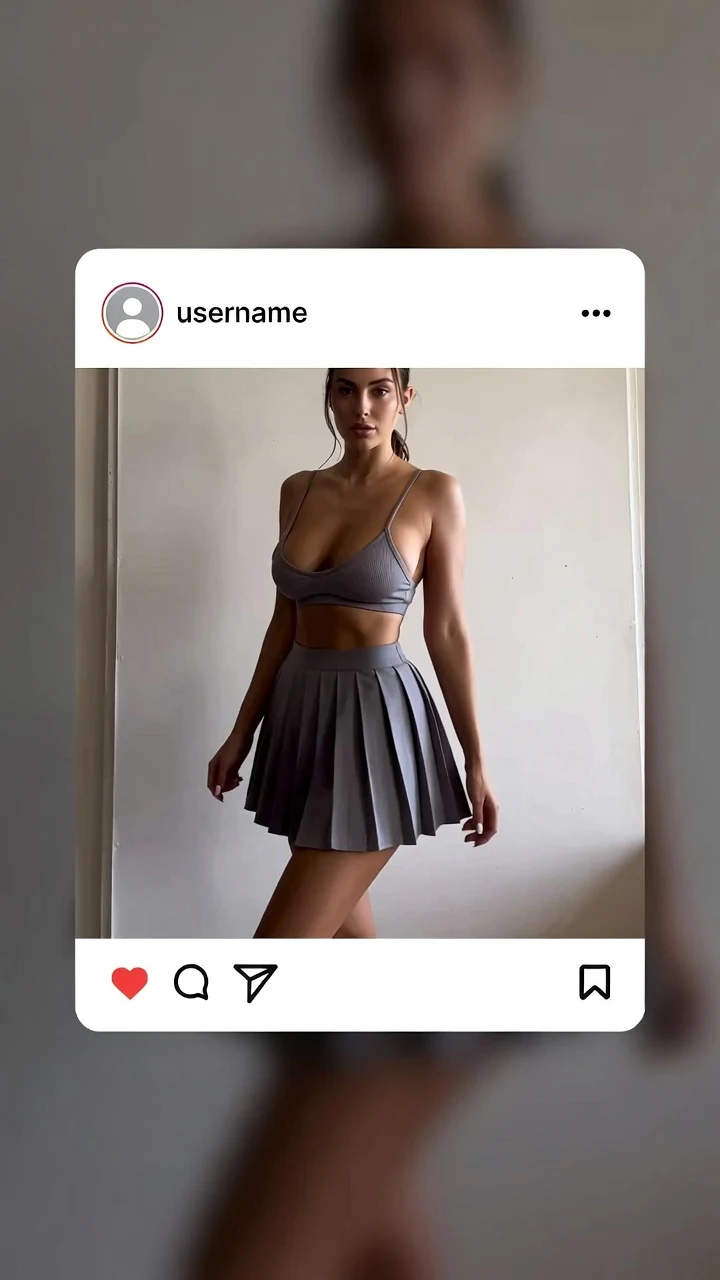 PhotoAI video
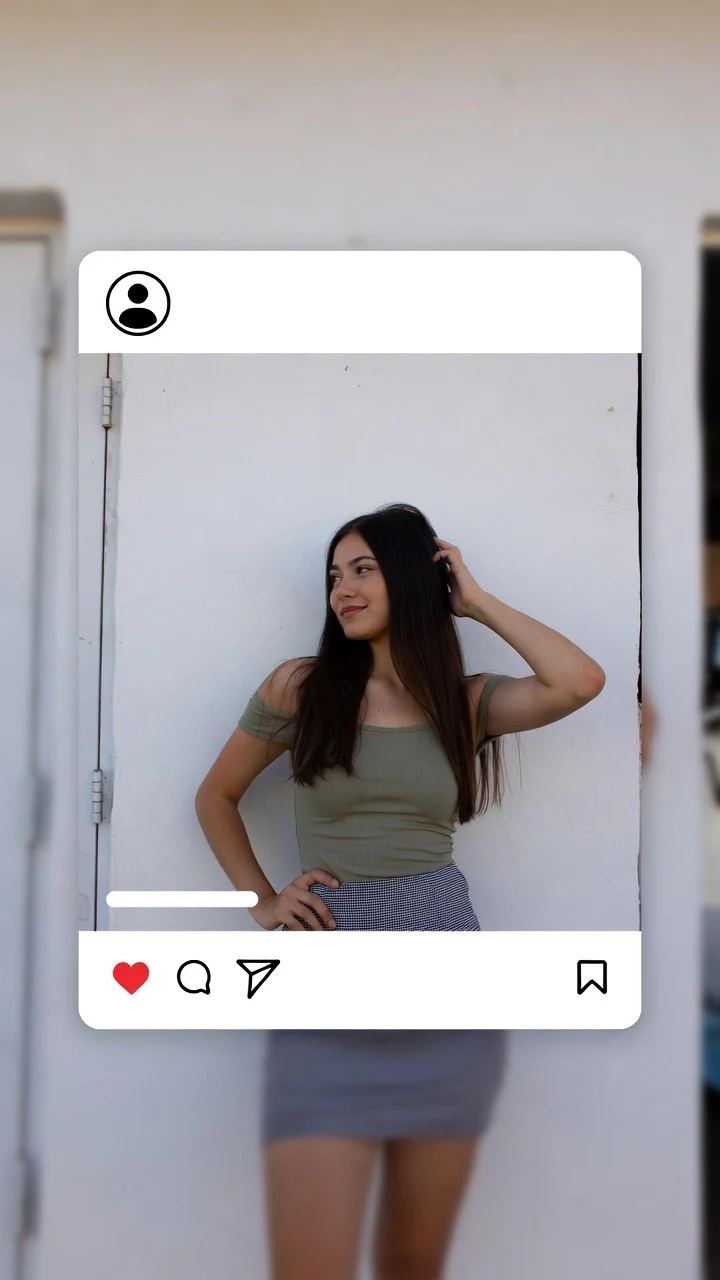 PhotoAI video
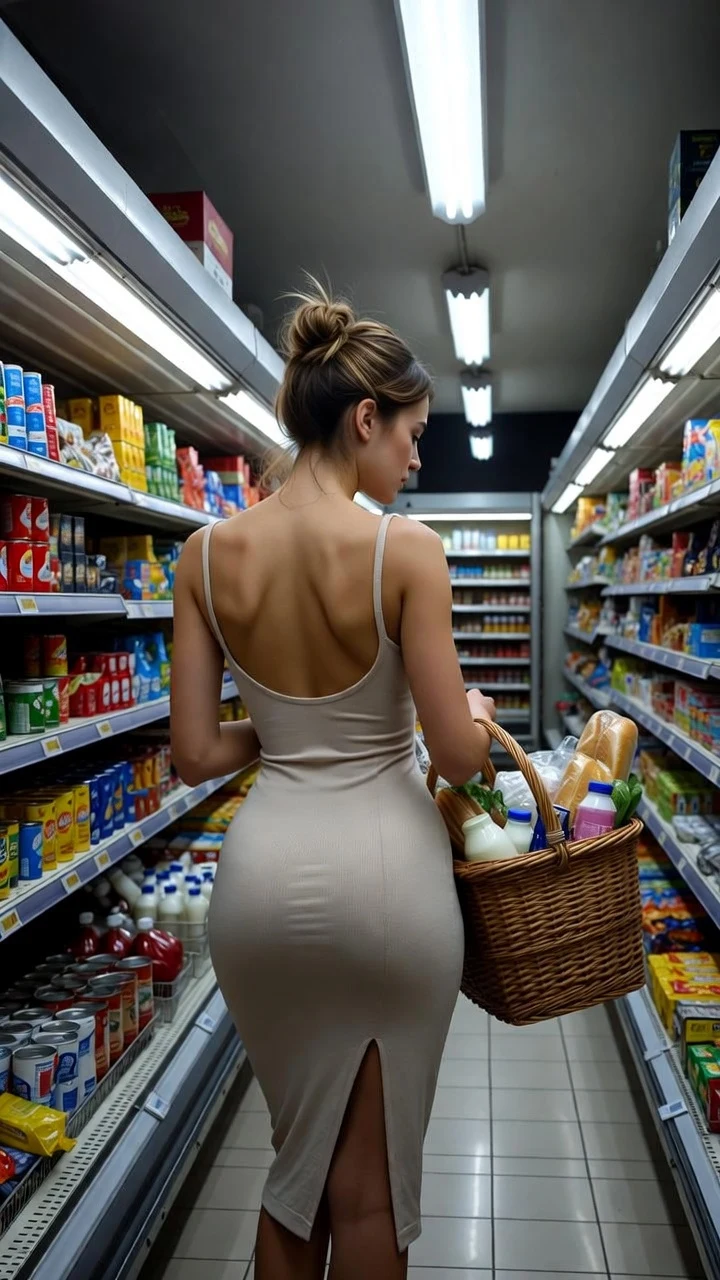 PhotoAI video
The photo decides most of the result. A higher resolution will not repair a blurry face or a crop that leaves no room to move, so check the source first:
Then watch the clip at full size before buying another: the face during turns, seams and straps, jewelry, hands and background lines. If one detail keeps drifting, a clearer reference or a smaller movement fixes it faster than repeating the prompt.
One photo or twelve, the price depends only on the length and the quality you choose. All nine options:
| Length | Medium · 480p | High · 720p | Ultra High · 1080p |
|---|---|---|---|
| 5 seconds | $3.99 | $4.99 | $11.99 |
| 10 seconds | $4.99 | $8.99 | $23.99 |
| 30 seconds | $11.99 | $24.99 | $70.99 |
Searches for a free NSFW image to video AI are common, so here is a straight answer: SpicyFrame is paid. Every clip runs on a real video model with a real cost per second, and the cheapest option is $3.99 for five seconds. There is no free tier and no trial that turns into a subscription; nothing renews unless you choose a weekly plan yourself.
If you compare with a free offer elsewhere, check four things before uploading a private photo: whether the free clip can actually be downloaded without a watermark, whether a card is required, what the renewal terms are, and what happens to your image afterwards. Our guide to what is actually free goes through each one.
SpicyFrame is not an uncensored image to video tool, and no honest service that takes card payments can be one. Generation is moderated: the studio’s rules and the video provider’s checks apply to every image and prompt, so a request can be refused. What you get instead is room for the content most people mean when they search for it — lingerie, swimwear, boudoir light, sultry movement and romantic scenes between adults — with rules you can read before paying.
If a render is refused or fails for a confirmed provider reason, piments are restored and a single-video payment is refunded. The uncensored AI video generator guide explains what such claims usually hide.
From the terms of use: the same rules apply to every photo, length and quality.
Your rights declaration is recorded with each order. Before uploading you also choose whether new photos and videos are kept: with storage off, nothing new is saved to your library or browser draft, although processing is still needed to generate the video.
There are three common ways to turn an NSFW-style photo into video. None is right for everyone; this is what each one typically involves.
| Option | What you typically get | What to watch |
|---|---|---|
| Free web apps and trials | A few credits, often short or watermarked clips | Card-required trials, renewals, unclear handling of uploaded photos |
| Open-source models run locally (for example Wan 2.2) | Full control over settings on your own computer | A capable GPU, setup time and your own responsibility for legal use |
| General-purpose video apps | Polished results for everyday scenes | Stricter rules that often refuse lingerie or swimwear photos |
| SpicyFrame | Non-explicit adult scenes from 1–12 photos, 5–30 s, sound, up to 1080p | Paid per video ($3.99 to $70.99); moderated; no explicit content |
Yes, when NSFW means suggestive rather than explicit. Upload the photo, describe one movement and SpicyFrame generates a 5, 10 or 30-second vertical 9:16 MP4 with native sound, in 480p, 720p or 1080p (Full HD, not 4K). Explicit content is not made.
Not here: SpicyFrame is paid per video, from $3.99, with the price shown before you pay and no subscription required.
Yes. Upload the photo and pay for that one video by card as a guest, with no account and no subscription. The clip is available through a temporary link for 24 hours after completion, so download it in time. Signing in keeps your piments, references and videos across devices.
No. Generation is moderated and explicit content, minors and non-consenting real people are not allowed. Suggestive adult glamour is what the studio is built for.
Only if they are an adult and agreed to the AI transformation and its suggestive context. Ask first, every time.
No. SpicyFrame is not an undress, nudify or face-swap tool, and those requests are not allowed.
Up to 12 JPG, PNG or WEBP images under 10 MB each, named @Image 1, @Image 2 and so on. They guide one scene; they are not turned into a slideshow. A photo is optional: a prompt alone also makes a clip.
In your library, only if you choose to keep them before uploading. With storage off, new files are not kept in your library or browser draft; guest orders are never saved to a library, and their download links expire 24 hours after completion. Your library is private to your account, and you can delete all your media from it. Whatever you choose, each photo is sent to the video provider for generation, and that copy follows the provider’s own retention; the operator can access stored media for support, as the privacy terms explain.
Better photos and prompts make better clips.
Page reviewed by the SpicyFrame team · Updated · Terms · Privacy · Data controls
Create your way
100 piments = $1. Weekly plans keep the same video prices and give you 25% more piments.
Top up your wallet once. Use piments when you want. No subscription required.
Create from 399 piments ↗Automatically renews every week. Cancel anytime before renewal. Unused piments stay available. Piments use the same published video prices. The 20% comparison is rounded to the nearest cent.
18+ · Adults only
You must be 18 or older to enter. Use only images you own or have permission to transform, featuring adult subjects and, for identifiable real people, their consent. Deepfakes of real people without their consent are strictly forbidden.
Privacy · Terms of use