Pay as you go
One scene?
Start with piments.
Top up your wallet once. Use piments when you want. No subscription required.
Create from 399 piments ↗ SPICYFRAME
18+ · Creative video studio
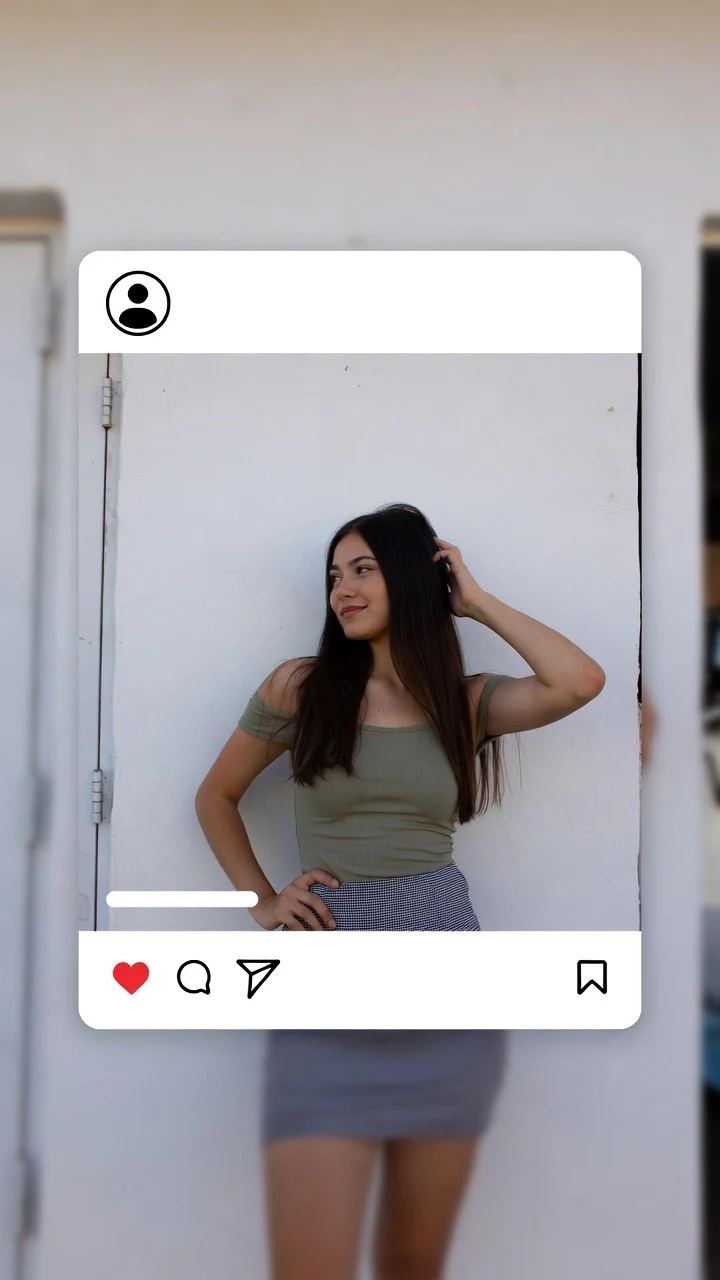
Create an AI denim shorts video that keeps the outfit readable while adding a little attitude: a weight shift, a small step or a relaxed turn toward the camera. Begin with an approved adult fashion photo showing the actual shorts you want to animate. The goal is a short styling scene, with clear seams and proportions rather than complicated choreography.
Select one or more models for a duo or group video. Describe who appears in your prompt.
Type @ to mention an image in your scene.
Choose an idea to add it. Your existing text is kept.
If generation fails, you get refunded.
One payment, no subscription required. Piments are deducted once and your balance is saved to your account. Guest videos are never added to a library; previously saved files can be deleted in Settings.
Generated with Seedance 2.5 by ByteDance: strong face, outfit and style consistency with your reference photos.
Upload your references, describe the scene and choose your length. Your clip appears right here.
Your videos will appear here after checkout or generation. Keep creating while they render.
Signed-in orders are available across devices. Guest orders need this browser’s session. Rendering time varies; no fixed countdown is promised.
Select a photo with a visible waistband, leg openings and side seams. A bag or a hand covering the hem leaves the model to invent fabric whenever it moves away. Light blue denim needs enough contrast against the background; dark denim needs light on the seams so the shorts do not become a flat silhouette.
Frame at least from the waist to below the knees for a garment study, or include the face and feet for a complete outfit scene. Use an adult subject and an opaque top appropriate to the reference. Avoid describing a different cut, wash and fit in the same test: the source and the instructions would be competing over what the garment should look like.
For five seconds, try a weight shift with the arms relaxed away from the hem. It is a compact way to see whether the waistband and pockets stay reasonably coherent. For ten seconds, one small step followed by a pause adds a clearer outfit reveal without needing a full walk across the frame.
A thirty-second clip can hold a relaxed summer scene with small posture changes. It is less suitable as proof of precise fabric construction: the model may change stitching, distressing or pocket edges as the scene continues. If exact product details determine a purchase, keep authentic product photos alongside the generated clip and do not present invented details as a verified garment feature.
Upload your approved adult reference as @Image 1, then load a prompt into the studio. Replace any setting or outfit detail that contradicts the picture. These are directions to test, not guaranteed results.
@Image 1 shows a consenting adult wearing denim shorts and an opaque cotton top. A small weight shift beside a bright doorway, hands relaxed away from the waistband, then a cheerful glance toward the camera. Fixed three-quarter-length frame, soft daylight, quiet outdoor ambience.
Use a reference where the hem and both side seams are readable.
The adult in @Image 1 wears the same denim shorts and fitted opaque T-shirt. Take one small natural step, then settle into a comfortable standing pose. Keep the camera still with the full outfit visible. Plain courtyard, even daylight, faint footsteps.
A short step asks for less garment reconstruction than a long walking sequence.
@Image 1 is an adult fashion reference in denim shorts. Frame from the waist to below the knees, with hands resting naturally at the sides. A subtle weight shift, clear side lighting on the fabric, stable camera, calm indoor ambience.
This is a garment-detail scene, not a measurement or fit simulation.
Watch the clip slowly before selecting your final version. If a pocket appears and disappears, simplify the movement and choose a clearer source. If a hem stretches during the step, reduce the stride rather than requesting sharper fabric in a longer prompt. A motion artifact and insufficient output resolution are different problems.
Keep camera movement out of the first test. A simultaneous orbit and walk makes the model invent hidden back pockets while also changing perspective. Once you have an acceptable short interpretation, High 720p can provide a larger output for presentation. Ultra High 1080p still does not guarantee exact stitching or an unchanged body shape.
Compare duration and quality below, with the same price shown in the studio before checkout. Garment details do not change the quoted price.
| Length | Medium · 480p | High · 720p | Ultra High · 1080p |
|---|---|---|---|
| 5 seconds | $3.99 | $4.99 | $11.99 |
| 10 seconds | $4.99 | $8.99 | $23.99 |
| 30 seconds | $11.99 | $24.99 | $70.99 |
This studio is for adults aged 18 and over. Suggestive fashion and affectionate expressions can fit the brief; the result must remain non-explicit. Read the terms of use before uploading.
Having a photograph does not establish consent. Use your own approved adult likeness, a consenting adult, or a fictional adult character you have the right to use. Label realistic AI media where required.
This page is designed to animate a reference that already shows the intended shorts. It is not a precise garment replacement or virtual fitting service.
That is not guaranteed. Small text, logos and decorative stitching may change during generation. Use authentic close-up photographs when those details matter.
No. The output is a generated fashion scene, not a body measurement, sizing recommendation or verified product try-on.
Include the waistband and complete hem. Add the face and feet if the whole outfit is the story; choose a waist-to-knees crop for a quieter garment-detail view.
Yes. Describe a clearly adult fictional character, the outfit, a setting and one movement. That creates an imagined scene, not evidence of a real product or person.
Page reviewed by the SpicyFrame team · Updated · Terms · Privacy · Data controls
Create your way
100 piments = $1. Weekly plans keep the same video prices and give you 25% more piments.
Top up your wallet once. Use piments when you want. No subscription required.
Create from 399 piments ↗Automatically renews every week. Cancel anytime before renewal. Unused piments stay available. Piments use the same published video prices. The 20% comparison is rounded to the nearest cent.
18+ · Adults only
You must be 18 or older to enter. Use only images you own or have permission to transform, featuring adult subjects and, for identifiable real people, their consent. Deepfakes of real people without their consent are strictly forbidden.
Privacy · Terms of use