Can I turn a drawing into a video with AI?
Yes. Upload the drawing on SpicyFrame, describe the motion, pick 5, 10 or 30 seconds and download a vertical 9:16 MP4 with ambient audio, from $3.99.
SPICYFRAME · PRACTICAL GUIDES
Sketch to video AI for adult characters: turn a drawing, sketch or illustration into a 9:16 clip with Seedance 2.5 on SpicyFrame. Prompts, prices, tips.
5 seconds · 480p · $3.99. Pay per video, no subscription required.
Updated
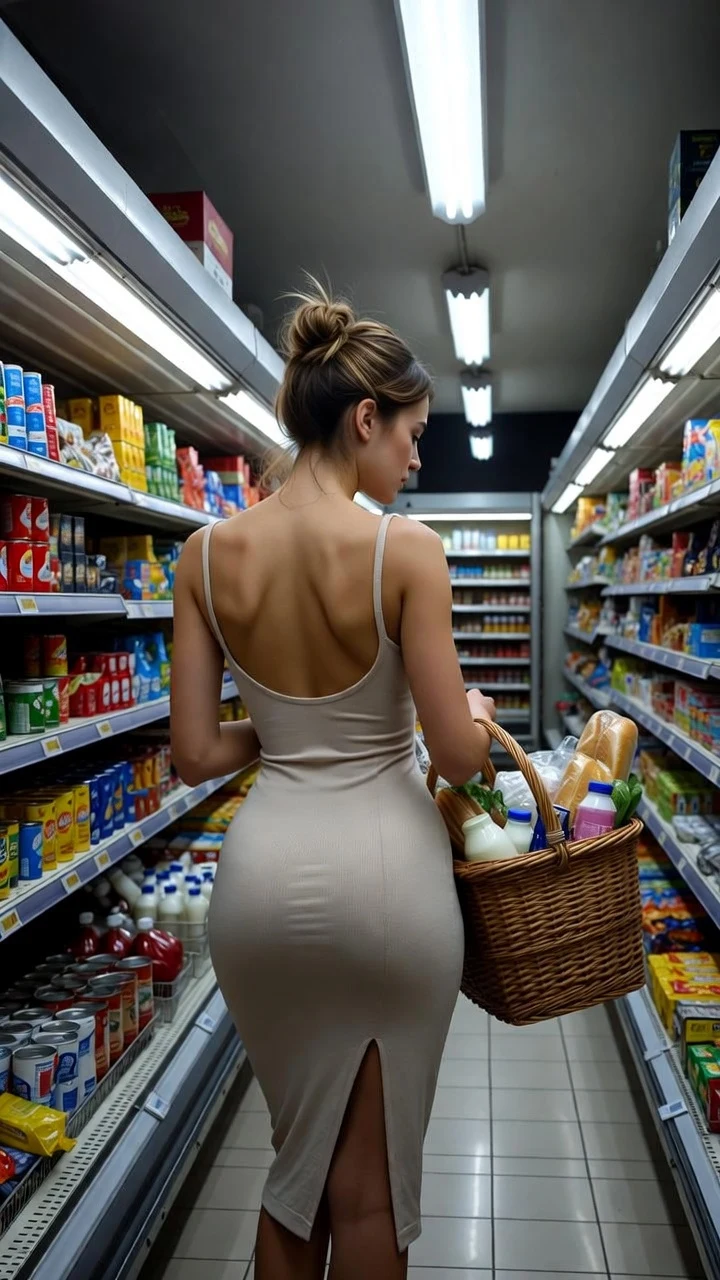
A public SpicyFrame example illustrating the guide. Results depend on the photo and prompt.
Yes, sketch to video AI works: you upload a drawing, sketch or illustration of an adult character, describe the motion in one or two sentences, and an image-to-video model returns a short clip. On SpicyFrame that model is Seedance 2.5, and the result is a vertical 9:16 MP4 of 5, 10 or 30 seconds with native ambient audio, from $3.99. You do not need animation skills, a timeline or keyframes. The drawing sets the character, the outfit and the art style; your prompt sets the movement, the camera and the mood. This guide shows how to prepare a drawing, how to write prompts that keep the line work and colours of your style, and what the studio will not animate.
Almost any 2D source can work as a reference: a pencil sketch scanned from paper, an inked comic panel, a digital painting, a vector illustration, a manga-style character, a watercolour portrait or a stylised AI-generated image you have the right to use. The characters that do best are clearly drawn adults with a readable pose, a visible face and some empty space around the body, so the model has room to move an arm, turn a head or let hair and fabric flow. Rough thumbnails, very busy pages with many characters and images with heavy text or speech bubbles are harder, because the model has to guess which part should move. When in doubt, crop to a single character first.
First, add the drawing on the studio page: one image, or up to 12 JPG, PNG or WEBP files under 10 MB each, for example a front view, an outfit sheet and a background. Second, write the scene and call your files @Image 1, @Image 2 and so on; prompt-only generation also works if you have no image. Third, choose 5, 10 or 30 seconds and Medium 480p, High 720p or Ultra High 1080p. Fourth, confirm your rights declaration, since you must own the artwork or be entitled to use it. Finally, pay for the single video or spend piments, follow the render and download the MP4. A five-second Medium test costs $3.99 and tells you quickly whether the style survives.
The model tends to drift toward a photographic look unless you tell it not to, so name the style and lock it. Open with the medium (“hand-drawn pencil sketch”, “cel-shaded anime illustration”, “flat vector art”, “soft watercolour painting”), then add a preservation clause: “keep the line work, flat colours and paper texture unchanged”. Ask for one gentle motion instead of several, because every extra action pulls the render further from the drawing. Use slow camera moves such as a push-in or a small pan, and avoid words like “realistic”, “photo” or “cinematic 3D” unless you want that transformation. If the first result looks too smooth, add “visible brush strokes” or “subtle line boil, hand-drawn animation feel”.
1. “@Image 1, pencil sketch on paper, the woman turns her head toward the camera and smiles, keep graphite line work and paper texture unchanged, slow push-in.” 2. “@Image 1, cel-shaded anime illustration, the character in a red evening dress sways slowly, hair and fabric drift in a breeze, flat colours unchanged, soft neon glow.” 3. “@Image 1, ink and watercolour portrait, a slow blink and a confident half-smile, brushed edges stay visible, locked camera.” 4. “@Image 1, comic panel style, the heroine in a leather jacket walks forward, halftone shading unchanged, tracking shot, city ambience.” 5. “@Image 1, flat vector pin-up poster, the swimsuit-clad character waves, retro colours unchanged, gentle parallax.” 6. “@Image 1, digital painting, candlelit boudoir scene, the woman in a silk robe looks over her shoulder, painterly texture unchanged, very slow orbit.” 7. “@Image 1, realistic manga style, the dancer spins once under stage lights, ink lines unchanged, light haze.” 8. “@Image 1, storybook illustration, the sorceress raises a glowing hand, soft glow pulses, muted palette unchanged.”
The three source types behave differently. A rough sketch has few details, so the model invents more; keep the prompt short and ask it to preserve the line work, or the result may look more polished than you intended. A finished illustration carries colour and shading, so the main risk is style drift toward a smooth 3D look, which a preservation clause fixes. A painting has texture that can shimmer when it moves, so choose slow motion and High 720p if fine brush detail matters. In every case a clean, high-resolution scan beats a phone photo taken at an angle. Crop out table edges and shadows, and straighten the page before uploading.
If you have drawn the same character more than once, upload up to 12 references and give each a job: @Image 1 for the face and hair, @Image 2 for the full outfit, @Image 3 for the background or location. Then write “the character from @Image 1 wearing the outfit from @Image 2 in the setting of @Image 3”. This keeps costumes and colours steady across several clips, which is useful for a comic channel, a character reel or a social series. You can also build a short story by rendering several 5-second clips and cutting them together, instead of one long take.
SpicyFrame is an 18+ studio for NSFW-style, never explicit video: glamour, lingerie-style, swimwear, boudoir, dance and cosplay looks of adult characters. Drawn characters are held to the same rule as photos. The character must be clearly an adult; childlike proportions, school-age styling or anything that could read as underage is forbidden, whatever the claimed age. Explicit close-ups are not offered, and no setting changes that. Drawings of real people, including celebrities, public figures and anyone who did not agree, are also off limits, because a recognisable likeness is still a person. Every request additionally passes the generation provider’s safety checks, so some prompts are refused.
Every price is shown before you pay. Medium 480p costs $3.99, $4.99 or $11.99 for 5, 10 or 30 seconds; High 720p costs $4.99, $8.99 or $24.99. Ultra High 1080p costs $11.99, $23.99 or $70.99. You can buy a single video without an account or subscription, or use piments at 100 piments per dollar. Optional weekly plans give 25% more piments for the money: Starter at $9.99 for 1,249 piments, Creator at $19.99 for 2,499 and Studio at $39.99 for 4,999, with the same video prices. A sensible routine is a 5-second Medium test of the drawing, then one High 720p render of the best version.
If the character’s face changes, shorten the action and add “keep face and outfit unchanged”. If the style turns photographic, restate the medium at the start of the prompt and remove realism words. If lines shimmer, slow the motion and use a locked or very slow camera. If the render is refused, rewrite around wardrobe, light and gesture, and check the drawing itself for anything that could look underage. Confirmed failures restore your piments or refund a single-video payment, and resubmitting identical wording rarely helps. If a render is simply slow, follow its status rather than paying again.
| Source | Prompt strategy | Common problem |
|---|---|---|
| Pencil sketch or scan | Name the medium, keep line work and paper texture, one gentle motion | Looks over-polished |
| Inked comic panel | Keep halftone and ink lines, tracking or locked camera | Panel borders and text confuse motion |
| Anime or cel-shaded art | Keep flat colours and outlines, soft hair and fabric movement | Drifts toward smooth 3D |
| Watercolour or painting | Slow motion, visible brush strokes, High 720p | Texture shimmer |
| Vector or pin-up poster | Keep retro palette, small waves or sways | Flat shapes warp on big moves |
| Real person drawn from a photo | Not allowed without consent; celebrities refused | Refused |
Yes. Upload the drawing on SpicyFrame, describe the motion, pick 5, 10 or 30 seconds and download a vertical 9:16 MP4 with ambient audio, from $3.99.
Name the medium at the start of the prompt, add “keep the line work and colours unchanged”, ask for one slow motion and avoid realism words.
Yes, but the model fills in missing detail. Short prompts that ask it to preserve the line work give the most faithful result.
No. A recognisable likeness counts as a real person. Identifiable people must be adults who agreed to the transformation, and celebrities are not allowed.
No. Characters must be clearly adults. Childlike proportions or styling are forbidden, whatever age the character is claimed to have.
No. SpicyFrame produces NSFW-style glamour, never explicit content, and the provider’s safety checks also apply.
From $3.99 for five seconds in Medium 480p up to $70.99 for 30 seconds in Ultra High 1080p, shown before you pay.
JPG, PNG or WEBP, up to 12 images, each under 10 MB. Prompt-only generation also works.
External pages, opened in a new tab. Rankings reflect the time of writing.