Portrait · 5 seconds
@Image 1 looks toward the window and smiles softly. Locked medium shot, warm morning light from the left, quiet room tone. Keep the adult subject’s face, hairstyle and clothing consistent.
SPICYFRAME · PRACTICAL GUIDES
Write Seedance prompts with clear action, camera, light and sound. Copy examples, plan 5–30-second clips and fix common image-to-video mistakes.
5 seconds · 480p · $3.99. Pay per video, no subscription required.
Updated
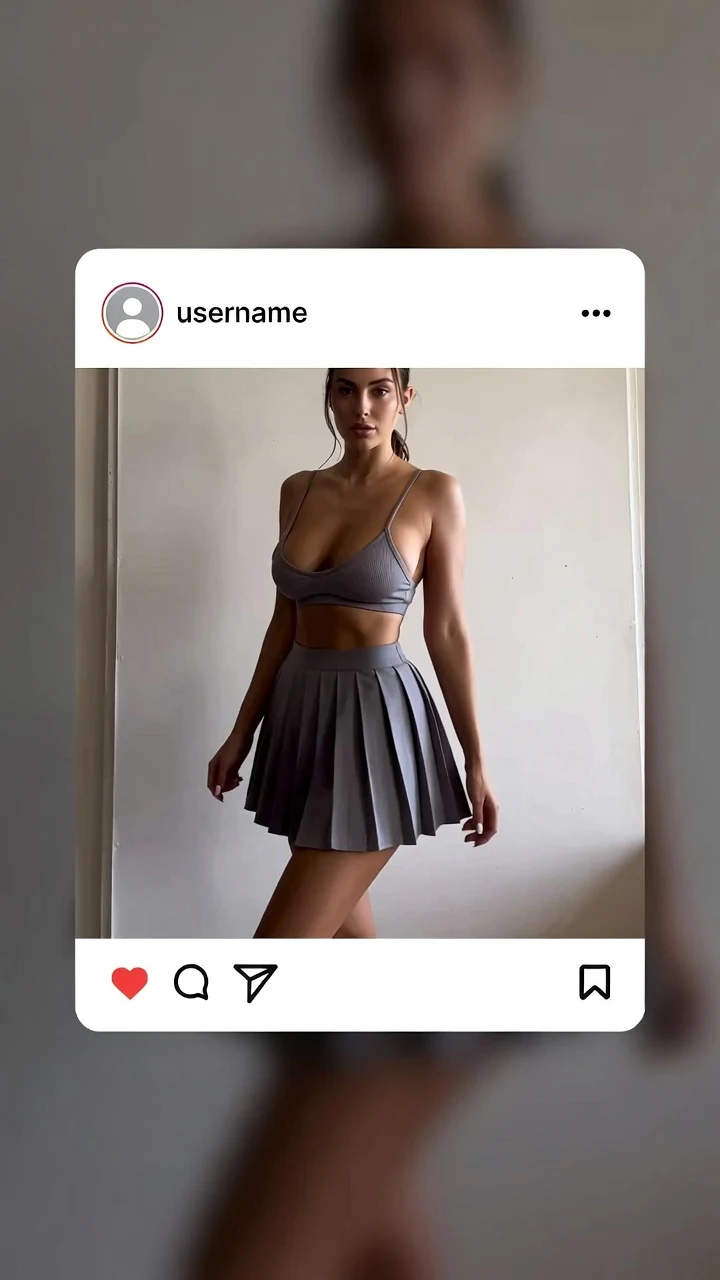
A public SpicyFrame example illustrating the guide. Results depend on the photo and prompt.
Adapt these examples to your own reference. Select duration and resolution in the studio; the prompt does not change the purchased settings.
@Image 1 looks toward the window and smiles softly. Locked medium shot, warm morning light from the left, quiet room tone. Keep the adult subject’s face, hairstyle and clothing consistent.
The adult subject in @Image 1 takes two slow steps along the existing path, then pauses. Gentle side tracking shot, soft evening light, natural footsteps and light wind. Keep face and outfit consistent.
The product in @Image 1 stays still on the table as the camera slowly pushes in. Soft studio light moves across the surface, clean background, quiet room ambience. Preserve the product’s shape and color.
The adult subject from @Image 1 begins standing beside a window, slowly turns toward the light, then settles into a still pose. One continuous slow push-in, steady soft daylight, quiet room tone. Keep clothing and facial features consistent throughout.
For Seedance prompts, name the subject and reference image, one main action, one camera move, the light and ambient sound. This guide applies that structure to Seedance 2.5 in SpicyFrame. Controls and supported inputs can differ between model versions and interfaces; do not assume that a workflow documented for Seedance 2.0 has identical settings here. The 18 examples below are editable starting points, not measured benchmark results. Start with one image and a short scene, then review the complete output before spending on longer versions.
Write each prompt as subject + action + camera + light + mood + audio. Subject says who or what is on screen and which file to use: “@Image 1, wearing the outfit from @Image 2”. Action is one visible movement with a speed: “turns slowly toward the camera”. Camera is one move or a locked frame: slow push-in, side tracking shot, gentle orbit. Light gives direction and colour: “warm golden-hour backlight” or “soft window light from the left”. Mood is two or three words: relaxed, confident, cinematic. Audio describes the ambient sound to generate: rooftop wind, soft rain, café murmur. Finish with what must not change: “keep face and outfit unchanged”.
In SpicyFrame you can add one to 12 JPG, PNG or WEBP references under 10 MB each and refer to them as @Image 1, @Image 2 and so on, in upload order. Give every reference a job: “@Image 1 for face and hair, @Image 2 for the dress, @Image 3 for the terrace.” A reference that is uploaded but never mentioned is ambiguous, and two references that disagree, such as different haircuts, push the model to average them. Start with one sharp lead photo, add others only when the shot needs information the lead image lacks, and keep the subject, lighting family and styling consistent across the set.
Aim for roughly 25 to 60 words. Shorter prompts leave the camera and light to chance; much longer prompts usually contain contradictions, such as a locked camera and an orbit, or three actions competing for five seconds. Use plain verbs and concrete nouns rather than stacked style words: “slow push-in” is more useful than “epic ultra-cinematic masterpiece camera”. The studio quality selector controls the output: Medium 480p, High HD 720p or Ultra High Full HD 1080p. Writing a resolution in the prompt does not change the purchased setting. When a render misses, change one element at a time so you know which instruction made the difference.
Five seconds fits one gesture: a blink and smile, a turn, lifting sunglasses. Ten seconds fits an action that settles: two steps and a pose, a slow walk into light. Seedance 2.5 can render 30 seconds in a single pass, which suits a continuous scene with a clear arc, so describe an opening, a middle and an ending: “begins looking away, turns toward the camera midway, ends with a slow smile as the camera stops.” Test any new prompt at five seconds in Medium 480p for 399 piments ($3.99), then order the final length in High 720p, where 10 seconds costs 899 piments ($8.99) and 30 seconds 2,499 ($24.99).
1. “@Image 1 blinks, then smiles softly at the camera, soft window light from the left, very slow push-in, calm and intimate mood, quiet room tone, keep facial features unchanged.” 2. “@Image 1 turns the head slightly toward a warm lamp, locked camera, amber light on the cheek, relaxed evening mood, faint city ambience.” 3. “@Image 1 looks up from a book and meets the camera, shallow depth of field, morning daylight, gentle push-in, soft page rustle.” Close framing keeps the face large, which makes identity easier to hold and to check.
4. “@Image 1 walks toward the camera on a runway in the outfit from @Image 2, flashbulbs, low-angle tracking shot, confident mood, crowd murmur and camera clicks.” 5. “@Image 1 turns slowly under red and violet neon, haze in the air, slow push-in, sultry and cinematic, low electronic hum.” 6. “@Image 1 in a satin evening dress steps onto a hotel balcony, city lights below, side tracking shot, glamorous mood, distant traffic.” 7. “@Image 1 adjusts a tailored blazer and looks over the shoulder, clean studio light, gentle orbit of a few degrees, editorial mood, quiet studio ambience.”
8. “@Image 1 walks along a rooftop at golden hour, hair moving in the breeze, side tracking shot, warm backlight, relaxed mood, wind and distant city.” 9. “@Image 1 lifts sunglasses and smiles by the pool, sparkling reflections, slow push-in, bright summer mood, gentle water lapping.” 10. “@Image 1 walks through a rainy street at night, neon reflections on wet asphalt, steady tracking shot, moody atmosphere, rain and footsteps.” 11. “@Image 1 sips coffee at a café terrace and smiles, fixed medium shot, soft morning light, easy mood, café chatter.” 12. “@Image 1 stands on a beach as waves roll in, dress moving in the wind, slow pull-back, sunset glow, peaceful mood, surf.”
13. “@Image 1 stays centered while a soft highlight sweeps across the bottle, slow push-in, dark studio, premium mood, quiet hum, preserve the label exactly.” 14. “Candle flames flicker beside @Image 1, who turns slightly toward the light, slow dolly-in, warm intimate mood, soft restaurant ambience.” 15. “@Image 1 stands by a rain-streaked window, subtle breathing, locked camera, cool blue light, contemplative mood, rain on glass.” 16, for 30 seconds: “@Image 1 begins at the far end of a neon corridor, walks slowly toward the camera, pauses under a pink light at the midpoint, then looks over the shoulder as the camera settles, steady tracking shot, cinematic night mood, low synth ambience.” 17, for 30 seconds: “@Image 1 sits on a balcony at dusk watching the city, then turns and smiles at the camera as the lights come on, slow push-in throughout, warm-to-blue light shift, soft wind.” 18, prompt only: “A model walks along a quiet harbour at sunrise, side tracking shot, pastel light, calm mood, gulls and water.”
The most frequent mistakes are several actions in five seconds, two camera moves that conflict, references uploaded but never named, asking for readable text, logos or signs, and requesting angles the photos never show, such as a full back view from a front portrait. Vague mood words without a light direction and quality tags instead of instructions also waste renders. Do not expect exact dialogue or a specific song: SpicyFrame generates ambient audio and does not accept uploaded music or scripts. Avoid explicit or anatomical wording too; SpicyFrame does not produce explicit content and the provider can refuse such prompts. Rewrite toward wardrobe, setting, light and camera instead.
The free Seedance prompt builder lets you assemble an action, setting and camera direction in your browser. Preparing the text does not generate a video and does not require a purchase. Check every part against your reference before using it: a walking instruction is a poor match for a tightly cropped face. For more scenarios, use the image-to-video prompt library; for output options, read the Seedance image-to-video guide.
Save your source image, prompt, selected duration and quality before ordering. After generation, inspect the opening, middle and final frames, then watch the complete clip with sound. Compare visible identity, hands, clothing, background edges and camera motion with the brief. If the action is too large, reduce it; if the camera wanders, request a locked shot. Keep the other instructions unchanged so the next result is easier to assess. Every new render is a separate paid request. A clearer prompt improves the brief but does not guarantee that the model will follow every detail.
| Element | What to write | Example |
|---|---|---|
| Subject | Who is on screen and which reference to use | @Image 1, outfit from @Image 2 |
| Action | One visible movement with a speed | turns slowly toward the camera |
| Camera | One move or a locked frame | slow push-in |
| Light | Direction, colour and time of day | warm golden-hour backlight |
| Mood | Two or three emotional words | relaxed, confident |
| Audio | Ambient sound that fits the place | soft wind and distant traffic |
| Preservation | What must not change | keep face and outfit unchanged |
Subject, action, camera, light, mood and audio, in one or two sentences, followed by a short note on what must stay unchanged. Use each element once.
Yes, when you upload references. Naming each file and its role, such as face, outfit or setting, tells the model how to use it.
Yes. SpicyFrame also supports prompt-only generation. Describe the subject in plain terms and keep the same six-part structure.
Usually 25 to 60: enough to fix the action, camera, light and sound, and short enough to avoid contradictions.
No. Seedance 2.5 in SpicyFrame generates native ambient audio. Scripts, voice cloning and uploaded music are not supported; add licensed music later in an editor.
Usually because the prompt asks for too much in the chosen duration or contains conflicting instructions. Remove one action or camera move and test again at five seconds.
Yes. Describe a beginning, a middle and an end so the motion has an arc instead of repeating the same gesture.
External pages, opened in a new tab. Rankings reflect the time of writing.