What is the best lighting prompt for AI video?
For most clips, soft window light from one side with steady exposure. It flatters faces, matches many photos and rarely flickers.
SPICYFRAME · PRACTICAL GUIDES
Write AI video lighting prompts that hold: soft window light, golden-hour backlight, neon, candlelight and studio light, with copy-ready wording and fixes.
5 seconds · 480p · $3.99. Pay per video, no subscription required.
Updated
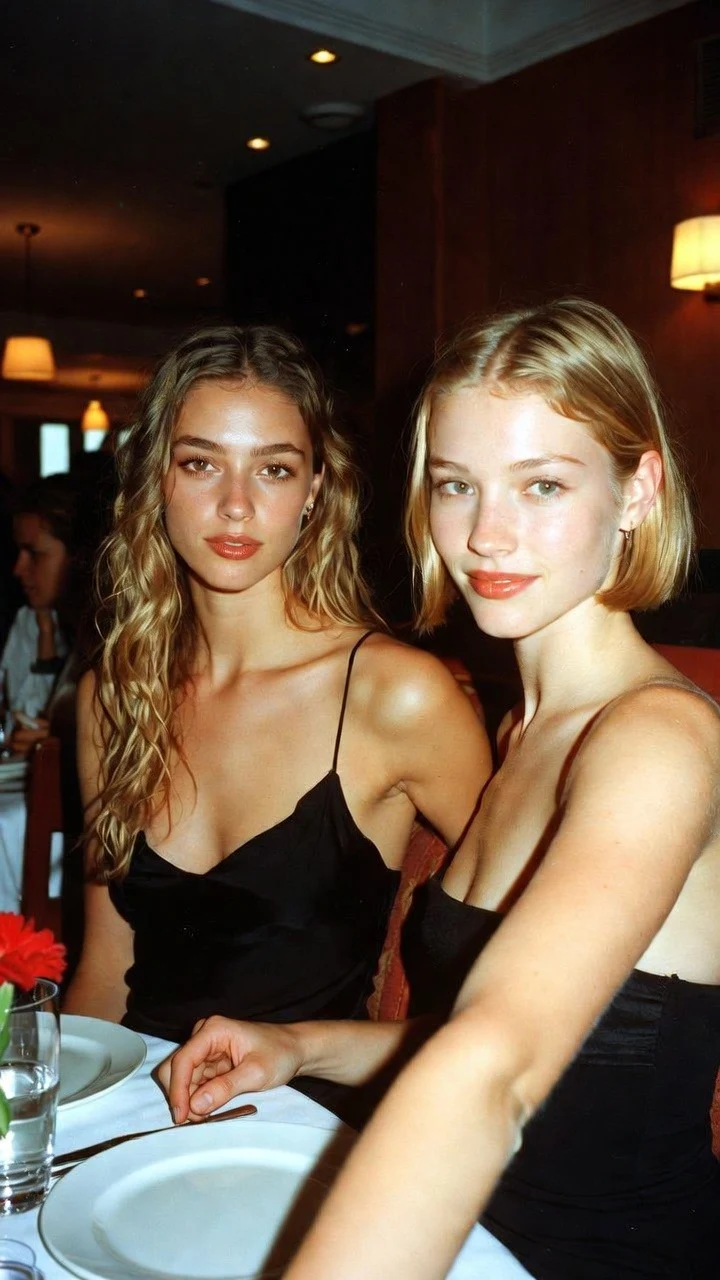
A public SpicyFrame example illustrating the guide. Results depend on the photo and prompt.
Good AI video lighting prompts name the light source, its direction, its quality and, if it matters, its colour, then ask for steady exposure: “soft daylight from a large window on the left, gentle shadows, steady exposure.” Start from the light already in your photo, because a prompt that contradicts the reference forces the model to relight the whole scene, which can change faces and textures. Use one lighting setup per clip, keep it constant unless the change is the point, and describe light in a short phrase separate from the action and the camera move.
Before writing, look at the reference. Where are the shadows on the face? Is the light soft, with gradual shadows, or hard, with crisp edges? Is it warm like sunset or tungsten, cool like shade or blue hour, or neutral? Is there a rim of light on the hair? A photo lit from the left is a strong start for “window light from the left” and a weak start for “spotlight from the right.” You can push the mood a step further, such as warmer or moodier, but changing source, direction and colour all at once makes the result less predictable.
Use four parts: source, direction, quality and stability. Source: window, sun, neon sign, candle, softbox, streetlight. Direction: from the left, from behind, from above, from one side. Quality: soft, diffused, hard, warm, cool, low-key. Stability: steady exposure, constant light, flicker kept subtle. Example: “Warm sun from behind the subject, soft rim light around the hair, face still visible, steady exposure.” “Beautiful cinematic lighting” gives the model nothing specific; four concrete words do. Keep colours to one or two, and say which is dominant.
Diffused window light is the most flattering and stable setup for portraits and lifestyle clips. It wraps the face, keeps skin texture natural and rarely causes flicker. Prompt: “@Image 1 turns slightly toward a large window, soft daylight from the left, gentle shadows on the right side of the face, steady exposure, quiet room ambience.” For a softer look, add “overcast” or “sheer curtains”. For more shape, add “deeper shadow on the far side”. This is the best default when you are unsure, and the safest choice for identity-sensitive clips.
Low, warm sun behind or beside the subject gives a glowing rim around hair and fabric, ideal for beach, rooftop and fashion clips. The risk is a dark face, so ask for it to remain visible. Prompt: “@Image 1 stands on a rooftop at golden hour, warm sun behind the subject, soft rim light around the hair, face gently lit and visible, light breeze, steady exposure.” Use backlight when the photo was taken outdoors or near a window; adding a sunset to an evenly lit studio photo is a large change. Avoid asking the sun to set during the clip unless the change is the subject.
Neon suits nightlife, city and glamour scenes, but strong colours can tint skin and pulse. Use one dominant colour from one side and a restrained accent: “muted blue neon from the left, soft pink accent in the background, light haze, steady exposure.” Keep the face lit enough to read, and avoid “flashing” or “strobing” lights, which cause flicker. Wet streets and haze add reflections and depth without extra movement. If skin looks unnatural, reduce saturation words such as vivid or intense, or move the neon to the background and keep a soft neutral key on the face.
Candles, lamps, string lights and fireplaces are practical sources visible in the scene. They create intimate, warm moods for dinner, evening and moody portrait clips. Flicker is part of their charm but should stay small: “warm candlelight on the face, flames flicker gently, overall exposure stays steady.” Keep the flame secondary in the frame so the whole image does not pulse. If the photo is dark, ask for “soft warm fill” so facial detail survives. Practical lights also help a storyboard, because a visible lamp makes it easier to repeat the same light across shots.
A clean studio setup suits fashion, beauty and product clips. Describe a key light and, if wanted, a rim or hair light: “soft key light from the front left, subtle rim light from behind, clean white background, even exposure.” For an editorial look, use “single softbox, gentle falloff on a grey backdrop.” For products, a “soft highlight that slides slowly across the surface” adds motion while the object stays still. Studio prompts work best with studio photos; placing a street photo under studio light is a relighting request.
Low-key lighting keeps most of the frame in shadow with one strong source, creating a dramatic, cinematic mood. Prompt: “@Image 1 lights a candle and looks up, chiaroscuro lighting, single warm source from the side, deep shadows, eyes clearly visible.” Shadows can hide a defect in one frame and reveal it in the next, so keep the eyes, mouth and hands lit. Very dark scenes also compress poorly on social platforms, which can make blacks blocky. Check the result on a phone at normal brightness.
Before: “Epic dramatic cinematic lighting, flashing colours, light changes from day to night, god rays everywhere.” That stacks several sources, a transition and flashing light. After: “Warm late-afternoon sun from the right, soft shadows, a few dust particles visible in the light, steady exposure.” Before: “Neon lights.” After: “Muted magenta neon from the left side, cool blue reflection on the wet pavement behind, face lit enough to read, steady exposure.” Specific, constant light gives a steadier clip than a list of dramatic effects.
Watch a part of the frame that should not change, such as a wall or the sky. If it brightens and darkens, remove flashing lights, moving spotlights, lightning and time-of-day changes from the prompt. Replace them with one constant source and add “steady exposure”. Check whether two references have different colour temperatures; that can make the tone drift. Simplify the camera move, since a moving camera through mixed light also changes exposure. Test at five seconds in Medium 480p for 399 piments and change one lighting instruction at a time.
Review the clip at normal screen brightness, not with a phone turned fully up, and compare several frames rather than the thumbnail. Small colour differences between separately generated clips are normal; match them in a video editor with gentle adjustments, and avoid filters that erase skin or fabric texture. High 720p shows lighting detail more clearly than Medium 480p but does not fix flicker. Generated light is an artistic result, not a measurement of the original scene, so judge it by how the finished clip looks.
| Lighting setup | Prompt wording | Mood | Watch for |
|---|---|---|---|
| Soft window light | “soft daylight from a large window on the left” | Natural, intimate, flattering | Very little; the safest default |
| Golden-hour backlight | “warm sun behind the subject, soft rim light” | Glowing, romantic, summery | Face falling into shadow |
| Neon | “muted blue neon from one side, pink accent behind” | Nightlife, urban, glamorous | Tinted skin and pulsing colour |
| Candlelight | “warm candlelight, flames flicker gently” | Intimate, evening, moody | Whole-frame flicker |
| Studio key and rim | “soft key light front left, subtle rim light” | Clean, editorial, premium | Mismatch with outdoor photos |
| Low-key chiaroscuro | “single warm source from the side, deep shadows” | Dramatic, cinematic | Hidden eyes and blocky blacks |
For most clips, soft window light from one side with steady exposure. It flatters faces, matches many photos and rarely flickers.
Flashing lights, moving spotlights, time-of-day changes or mixed references can make exposure pulse. Use one constant source and ask for steady exposure.
You can push the mood, but large changes in source, direction and colour make the model relight the scene, which can alter faces and textures.
Name one dominant colour from one side and a restrained accent, keep the face lit enough to read and avoid flashing or strobing.
Yes, but as separate short phrases: one action, one camera move and one lighting setup, so each instruction stays clear.
High 720p shows lighting detail more clearly but does not fix flicker or exposure changes. Fix the prompt first in a Medium 480p test.