Is SpicyFrame a complete Promptchan replacement?
No. It can be an alternative for short, non-explicit vertical character videos. It does not replace a companion chat or every image-editing feature in a broader creative platform.
SPICYFRAME · PRACTICAL GUIDES
Compare Promptchan and SpicyFrame for non-explicit character videos: reference images, clip formats, payment options and checks before switching tools.
5 seconds · 480p · $3.99. Pay per video, no subscription required.
Updated
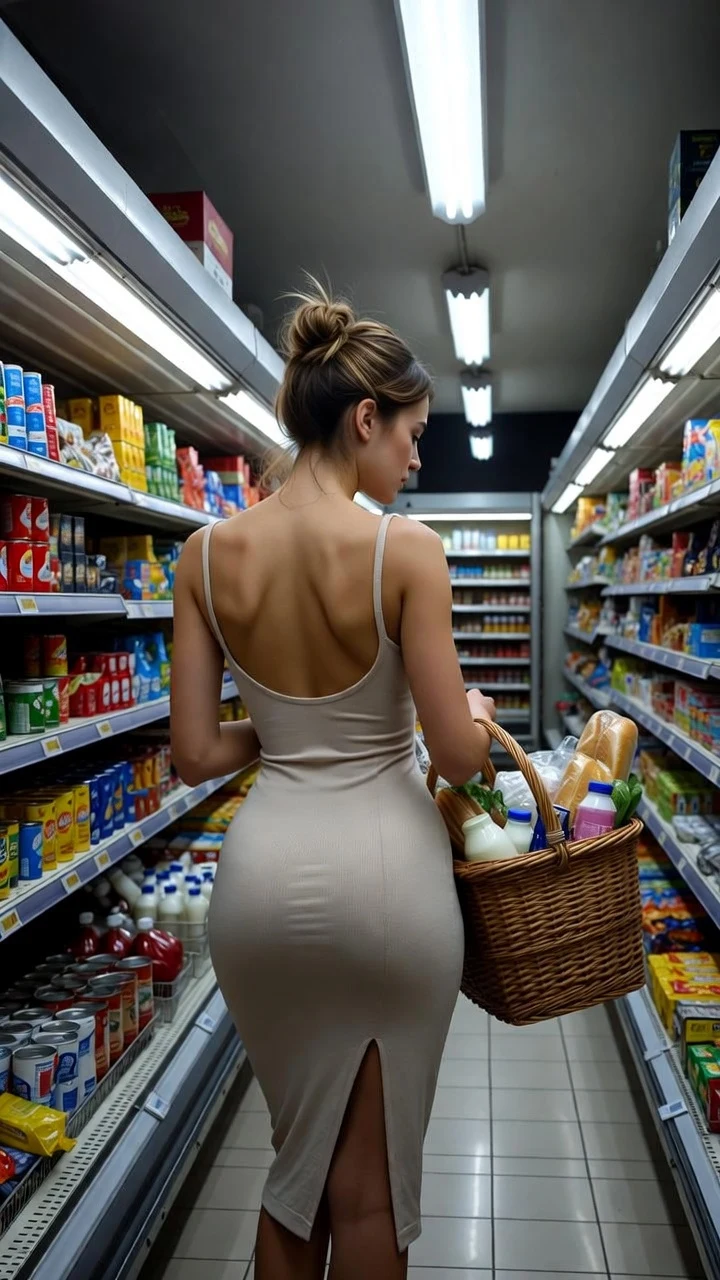
A public SpicyFrame example illustrating the guide. Results depend on the photo and prompt.
A Promptchan alternative should match the part of the workflow you actually need. If you already have an original adult character portrait and want a short, non-explicit vertical video, SpicyFrame offers a focused image-to-video workflow with a price shown for each clip. If you need an ongoing companion conversation, character discovery or a broad image-creation workspace, that is a different requirement. This comparison concerns character animation and fashion portraits, not explicit content. It is written by SpicyFrame, so it explains our fit and limitations rather than presenting an independent ranking. We checked Promptchan's public documentation on October 8, 2026; we did not run a paid side-by-side generation benchmark. Neither tool is guaranteed to preserve every facial feature or produce a usable result on its first attempt.
Yes. Promptchan's official homepage describes image animation and text-to-video alongside character creation and chat. Its video tutorial, dated June 29, 2026, explains how to animate a still or start with a text prompt. The documented workflow includes orientation, quality, sound and an Extend function. Calling Promptchan an image-only tool would therefore be inaccurate. These are vendor-documented features, not results measured in this review. Use its current creation screen to check which options your account can access. See the official video tutorial for the feature description. The practical comparison is whether you want that broader workspace or a separate, short-clip production step after you have settled on a character image.
SpicyFrame takes reference images and a scene description and produces one vertical 9:16 MP4 with native ambient audio. The current studio offers 5, 10 or 30 seconds at 480p, 720p or 1080p. You can supply up to 12 JPG, PNG or WEBP images, each up to 10 MB, or start from text alone. A single video can be purchased without a subscription. This is useful when the deliverable is a portrait scene, a fashion moment or a short introduction for an original fictional adult character. SpicyFrame is not a conversational companion and does not offer every orientation or editing control another platform may have. Reference uploads are guidance, not a promise of exact identity, exact poses or frame-perfect continuity. Read multiple reference images before assembling a large reference set.
For SpicyFrame, the current single-video prices are $3.99, $4.99 and $11.99 for 5, 10 and 30 seconds at 480p. At 720p, the corresponding prices are $4.99, $8.99 and $24.99, and at 1080p (Ultra High) they are $11.99, $23.99 and $70.99. Confirm the quote in the studio before paying. Promptchan's homepage currently says video requires Pro and uses Gems; check its live plan and checkout rather than relying on an old price in a comparison article. Credit units from different services are not interchangeable. For your own budget, write down the total you are prepared to spend, the number of final clips you need and the maximum number of experiments. Divide the actual spend by the number of clips you decide to keep. That is more informative than comparing two subscription headline prices without matching the output length and resolution.
A useful reference pack starts with a character you created or have permission to adapt. Keep the original file and a separate working copy cropped for your intended video. For a portrait, leave space above the head and around the shoulders so a small movement does not immediately push the subject outside the frame. Remove collage layouts, interface borders and contradictory costume variations from the working reference. If you add a second image, use it for a clear purpose, such as showing the same adult character from a slightly different angle. Do not mix unrelated faces and expect the generator to infer which one is the identity anchor. A record of the character's eye color, hairstyle, outfit and palette gives you a simple checklist when reviewing the resulting video. Our face-consistency guide covers this review step in more detail.
A first comparison can use an original, fully clothed adult character in an evening jacket: the character looks toward a window and gives a brief smile while the camera remains still. This is an editorial test idea, not a benchmark we have already run. Keep the source image, framing and intended action comparable across tools. Review the face at the beginning, middle and end; check the jawline, eye spacing, hair silhouette and jacket details. Then watch the complete clip at normal speed for distracting changes. If the scene works, consider a separate version with a small camera move. If it fails, change one variable so the next result answers a specific question. A longer clip should serve a story requirement; it should not be the automatic first purchase when the reference itself is still being refined.
An adult character portrait for a vertical profile introduction has different needs from a landscape narrative scene or an interactive companion. For the portrait, prioritize recognizable design, deliberate movement and an export that fits the destination. For a narrative, consider editing, continuity between shots and whether you need several orientations. For a companion experience, animation alone will not replace conversation history or character interaction. Before switching services, list your three essential requirements and reject tools that do not meet them. Keep optional features separate from essentials. This avoids paying for a larger workspace when you only need an MP4, or choosing a narrow video workflow and later discovering you expected a chat product. See AI girlfriend video for the distinction between a fictional-character clip and a companion interface.
Exporting an image does not automatically give you permission to reuse someone else's character or likeness. Check the terms associated with the source asset and any applicable creator permission before uploading it elsewhere. Use original fictional adults or consenting adults, and keep the intended scene non-explicit. Promptchan's moderation policy describes automated and human review; it is not a service without rules. SpicyFrame also has content limits and is not an option for bypassing another provider's restrictions. For a legitimate portrait project, keep a copy of the asset source, the permission you rely on and the final clip you approved. Check the publishing destination's rules separately: being able to generate a file and being allowed to distribute it are two different decisions.
Keep your first decision small: one original adult character, one approved reference and one short scene with a defined purpose. Before spending, confirm the file format, duration, resolution, current price and the account features you need. After generation, judge the full result against your brief rather than a flattering preview frame. Save the reference and prompt with the accepted output so you can reproduce the creative direction, even though future generations may differ. If your project is specifically a short vertical character video, the SpicyFrame studio is one option to evaluate. If you need a broader companion and image workspace, assess those requirements directly. There is no universal winner in this comparison, and no measured evidence here that one provider consistently generates a better character than the other.
| Decision | Promptchan | SpicyFrame |
|---|---|---|
| Starting point | Image animation or text-to-video, per official tutorial | Reference images or text prompt |
| Companion chat | Listed on official homepage | Not a studio feature |
| Framing | Tutorial lists portrait, wide and square | Vertical 9:16 |
| Current video options | Check selected model and account | 5, 10 or 30 seconds; 480p, 720p or 1080p |
| Payment | Homepage states Pro plus Gems for video | Single-video checkout; subscription optional |
| Scope of this comparison | Public documentation; no paid benchmark | Current studio specifications; no comparative quality claim |
No. It can be an alternative for short, non-explicit vertical character videos. It does not replace a companion chat or every image-editing feature in a broader creative platform.
You can upload a compatible image if you have the rights and permission to transform it and it meets SpicyFrame's content rules. A downloadable file alone is not proof of permission.
No. Single-video checkout is available. The price depends on the selected duration and quality and is displayed before payment.
This article does not establish a winner. It is a documentation-based comparison, not a controlled generation test. Evaluate complete clips using the same permitted reference and a consistent brief.
The current studio generates vertical 9:16 clips. If landscape output is essential, choose a workflow that explicitly supports it rather than assuming a crop will preserve the composition.
No. Check each service's rules. This guide concerns non-explicit original adult characters and consenting adults, not attempts to evade moderation.
External pages, opened in a new tab. Rankings reflect the time of writing.