What should an evening-dress video show first?
Start with the garment's defining silhouette and construction. Decide whether the important feature is the skirt shape, sleeves, drape, or another detail before choosing camera movement or duration.
SPICYFRAME · PRACTICAL GUIDES
Plan an adult evening-dress fashion video with a stable full-length silhouette, controlled skirt movement, clear hems and consistent editorial lighting.
5 seconds · 480p · $3.99. Pay per video, no subscription required.
Updated
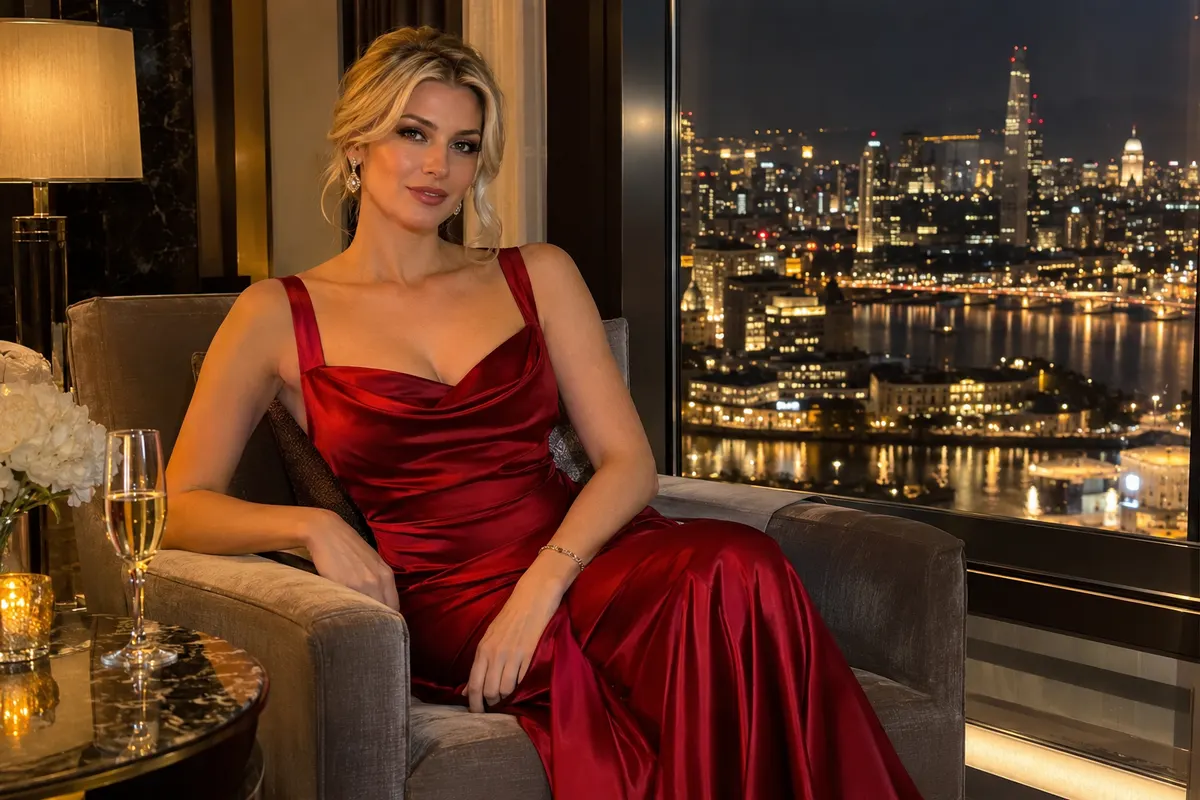
An AI evening-dress video should communicate the shape and movement of the garment before adding elaborate camera effects. For an adult fashion campaign, decide whether the key feature is a long column silhouette, a structured skirt, a sleeve detail, or a particular drape. This guide uses non-erotic editorial styling with opaque clothing and authorized adult references. A precise garment objective helps you choose the source photograph, motion, and framing. It also gives the reviewer something concrete to approve beyond a general impression of elegance. Do not assume that a generated dress is an exact representation of a real product. If the clip will advertise merchandise, compare the final construction with the actual garment and keep factual product descriptions under editorial control.
Use an image that shows the neckline, waist seam, skirt outline, hem, and feet clearly enough to understand how the dress sits in space. Avoid a source where a chair, handbag, or another person hides a critical portion of the silhouette. A plain background with contrast against the fabric makes edges easier to inspect. For a real adult model, obtain permission for animation and publication and confirm rights in the photograph. If the dress has a train, show where it rests on the floor instead of leaving its shape ambiguous. The fashion-video guide explains how a reference supports a product brief. Correct malformed hems or inconsistent sleeves in the still before asking the motion stage to preserve them through a turn.
A full-length dress needs space above the head, below the hem, and beside the widest part of the skirt. In a vertical composition, the garment can fill the frame elegantly, but a tight crop may cut off the very movement you want to show. Leave enough room for a small step or quarter-turn without forcing the camera to invent missing fabric at the edges. The vertical framing guide helps plan a 9:16 source composition. Keep the floor line understandable, especially for a long gown whose hem nearly touches it. If the clip will include captions later, reserve space that does not cover the neckline or skirt detail. Framing is part of garment communication, not just a final crop applied after generation.
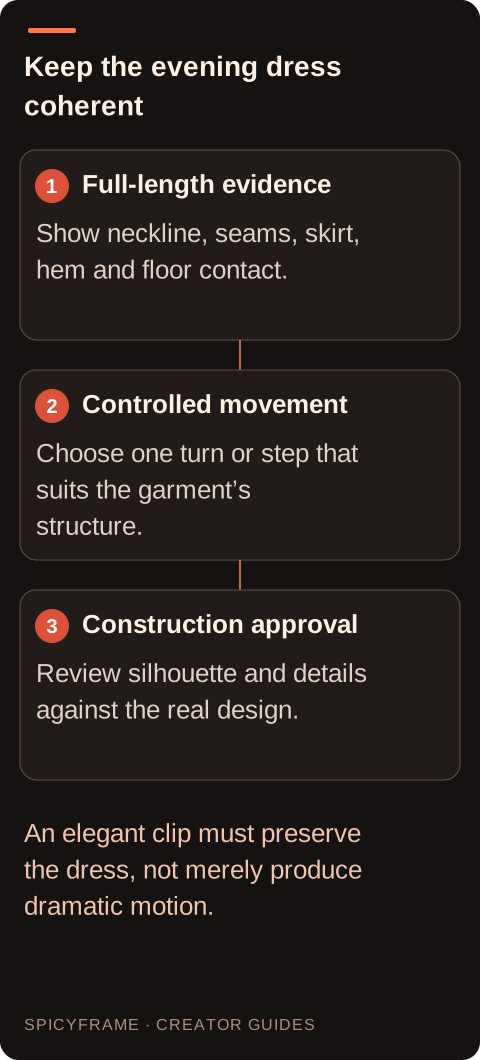
A structured evening dress may benefit from a small turn that reveals the outline, while a softer skirt can show a restrained sway after one gentle step. Avoid asking for a fast spin when the reference provides little information about the back of the garment. A dramatic action can make the model invent layers, openings, or an entirely different skirt. Keep arms clear of important waist and sleeve details when possible. Describe the movement as ordinary fashion presentation and maintain opaque coverage. The aim is to suggest how the design occupies space, not to simulate every physical property of the real fabric. If the brand needs a verified movement demonstration, film the actual garment or apply an appropriate review process instead of treating synthetic drape as proof.
For the first test, decide whether the subject or the camera supplies most of the motion. A steady camera makes a small model turn easier to evaluate. A slow camera approach can work when the adult subject holds a composed pose. Combining a full orbit with a large turn can hide the garment's construction behind constant perspective changes. Use the camera-movement guide to describe one deliberate move in plain language. Keep the lens perspective and horizon stable enough that the dress does not appear to stretch simply because the viewpoint changes. A fashion video can feel elegant through timing and light without requiring a complex sequence. Add more ambitious movement only after the basic silhouette survives a short, controlled test.
Review the opening, middle, and ending at normal speed and in paused frames. Check whether the hem length changes, the train detaches, the waist seam drifts, or a sleeve appears and disappears. Inspect foot contact with the floor so the model does not seem to float inside the dress. Reflective floors can complicate this review by introducing a second garment outline; use a simpler surface if the reflection is not essential. The artifact guide helps identify the moment a detail begins to fail. If a turn causes the problem, reduce the turn or add a compatible reference of the same garment rather than adding unrelated descriptive words. Higher resolution can reveal the error more clearly but does not necessarily correct it.
SpicyFrame uses Seedance 2.5 through Segmind to produce vertical 9:16 MP4 clips with ambient audio. Durations are 5, 10, or 30 seconds, with Medium 480p, High 720p, and Ultra 1080p choices. A ten-second High clip is $8.99, while ten seconds at Ultra is $23.99. Select the length around the intended action: a short turn does not require a long sequence, while a deliberately paced reveal may need more time. Up to 12 authorized JPG, PNG, or WebP references under 10 MB each are supported. SpicyFrame does not offer a timeline editor or 4K output. Plan titles, collection sequencing, licensed music, and precise cuts in a separate editing workflow, and review the generated ambience before including it in the campaign.
An eveningwear clip should pass both an aesthetic review and a construction review. The light, pose, and pacing can be appealing while the garment differs from the item being sold. Have the brand or designer verify color, silhouette, sleeves, closures, and any distinctive embellishment. Avoid using synthetic motion to claim real fabric weight, fit, or performance without supporting evidence. Keep the adult model's authorization and the source-image license with the final approved file. A completed SpicyFrame render that misses the design brief is not automatically a failure; confirmed failures receive refunds or credits. Set a revision budget around the details that matter most, then stop when the clip serves the agreed fashion purpose. Elegance comes from a coherent presentation, not from accepting an inaccurate dress because the movement looks dramatic.
| Design feature | Best source evidence | Motion risk to inspect |
|---|---|---|
| Silhouette | Full garment against a clear background | Skirt width or outline changes |
| Hem | Visible length and floor relationship | Floating or uneven length |
| Train | Entire resting shape shown | Detachment or invented fabric |
| Sleeves and waist | Clear seams and unobstructed construction | Sliding seams or disappearing parts |
| Movement | One deliberate step or small turn | Excessive invention during a large rotation |
Start with the garment's defining silhouette and construction. Decide whether the important feature is the skirt shape, sleeves, drape, or another detail before choosing camera movement or duration.
It establishes the neckline, waist, skirt, hem, feet, and floor relationship. Missing geometry forces the model to invent more during movement and makes garment continuity harder to review.
Usually a smaller turn is easier to evaluate. A fast spin exposes unseen garment areas and can produce invented layers, openings, or a changed skirt when the reference is incomplete.
Look for changing hem length, detached trains, floating feet, and inconsistent reflections. These can undermine the dress silhouette even when the face and upper garment appear stable.
No. It is a synthetic interpretation. Verify product claims against the actual garment and use real evidence when the campaign promises particular fit, weight, movement, or material behavior.
It generates individual vertical MP4 clips and does not include a timeline editor. Assemble approved shots, accurate titles, and licensed music in a separate editing workflow.