Can this workflow be used for erotic lingerie videos?
This guide is for non-erotic adult catalog and editorial fashion. It focuses on garment construction, opaque styling, and respectful presentation, not sexual prompts or explicit content.
SPICYFRAME · PRACTICAL GUIDES
Plan non-erotic adult lingerie fashion videos with authorized references, opaque styling, consistent garment construction and practical motion checks.
5 seconds · 480p · $3.99. Pay per video, no subscription required.
Updated
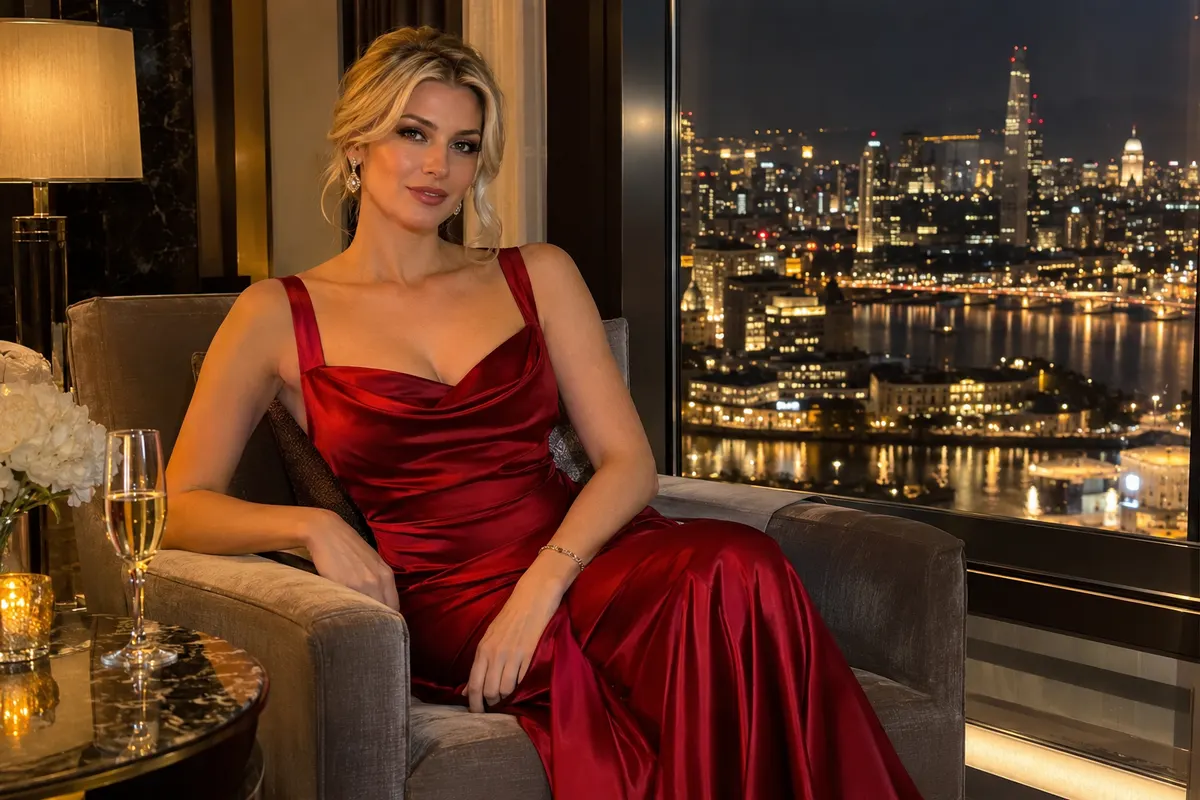
AI lingerie models can support an adult catalog or editorial project when the work focuses on clothing design, fit, and visual consistency. This guide concerns non-erotic fashion presentation with clearly adult subjects and appropriate authorization. It does not provide sexual prompts or suggest that a generator reproduces a real garment exactly. Begin by deciding what the video must communicate: a coordinated collection, a particular fabric, a strap arrangement, or the overall styling of an outfit. Use an opaque, appropriately lined presentation and a composed pose. The model is part of a product-focused composition, not a reason to describe anatomy. A precise fashion brief makes later review easier because you can compare the garment's visible construction with an approved reference instead of judging an undefined glamour impression.
For a real model, obtain permission for AI animation and the intended catalog, editorial, or advertising use, along with rights in the photograph. For a fictional adult character, establish a clearly adult appearance and avoid copying an identifiable person's likeness without authorization. Record the approved face, hairstyle, pose, and garment as a small character sheet. Keep the visual context mature and professional; ambiguous youth cues do not belong in this workflow. If several people appear in the source, choose a cleaner single-subject image unless the group is essential and fully authorized. Our fashion workflow guide explains how to connect the casting decision with the intended campaign. Treat the permission record as part of the asset package, not a detail to reconstruct after generation.
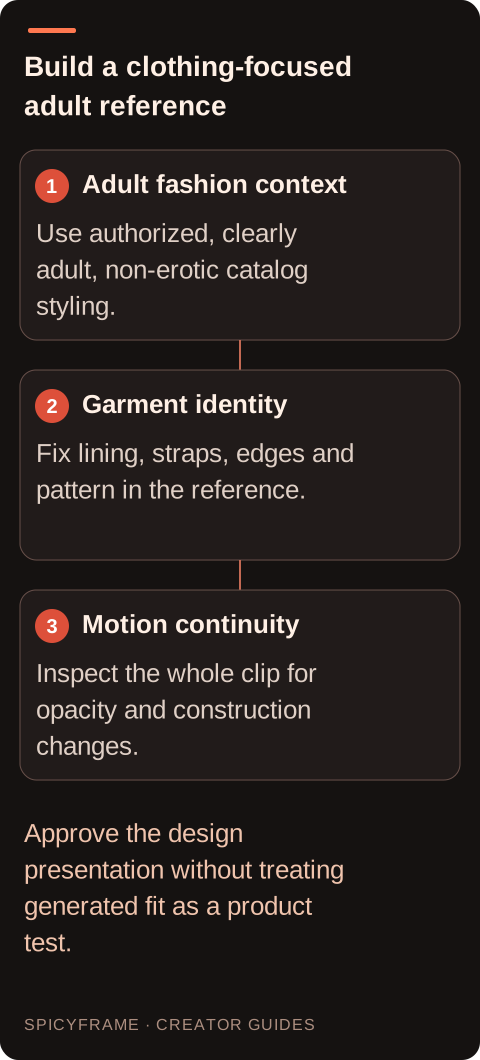
Inspect the still image for the features that distinguish the actual item: strap placement, neckline shape, edge binding, closure position, lining, and any visible decorative pattern. These details should be clear enough to evaluate in a moving clip. A heavily retouched or low-resolution source can blur the very construction you want to preserve. Do not combine references of similar-looking but different products, because the model may invent a hybrid. If a secondary reference is necessary, use the same garment from a compatible view. The multiple-reference guide helps assign each image a purpose. SpicyFrame accepts up to 12 authorized JPG, PNG, or WebP references under 10 MB each, but a small coherent set is usually easier to reason about than an indiscriminate collection.
Use an upright, composed adult pose and a camera distance that shows the relevant clothing silhouette without isolating intimate body areas. A simple studio backdrop, soft light, and restrained styling make the item easier to assess. An opaque robe, jacket, or other appropriate styling layer can belong in the actual fashion concept when it supports the collection; it should not be used as a trick to disguise otherwise prohibited material. Keep the framing consistent across items so viewers can compare color and construction. The lingerie fashion prompt guide provides related editorial direction. Avoid bedroom narratives, sexualized expressions, or instructions centered on arousal. The purpose here is the same as a careful clothing presentation: communicate the design while maintaining a respectful, ordinary adult fashion context.
A small quarter-turn, a gentle shift of balance, or a restrained camera approach can reveal the garment without forcing the model to invent a large unseen region. Keep arms from crossing over key straps or closures when those details must remain visible. Avoid several rapid pose changes in one request, since each transition creates additional opportunities for edges and patterns to drift. Describe the desired fashion action plainly: a composed adult model holds a catalog pose while the camera moves slightly and the garment remains consistent. This is a creative direction, not a guaranteed constraint. Start with a short clip that tests the hardest visible detail. A calm five-second result can be more useful than a longer sequence whose clothing changes midway through the shot.
Watch the clip at normal speed, then pause near the beginning, middle, and end. Check that opaque areas remain opaque, decorative panels keep their intended boundaries, and straps do not multiply, disappear, or migrate. Examine how fabric edges meet the skin and background without making anatomy the focus of the review. Jewelry, hair, and hands can create overlapping shapes that confuse the garment outline. If an artifact appears, identify the first moment it begins and simplify the next request around that cause. The artifact repair guide helps separate source problems from excessive motion. Do not approve an accidental transparency effect as a creative improvement; it changes the clothing and can make an otherwise appropriate catalog asset unsuitable for publication.
SpicyFrame creates vertical 9:16 MP4 clips with ambient audio through Seedance 2.5 via Segmind. Available durations are 5, 10, and 30 seconds, with Medium 480p, High 720p, and Ultra 1080p choices. A five-second High clip costs $4.99 and a ten-second High clip costs $8.99; choose based on the actual motion and delivery requirement. A higher resolution cannot guarantee accurate stitching or a fixed face, and a new generation may differ from a previous draft. There is no exposed seed or negative-prompt field, timeline editor, or 4K output. Plan any collection montage, titles, or licensed music in a separate editor. Keep the generated ambience only if it supports the fashion presentation and does not introduce distracting or inappropriate sounds.
A generated model video is not a substitute for verifying a real product's fit, coverage, size, or material properties. If the asset advertises merchandise, have someone familiar with the item approve the silhouette and construction before publication. Use accurate product text added through your editorial workflow rather than relying on generated labels. Keep the source photograph, permission record, approved clip, and any AI disclosure requirements together. SpicyFrame supports permitted non-explicit adult glamour and fashion, not explicit content. Storage-off prevents library and draft saving while generation still requires processing, which matters for private model references. Confirmed generation failures receive refunds or credits; a completed result that misses the design brief is not automatically a failure. Stop iterating once the asset meets the documented catalog purpose and budget.
| Detail | Reference requirement | Motion review |
|---|---|---|
| Straps | Clear count and attachment points | No duplication or migration |
| Lining | Opaque coverage visible in the still | No accidental transparency |
| Edges | Defined binding and neckline shape | No melting into skin or background |
| Pattern | Same design across supporting references | No crawling or sudden substitutions |
| Pose | Composed adult catalog presentation | Clothing remains the editorial focus |
This guide is for non-erotic adult catalog and editorial fashion. It focuses on garment construction, opaque styling, and respectful presentation, not sexual prompts or explicit content.
Yes. Use a clearly adult subject and mature fashion context. For a real person, obtain appropriate permission for animation and publication as well as rights in the source photograph.
Check straps, neckline, edge binding, closures, lining, and distinctive patterns. These establish the item's identity and can drift during motion even when the overall image looks polished.
Not automatically. SpicyFrame supports up to twelve authorized references, but each should resolve a useful detail. Conflicting garments or faces can weaken continuity and produce an invented hybrid.
Use a small quarter-turn, gentle balance shift, or restrained camera approach. Keep important construction visible and avoid rapid pose changes that require the model to invent hidden garment areas.
No. Generated motion is not a verified fit test. Have the actual garment and its accurate specifications guide approval before using the video in a product listing or advertisement.