AI Bikini Models: Fictional Swimwear Characters for Video
AI bikini models for video: build a consistent fictional adult swimwear character, authorized references and stable colors, then animate a 5–30 s clip.
5 seconds · 480p · $3.99. Pay per video, no subscription required.
Updated
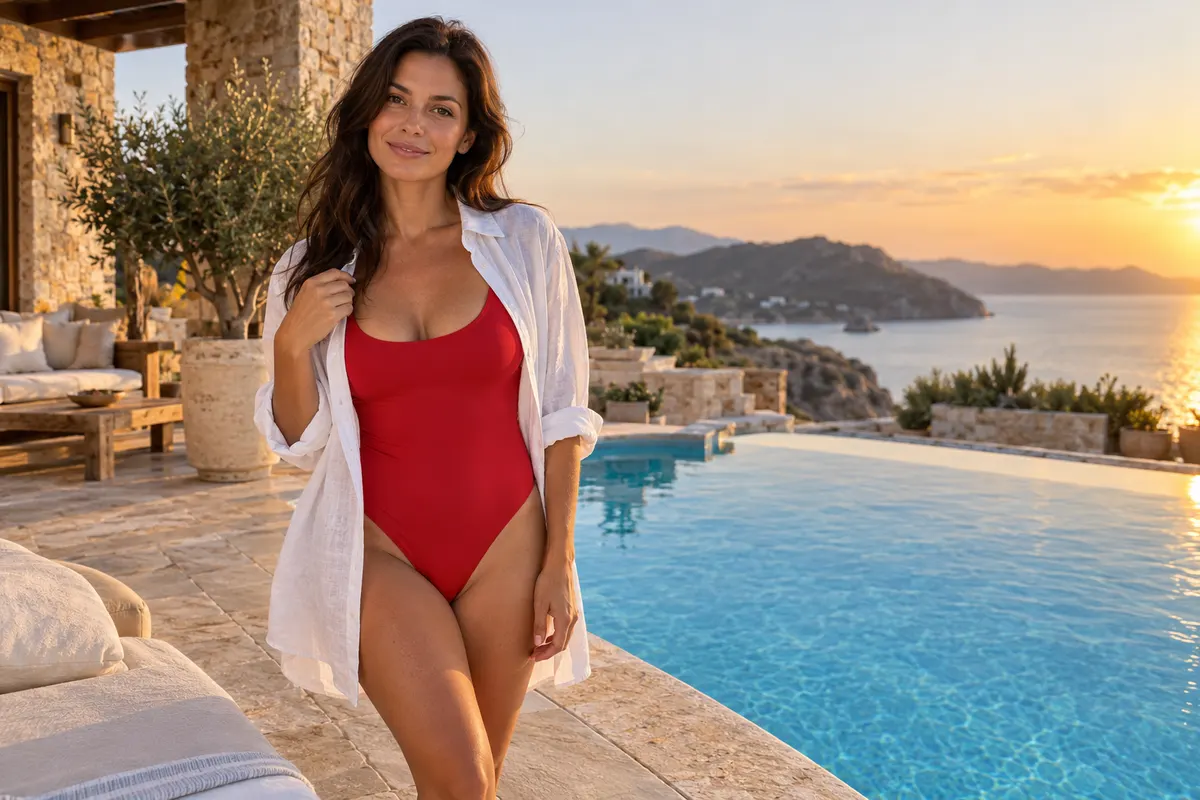
AI-generated editorial illustration: adult swimwear fashion beside a pool at golden hour. This is a scene reference, not a generated-video sample.
Cast a campaign rather than a disconnected image
AI bikini models, like any AI swimwear models, work best as part of a coherent adult fashion campaign with a defined visual identity. Decide who the fictional adult character is, what collection they represent, and how the setting supports the clothing. This guide covers non-erotic swimwear catalog and editorial imagery, not sexualized body presentation. A useful brief might combine a consistent adult face, one swimsuit design, a restrained coastal palette, and a simple standing or walking pose. The aim is recognizable campaign continuity across images and clips. Do not assume a generator will keep every detail fixed merely because the prompt repeats a name. Establish visible references and approval criteria so that changes in straps, color, or face are detected before the campaign is assembled.
Define a clearly adult fictional casting sheet
Create a short character sheet describing stable adult features such as hairstyle, hair color, overall face shape, and an ordinary mature fashion presentation. Keep the casting language respectful and avoid reducing the subject to measurements or exaggerated anatomy. If the character is fictional, make that status clear in the project record and avoid copying a real person's likeness without permission. If using a real model, obtain authorization for the animation and intended publication, plus rights in the photograph. The AI bikini reference guide offers related preparation context. Choose one approved face reference before building variations. Trying to solve identity, outfit, location, and movement simultaneously makes it harder to know which change caused the final campaign to lose consistency.
Give each swimsuit a stable visual identity
Record the garment's color, pattern, strap arrangement, neckline, and any distinctive hardware. A campaign with several products needs one reference group per actual item rather than a mixed folder of similar swimwear. If a striped suit changes stripe direction or a solid color shifts between clips, viewers may mistake the output for a different product. Use clean, well-lit references that show the construction without awkward cropping. Keep the swimsuit opaque and the presentation ordinary for adult beach fashion. Do not rely on generated text to reproduce a brand logo accurately. Add approved typography later where appropriate. The garment record should let a reviewer answer a simple question: does this clip still represent the same item that the campaign is supposed to show?
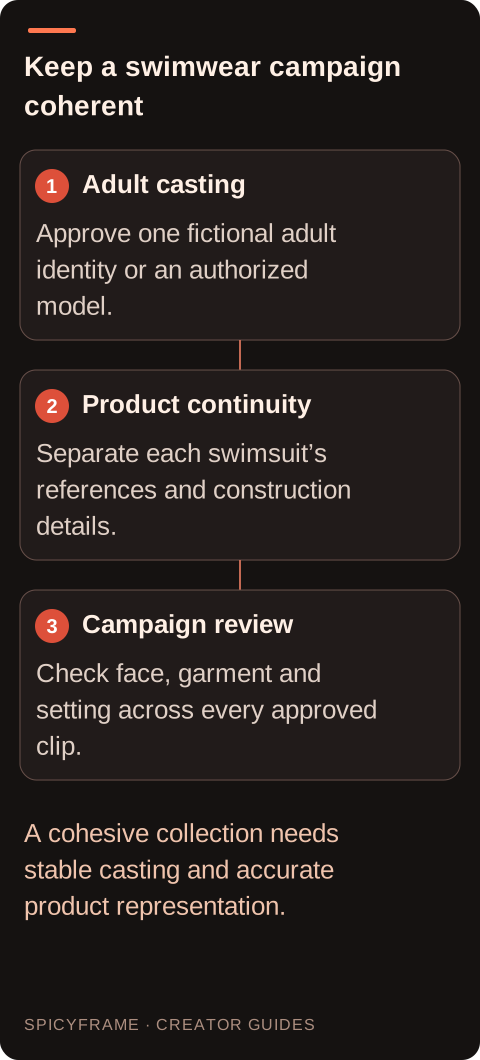
Adult casting: Approve one fictional adult identity or an authorized model.. Product continuity: Separate each swimsuit’s references and construction details.. Campaign review: Check face, garment and setting across every approved clip.. A cohesive collection needs stable casting and accurate product representation.
Build the beach setting around the collection
Choose a restrained location palette that supports the swimsuit color: pale sand, cool water, neutral stone, or a simple poolside background. Avoid placing strong horizon lines through the face or important garment edges. A busy crowd or highly reflective surface can distract from the clothing and introduce extra people or geometry for the model to invent. Use the beach-fashion prompt guide to think about light and environment while keeping the subject fully within a non-erotic adult fashion context. If the campaign uses several scenes, keep time of day and color temperature consistent unless the change is deliberate. A coherent background can make separate clips feel related without requiring every shot to repeat the same pose or camera distance.
Plan movement that reads as fashion coverage
A gentle walk parallel to the shoreline, a composed turn toward the camera, or a stationary pose with slight environmental movement can provide enough motion for a short campaign insert. Avoid complex athletic actions when the purpose is to show garment construction, because rapid motion can obscure straps and edges. Keep the camera at an editorial distance and frame the whole relevant silhouette rather than isolating intimate areas. For a first test, choose either subject movement or a camera move as the main action. Adding both a fast orbit and a large turn makes continuity harder to assess. The fashion-video guide helps connect movement to the product story. The video should communicate styling and atmosphere while leaving the swimsuit recognizable throughout.
Review identity and garment continuity separately
A clip can preserve the swimsuit while changing the adult character's face, or preserve the face while inventing a new neckline. Score these as separate dimensions. Compare the opening, middle, and ending against the approved character and garment references. Check hairline, facial proportions, accessories, strap count, print placement, and color under changing light. The same-face guide explains why references improve direction without guaranteeing exact likeness. Keep a record of approved clips so a later generation does not silently redefine the campaign character. If one detail fails, simplify the relevant motion or improve that reference before another attempt. Do not solve a garment error by approving a different product merely because the revised image is attractive.
Match the SpicyFrame output to the campaign slot
SpicyFrame uses Seedance 2.5 through Segmind and accepts up to 12 authorized JPG, PNG, or WebP references under 10 MB each. It produces vertical 9:16 MP4 clips with ambient audio in 5, 10, or 30 seconds. Medium 480p, High 720p, and Ultra 1080p are available; there is no 4K output or built-in timeline editor. For a short social-fashion insert, test the actual action before selecting a longer duration. Five seconds at High 720p costs $4.99, while ten seconds costs $8.99. These prices describe paid generation, not a free trial. Assemble multiple approved product clips and accurate captions in a separate editor, and keep the final export layout consistent with the destination's current framing requirements.
Deliver a campaign with clear product claims
A fictional adult swimwear model can communicate a visual direction, but generated footage is not evidence of real fit, water resistance, support, or performance. Have the brand approve any claim implied by the motion or environment. If a product is shown near water, do not automatically claim it has been tested in that condition. Keep accurate specifications in controlled editorial text. Review ambient audio, background people, and accidental logos before publication. SpicyFrame supports permitted non-explicit adult glamour and fashion; content scope and subject permission remain important even for a fictional campaign. Store the character sheet, product references, licenses, and approved video versions together. This makes the next collection easier to extend without losing track of which face, garment, and visual treatment were actually approved.
Adult swimwear campaign consistency map
Campaign element
Fix in the reference
Check in each clip
Adult character
Face, hair and mature styling
No unexplained identity changes
Swimsuit
Color, straps, neckline and hardware
Same product throughout motion
Location
Background palette and horizon placement
Environment supports rather than obscures clothing
Action
One restrained fashion movement
Garment remains readable
Product claims
Accurate specifications and approved purpose
No invented performance implication
AI image-to-video questions answered
Can I create a fictional adult swimwear campaign character?
Yes, as a permitted non-erotic fashion concept with clearly adult presentation and appropriate source rights. Avoid copying a real person's likeness without authorization or implying an unauthorized endorsement.
What should remain consistent across the campaign?
Keep the approved adult face, hairstyle, garment construction, color palette, and overall lighting direction stable. Review character continuity and product continuity separately because either can drift.
Should I mix references from similar swimsuits?
Avoid that when the campaign represents one item. Similar garments can have different straps, cuts, or hardware, and mixed references may produce a design that matches none of them.
What movement is useful for a first swimwear clip?
Use a composed turn, gentle walk, or stationary fashion pose with restrained environmental motion. Keep framing editorial and ensure the garment remains visible rather than adding complex action immediately.
Can generated footage demonstrate swimwear performance?
It is not a verified product test. Do not infer support, water resistance, or real-world fit from synthetic motion; use accurate product evidence and brand approval for those claims.
Does SpicyFrame guarantee the same adult face every time?
No. References guide generation but do not guarantee exact likeness. Review each final clip against the approved character sheet before adding it to a coherent campaign.