Does this boudoir-inspired workflow include nudity?
No. It is a non-explicit adult portrait approach using opaque clothing and ordinary editorial composition. The atmosphere comes from soft light, a quiet interior, and a composed expression.
SPICYFRAME · PRACTICAL GUIDES
Plan a non-explicit adult boudoir-inspired portrait with opaque clothing, clear permission, soft light and a composed editorial setting for animation.
5 seconds · 480p · $3.99. Pay per video, no subscription required.
Updated
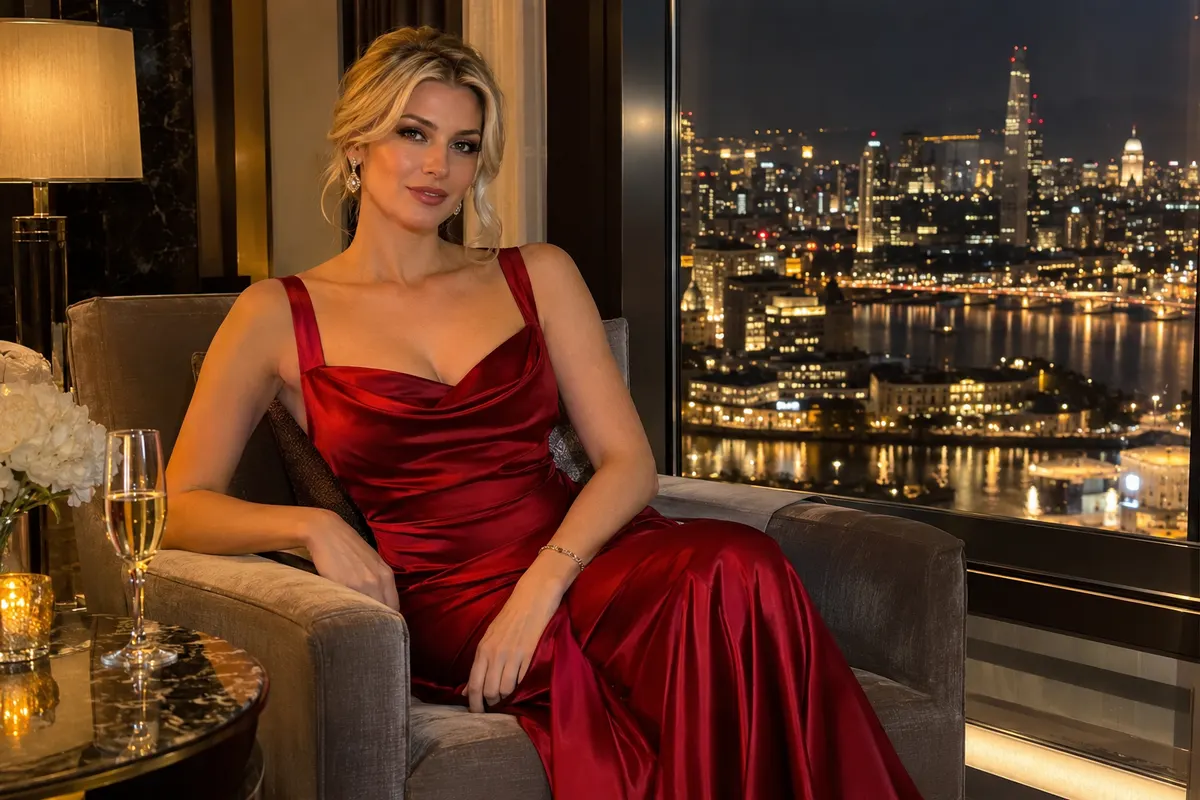
AI boudoir photography can be approached as a private, softly lit adult portrait with fully opaque clothing and a composed editorial treatment. In this guide, the term describes atmosphere and portrait styling, not nudity, sexual activity, or an erotic narrative. Begin by identifying the personal or fashion purpose of the image: a quiet character portrait, a robe or eveningwear editorial, or an elegant interior scene. Keep the subject clearly adult and authorized. A written brief should state the garment, posture, camera framing, and intended use before any generation begins. This makes the concept easier to review and avoids relying on an ambiguous mood word. The resulting portrait should remain comfortable to describe in ordinary terms about light, fabric, expression, and composition.
A private portrait requires careful agreement about who will appear, what will be generated, where it will be stored, and whether it may be published. For a real adult subject, obtain permission for the AI transformation and the exact context, not just permission to possess the original photograph. Check the photographer's license as well. A subject may agree to a personal portrait but not a public advertisement or a fictional endorsement. Record those differences before upload. The privacy guide helps separate private viewing from service processing and retained files. If the intended use changes later, revisit the agreement. A beautiful output does not justify widening the audience beyond what the subject understood when providing the reference.
Select a garment that reads well in a portrait: a fully closed robe, an opaque satin blouse, a tailored lounge set, or an evening dress. Confirm that the source shows the intended coverage and that bright highlights do not conceal uncertain edges. Avoid transparent fabrics or styling whose purpose is exposure. The wardrobe should support the adult subject's expression and the interior palette without becoming an ambiguous transformation request. Note any fixed details, such as a collar, belt, sleeve length, or fabric color. These details become continuity checks if the image is animated later. Our glamour portrait prompt guide provides related editorial direction, but the specific garment and composed posture should remain more important than a generic glamour label.
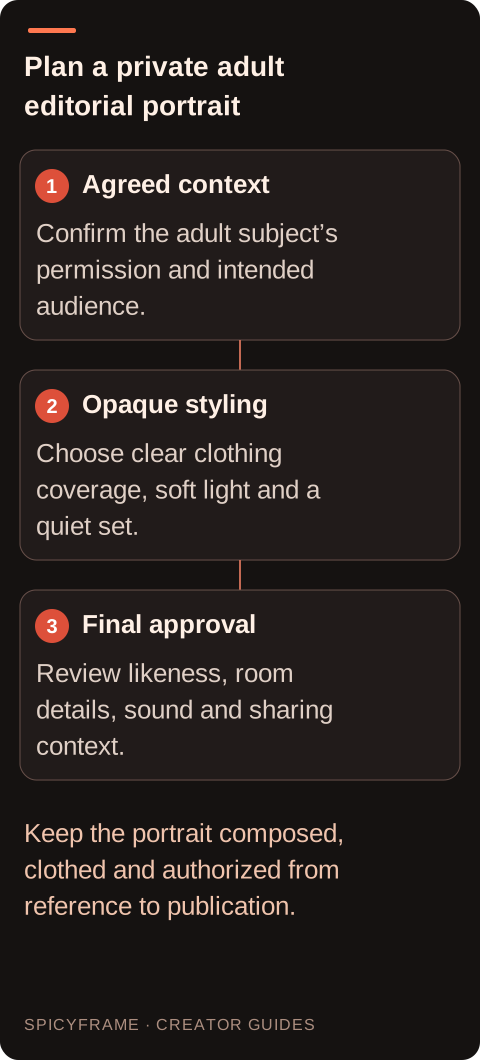
Use a quiet interior with a small number of shapes: a chair, a curtain, a plain wall, or a softly lit window. Keep the background free of private documents, family photographs, mirrors showing unintended areas, and identifying details that are unnecessary to the portrait. A simple set also reduces visual competition with the face and clothing. Position the adult subject in a composed seated or standing pose that looks comfortable without sexualized direction. Avoid arrangements that imply a sexual scene. Think about the frame as a conventional portrait: the background supports the person, and the person's posture supports the mood. If a real room is confidential, choose a fictional or neutral setting rather than uploading more private context than the image needs.
A broad, soft side light can create a calm portrait while leaving the opaque garment readable. Keep enough fill on the shadow side to distinguish sleeves, folds, and the face. Very dark shadows can merge clothing with the background, while strong highlights on satin can erase seams. Use the lighting guide to describe direction and softness instead of stacking vague terms such as luxurious or cinematic. If the subject moves, plan where the light should remain consistent. A window glow that changes position unpredictably can make the room and face feel unstable. Review the still at normal viewing size: you should understand the expression and garment without needing to zoom in or imagine details hidden in shadow.
If the still will become a video, leave enough space for a small head turn, a natural blink, or a gentle camera approach. Avoid tightly cropping a hand or sleeve that must move into view. A short composed action is usually enough to animate a quiet editorial portrait; there is no need to add a narrative of undressing or physical intimacy. The boudoir-inspired video guide provides related non-explicit context. Describe what should move and what should remain steady: the adult subject maintains the approved pose, the opaque garment stays unchanged, and the camera moves slightly. Treat these as creative directions rather than guarantees. The final video must be inspected for accidental changes in coverage, expression, room layout, and identity.
SpicyFrame processes authorized references through Seedance 2.5 via Segmind and outputs vertical 9:16 MP4 clips with ambient audio. It supports 5-, 10-, and 30-second durations at 480p, 720p, or 1080p, with up to 12 JPG, PNG, or WebP references under 10 MB each. Turning storage off prevents library and draft saving; generation still requires processing. Do not describe that setting as local generation or as proof that no system handles the portrait. Guest one-off purchases are available alongside optional weekly plans. For a private portrait, choose the smallest suitable reference set and download the approved result to your own appropriate storage. The service does not guarantee exact likeness or provide a timeline editor for further portrait retouching and assembly.
Before sharing, review the whole result with the subject or authorized decision-maker. Check that clothing remains opaque, facial features stay plausible, hands are natural, and the interior contains no unintended private details. Listen to the ambient audio; a quiet portrait should not acquire distracting or context-changing sound. Confirm the audience and caption again, especially if the work began as a private experiment. A completed render you dislike is not automatically a technical failure, so budget creative revisions accordingly; SpicyFrame provides refunds or credits for confirmed failures. Keep the approved version distinct from drafts and respect any limits on reuse. The strongest adult portrait workflow ends with a comfortable, clearly authorized presentation whose atmosphere comes from light and composition rather than exposure.
| Element | Planned choice | Final review |
|---|---|---|
| Permission | Agreed transformation and audience | Sharing matches the original agreement |
| Wardrobe | Opaque garment with fixed coverage | No transparency or changed construction |
| Interior | Quiet set without private details | No identifying or distracting additions |
| Lighting | Soft direction with readable fabric | Face and garment remain clear |
| Motion | One small composed action | Mood stays editorial and non-explicit |
No. It is a non-explicit adult portrait approach using opaque clothing and ordinary editorial composition. The atmosphere comes from soft light, a quiet interior, and a composed expression.
A fully closed robe, opaque blouse, tailored lounge set, or evening dress can provide a clear silhouette. Record fixed details such as sleeves, collar, belt, and color before animation.
A subject may permit a private portrait but not public advertising or broader distribution. Obtain authorization for the AI transformation and intended use, then revisit permission if that context changes.
A small head turn, natural blink, or gentle camera approach can be enough. Leave space in the source frame and avoid complex actions that change clothing coverage or the intended mood.
No. In SpicyFrame it prevents library and draft saving while generation still requires processing. Assess the actual data handling against the subject's privacy expectations before uploading.
Review the final face, opaque wardrobe, pose, room details, sound, caption, and audience. Keep approval tied to the specific finished version rather than assuming it covers every draft or reuse.