Can I turn an anime image into a video?
An image-to-video workflow can accept compatible illustrations, but the generated motion and style retention vary. Use artwork you own or may adapt and inspect the complete output.
SPICYFRAME · PRACTICAL GUIDES
Create an AI waifu video from an original adult anime character: prepare references, plan subtle motion and review face, linework and costume consistency.
5 seconds · 480p · $3.99. Pay per video, no subscription required.
Updated
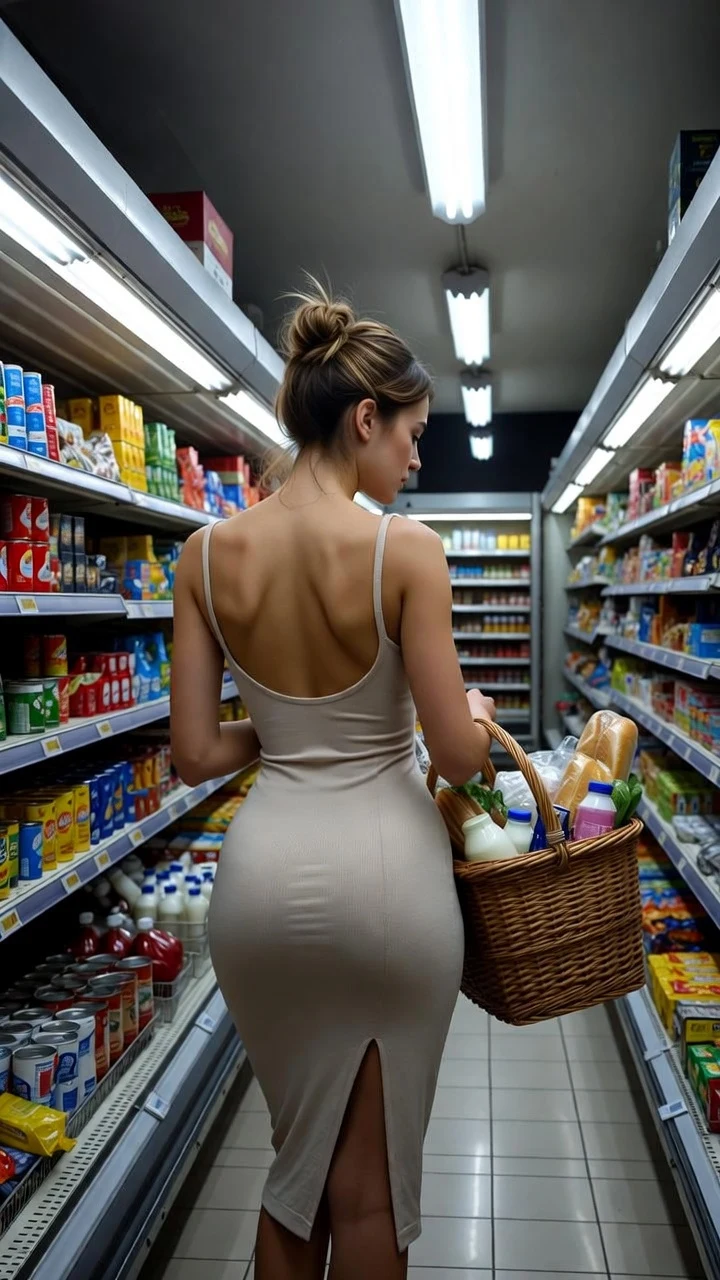
A public SpicyFrame example illustrating the guide. Results depend on the photo and prompt.
An AI waifu video is a short animation featuring a fictional anime-style character. In this guide, the character is an original, clearly adult woman in a fully clothed, non-explicit scene. The goal is to bring a portrait to life while keeping its recognizable face, linework, palette and costume. Start from artwork you own or are allowed to adapt, decide on a small movement and inspect the whole result before sharing it. A video generator can synthesize motion from an image, but it does not guarantee the control of a hand-built animation rig or frame-by-frame production. The examples below are original planning prompts, not paid generations we have tested. They are starting points for a creative brief, with no promise of exact identity or anime-style preservation.
A clear design is easier to assess than a crowded illustration with several overlapping faces and accessories. Use a reference that presents the character's age and adult appearance unambiguously. A coherent outfit, readable eye shape and distinct hair silhouette give you concrete features to track in the result. Keep the first scene visually simple: one character, one setting and a pose whose face is already visible. Avoid starting with a complicated hand gesture covering the mouth or an extreme angle that hides half the face. This is an editorial preparation method rather than a claim about a particular model's training. If the source art contains inconsistent fingers, broken costume details or mismatched eyes, correct those issues before generating movement. Animation can expose existing problems as the scene changes.
Match the composition to your intended delivery before adding motion. For a vertical portrait, leave a little room above the head and around the shoulders. Keep the character away from an edge if the planned action includes a turn or a gentle camera move. Preserve a clean original and make a separate cropped working copy. Do not stretch a wide illustration into a tall frame: that changes proportions before generation begins. Use a single illustration rather than a contact sheet unless the tool specifically expects a sheet. In SpicyFrame, the current supported reference formats are JPG, PNG and WEBP, up to 10 MB each. The studio accepts up to 12 images, but that maximum is not a recommendation to use every slot. One strong reference is a reasonable starting point for a simple portrait.
Write down what should move, what should remain visually consistent and how the shot should be framed. For a restrained portrait, a blink and a slight head movement may be enough. Treat a walk, a full-body turn and an orbiting camera as different creative problems rather than asking for all of them at once. Runway's Gen-4 prompting guide recommends simple, motion-focused instructions for its own model. That is a useful reference for writing a clear brief, not proof that the same wording produces identical behavior in every generator. Our suggested workflow is to define one primary movement, review the result and add complexity only when it serves the scene. Keep the character description consistent with the actual input instead of asking the text to redesign the artwork.
Portrait greeting: an original adult anime woman in a tailored coat gives a small nod and a relaxed smile in a quiet café; the camera stays at eye level and the existing illustration palette remains the visual reference. Evening fashion: an original adult character in a long evening dress turns slightly toward a window; soft city light provides the background while the shot remains a medium portrait. Fantasy introduction: an original adult traveler in a practical cloak pauses at a garden gate as a breeze moves the cloak edge; the shot stays wide enough to show the silhouette. These are alternative briefs, not steps to combine in one generation. Choose the one your input already supports. None requires nudity, explicit activity, a real person's likeness or a copyrighted franchise character.
Anime-style consistency includes more than recognizing the person. Compare the outline around the jaw and hair, the thickness of prominent lines and the way flat color areas are shaded. A clip may preserve the pose while introducing a photographic skin texture or changing a cel-shaded costume into a glossy surface. Decide whether those changes fit your intended style before keeping it. Inspect a frame near the start, a frame around the middle and a frame near the end, then watch the sequence at normal speed. The still frames help identify design changes; playback reveals flicker and unstable edges. Keep your review notes specific, such as a changing collar shape or a disappearing hair accessory. That makes a later revision more actionable than describing the whole clip as simply wrong.
A second image can be useful if it clearly shows the same original adult character in a consistent design. It can also create ambiguity if the eye color, haircut or outfit differs. Before uploading several references, compare them manually and decide what each one contributes. Do not assume the video tool will understand a hierarchy that its interface does not explicitly provide. A front view and a modest three-quarter view are easier to describe as a coherent set than a mix of unrelated styles and costumes. Keep a short design sheet outside the generator with the features you want to preserve, then use it to review results. Read multiple reference images for broader preparation advice. More reference files do not guarantee better consistency, and they are not a substitute for a clear main illustration. For a realistic rather than anime character, the AI girlfriend video generator uses the same reference logic.
Use the shortest clip that communicates the intended moment. A greeting portrait can work as a single short beat, while an introduction with a deliberate pause may need more time. In SpicyFrame, the current choices are 5, 10 and 30 seconds, with vertical 9:16 MP4 output at 480p, 720p or 1080p and native ambient audio. A five-second 480p single video is currently $3.99; check the studio quote before purchase. Higher resolution is not a guarantee that the design will remain consistent, and a longer clip is not automatically a better animation. Plan how you will evaluate the face and linework before spending on additional versions. If your delivery requires a transparent background, a layered animation file or an editable character rig, this MP4 workflow does not provide those assets.
When the face drifts, compare the reference set for conflicting features and simplify the requested turn. When the costume changes, check whether the source itself makes its structure clear. When the character barely moves, make the desired action more concrete instead of adding a long list of mood words. These are hypotheses to test, not guaranteed fixes. Keep the same input while changing one part of the brief so you can interpret the next result. Record which version you used and why you kept or rejected it. Stop when the remaining issue would be better solved by correcting the artwork or using a manual editor. Repeated generation without a specific revision can consume a budget without answering what is causing the problem. Our face-consistency guide provides a more detailed review framework.
Before sharing, review the complete image and sound track, check the crop at the destination and keep a copy of the approved reference. Use accurate language about AI generation and do not present a fictional character as a real person. Confirm that you have permission for the artwork, character design and any audio you add in editing. For this guide's adult-character workflow, exclude youthful or age-ambiguous designs; an age label in a prompt does not resolve a visibly childlike depiction. If your reference and brief are ready, the studio provides a short-video workflow to evaluate. Treat the first result as a creative output to inspect, not an automatically publishable asset. The useful goal is a coherent, non-explicit character moment with deliberate framing and recognizable design.
| Check | Look for | Revision to consider |
|---|---|---|
| Face | Stable eye spacing, jaw and expression | Simpler turn; clearer main reference |
| Linework | Consistent outlines during motion | Simpler scene; clearer illustration |
| Shading | Palette and surface style match the brief | State the intended illustration style clearly |
| Costume | Collar, sleeves and accessories stay coherent | Remove contradictory costume references |
| Framing | Head and planned movement fit the frame | Recrop the working reference with more room |
| Delivery | Complete clip and audio fit the destination | Trim or edit an approved output as needed |
An image-to-video workflow can accept compatible illustrations, but the generated motion and style retention vary. Use artwork you own or may adapt and inspect the complete output.
No. A character video is a rendered visual scene. It does not provide conversation memory, interactive replies or a companion relationship interface.
Not necessarily. Start with one clear illustration. Add references only when they show the same adult character consistently and clarify something the main image cannot show.
There is no exact-style guarantee. Review linework, shading, face and costume over time. This article does not claim a tested anime-specific success rate.
No. They are original editorial scene briefs for fully clothed adult fictional characters. They illustrate how to plan a shot and are not presented as verified generation results.
Do not assume that recognizing or downloading a character gives you reuse rights. An original character or properly licensed artwork is the appropriate starting point for this workflow.
The current SpicyFrame output is a vertical MP4 video. It is not a layered animation project, transparent sprite sequence or editable character rig.
External pages, opened in a new tab. Rankings reflect the time of writing.