Does Perchance make AI video?
Yes. Perchance hosts a text-to-video generator page that, as of October 2026, is described as producing short, silent clips of a few seconds. Check the page for its current limits.
SPICYFRAME · PRACTICAL GUIDES
Perchance AI video explained: what Perchance is, whether it makes video (as of October 2026), the NSFW question, and how to animate an image on SpicyFrame.
5 seconds · 480p · $3.99. Pay per video, no subscription required.
Updated
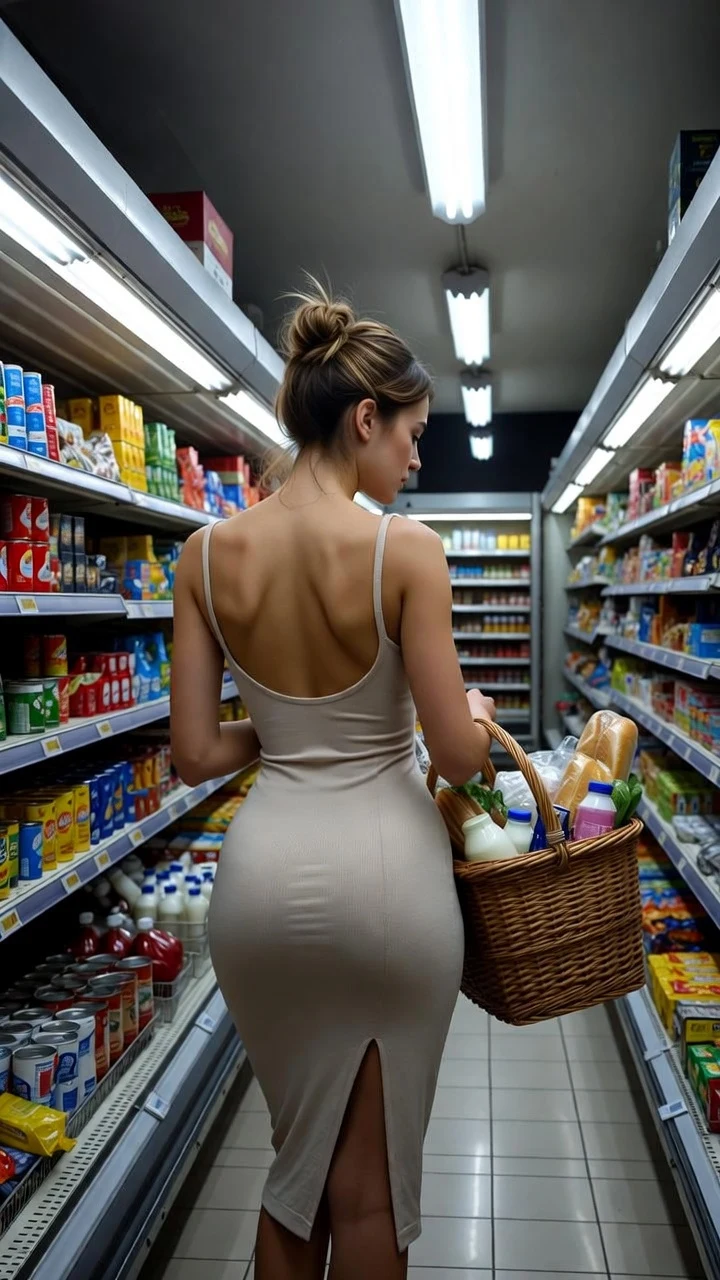
A public SpicyFrame example illustrating the guide. Results depend on the photo and prompt.
Perchance AI video is a real but very small feature: Perchance, a community site best known for random-text and AI image generators, now hosts a text-to-video generator page that produces short clips in the browser. As of October 2026, descriptions of it say the clips are a few seconds long, silent and low-resolution, and the tool is aimed at quick experiments rather than finished work. If you already have an image you made, for example in a Perchance image generator, and want a longer vertical clip with sound, you can animate that image on SpicyFrame instead. SpicyFrame is an independent 18+ studio, not affiliated with Perchance, and it makes suggestive glamour clips of adults, never explicit content.
Perchance (perchance.org) is a community platform where users build and publish their own generators. It began with text-based random generators, such as names, story prompts and character sheets, and later became popular for AI text-to-image pages that need no account. Each generator is a separate page written by a different community member, so the interface, the model behind it and the content settings can differ from one page to the next, and an author can change them at any time. The site is ad-supported and works as a collection of tools rather than one product. None of this is a quality judgment; it simply explains why two Perchance generators can behave very differently.
Yes, in a limited way. Perchance publishes a page called AI Text-to-Video, and the site lists related generator pages made by community authors. The descriptions available as of October 2026 agree on the broad picture: you type a prompt, the page produces a short clip of roughly two to four seconds, and you download it. Reviews report no sound, little control over aspect ratio or resolution, and visible artifacts on faces and hands. Details such as sign-in rules, daily limits and the model in use are not consistently documented and may change, so read the page itself before you rely on any of them. Text-to-video also starts from words alone, so it cannot keep the look of an image you already like, which is the main difference from image-to-video.
Searches for Perchance NSFW exist because some community image generators on the platform expose an adult-content switch, usually behind an 18+ confirmation, while other pages keep a filter on. Because every generator is community-made, there is no single Perchance rule that applies everywhere, and the site is often blocked on school and workplace networks for that reason. If you use any such page, you are responsible for the content you make and for having the right to use any real person’s likeness. SpicyFrame works differently and says so plainly: it is an NSFW-style studio. It renders lingerie, bikini, boudoir, dance and glamour scenes of consenting adults, and it does not offer explicit sexual content under any prompt or setting. If explicit output is what you need, SpicyFrame is not the right tool.
The workflow takes about five minutes. First, pick your image: an AI picture you generated yourself, or a photo of yourself or of a consenting adult. Save it as JPG, PNG or WEBP under 10 MB, and prefer a sharp, well-lit frame with a clear subject and some space around them. Second, open the SpicyFrame studio and add it as a reference; you can add up to 12 references and name them @Image 1, @Image 2 and so on. Third, write one short prompt with a single action, a camera move and a mood. Fourth, choose 5, 10 or 30 seconds and Medium 480p, High 720p or Ultra High 1080p. Fifth, create the video and download the vertical 9:16 MP4, which includes ambient audio. You can pay for a single video without a subscription, and a guest link stays available for 24 hours.
Copy these and replace the outfit and setting with your own. 1. “@Image 1 in a black satin slip dress leans on a balcony rail, city lights behind, slow push-in, soft smile, distant traffic.” 2. “@Image 1 in a red bikini walks along the shoreline at golden hour, gentle tracking shot, waves and wind.” 3. “@Image 1 in a lace bodysuit turns toward the window, morning light through sheer curtains, very slow orbit.” 4. “@Image 1 dances slowly under violet neon, camera drifts left, low club bass.” 5. “@Image 1 in a silk robe lifts a glass of champagne and glances at the camera, candlelight, shallow depth of field.” 6. “@Image 1 pushes back wet hair beside a pool, slow motion, sparkling reflections.” Keep each prompt to one action; a calm gesture such as a glance or a turn usually survives best.
Image-to-video keeps the face, outfit and style of your reference far more closely than text-to-video can, because the model starts from your frame. SpicyFrame uses Seedance 2.5 from ByteDance, 2nd on LMArena image-to-video at the time of writing. No model guarantees an exact likeness, so check the first, middle and last frames. Stylized, painted or anime-like images can drift toward a more photographic look, so say what you want kept in the prompt. Watermarks, heavy filters, text overlays and group shots usually hurt the result. If your image shows a real, identifiable person, that person must be an adult who has agreed to the AI transformation and its suggestive context; owning the file does not establish consent.
Prices are shown before you create. Medium 480p costs $3.99 for 5 seconds, $4.99 for 10 seconds and $11.99 for 30 seconds. High 720p costs $4.99, $8.99 and $24.99. Ultra High 1080p costs $11.99, $23.99 or $70.99. A five-second Medium test is the cheapest way to check that an image animates well before you pay for a longer or sharper version. You can top up piments at 100 piments per dollar or choose an optional weekly plan that gives 25% more piments for the same money. Confirmed failures restore piments or refund a single-video payment. SpicyFrame is a paid studio, so compare the price, length and output format against what your project actually needs.
Choose by what you start from. If you only have an idea in words and want a quick, rough, short test, a text-to-video page such as Perchance’s is a reasonable place to experiment, and its own page lists the current terms. If you already have a picture you like and want that exact look to move, with a vertical frame, a clip of up to 30 seconds and ambient sound, image-to-video is the better fit, and that is what SpicyFrame does. Many people use both: draft ideas as stills in a community image generator, pick the best one, then animate it. Whichever tool you use, read its terms for commercial use, keep your own copies of files, and only upload faces you are entitled to use.
Explicit close-ups are not offered, and prompts for nudity or sexual acts are against the terms. Anything involving minors or anyone who could look underage is forbidden, and a prompt whose words point to a minor is refused. Celebrities, public figures, impersonation and images of real people who did not agree are not allowed, and the studio is never a tool to undress or face-swap anyone. These rules come from the SpicyFrame terms, and the generation provider also applies baseline safety checks that can refuse a prompt. If a prompt is refused, replace body descriptions with clothing, light and a simple gesture, then try again with a five-second test. You must be 18 or older to use SpicyFrame.
| Point | Perchance AI video page | SpicyFrame |
|---|---|---|
| Input | Text prompt | Your image(s) plus a prompt, or a prompt alone |
| Typical clip length | A few seconds, per public descriptions | 5, 10 or 30 seconds in one pass |
| Format | Varies; no 9:16 control reported | Vertical 9:16 MP4 |
| Sound | Reported silent | Native ambient audio |
| Adult content | Depends on each community page | NSFW-style only; explicit content not offered |
| Price | Described as no-cost on its page; terms can change | From $3.99, shown before you create |
Yes. Perchance hosts a text-to-video generator page that, as of October 2026, is described as producing short, silent clips of a few seconds. Check the page for its current limits.
It depends on the individual community generator. Some image pages offer an adult-content option behind an 18+ confirmation, others keep a filter on, and the settings can change.
No. SpicyFrame is an independent studio and is not affiliated with Perchance. It turns your images into vertical videos with Seedance 2.5.
Yes, if you have the right to use the image. Save it as JPG, PNG or WEBP under 10 MB and add it as a reference. Only adults, either fictional or consenting, may appear.
No. It makes glamour, lingerie-style, bikini, boudoir and dance clips. Explicit sexual content is not offered, and prompts for nudity are against the terms.
5, 10 or 30 seconds in one pass, as a vertical 9:16 MP4 with ambient audio.
From $3.99 for five seconds in Medium 480p up to $70.99 for 30 seconds in Ultra High 1080p. The price is shown before you create.
No. You can pay for a single video without a subscription; guest videos use a temporary link available for 24 hours after completion.
External pages, opened in a new tab. Rankings reflect the time of writing.