What is the best AI couple video generator?
The best one is the tool that fits your need and respects consent. SpicyFrame makes romantic, non-explicit clips of two consenting adults from your photos, from $3.99 for five seconds.
SPICYFRAME · PRACTICAL GUIDES
An AI couple video generator for romantic clips of two consenting adults: anniversary, dance, hand-holding, hugs. @Image 1 + @Image 2 prompts, from $3.99.
5 seconds · 480p · $3.99. Pay per video, no subscription required.
Updated
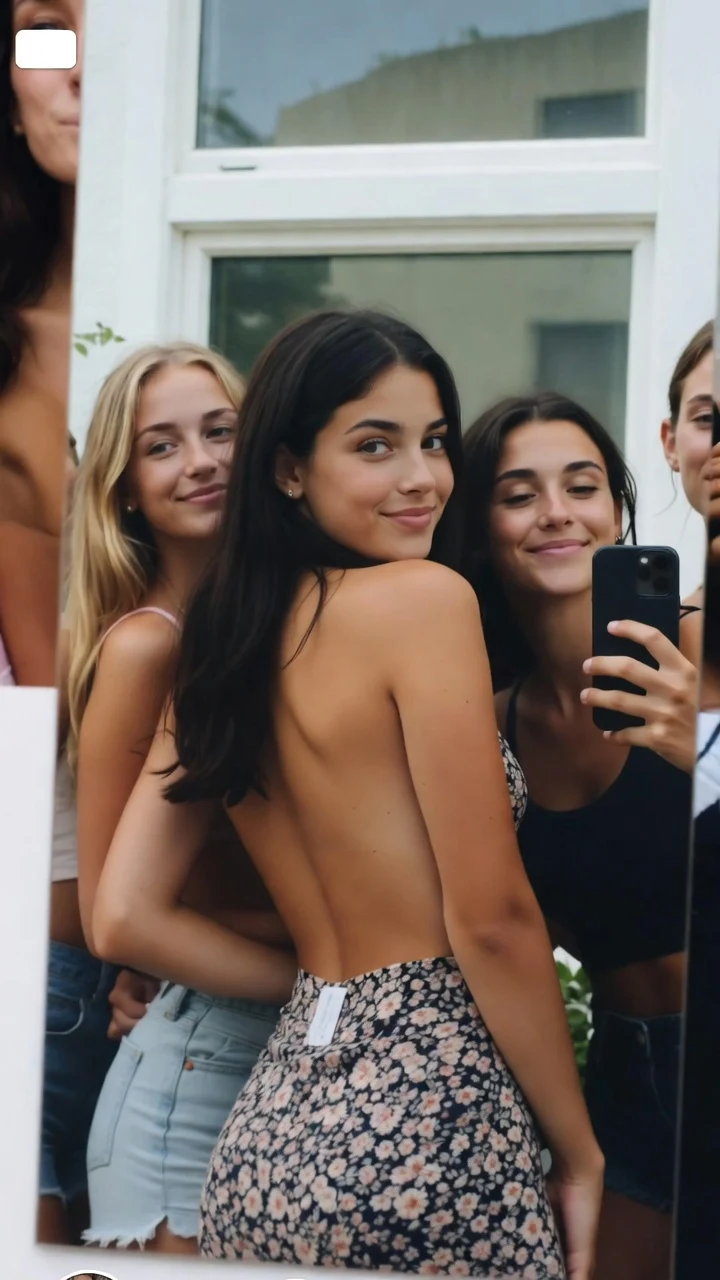
A public SpicyFrame example illustrating the guide. Results depend on the photo and prompt.
An AI couple video generator turns photos of two people into a short romantic clip: an anniversary teaser, a slow dance, two hands intertwining on a café table, a long hug on a platform. On SpicyFrame you upload a couple photo or one photo of each person, describe one gentle moment, and Seedance 2.5 renders a 5, 10 or 30-second vertical MP4 with native ambient audio, from $3.99. SpicyFrame is an 18+ studio, and the rule for couple videos is simple: both people must be consenting adults, and the photos must be ones you are entitled to use.
An AI romantic video shows real intimacy between two people, so consent is the first step, not a footnote. Both people must be 18 or older and must have agreed to this specific AI transformation of their image. Good examples: you and your partner, a couple animating their own engagement photo, two friends acting in a short film who agreed in advance, or two fictional adult characters you created. Not allowed: an ex, a crush, a coworker, a stranger, an influencer or a celebrity, and anyone under 18 or who looks underage. Finding a photo on a public profile or owning the file is not consent. Before every generation you declare that any identifiable real person is an adult who agreed; that declaration is recorded and the responsibility is yours.
The best couple clips are shared moments both people would happily watch together. Anniversary: your favourite photo from the year, brought to life as a keepsake. Wedding or engagement teaser: a first look, a laugh at the reception, a slow turn on the dance floor. Long-distance love: a short clip built from a photo of the two of you, for a partner who knows about it. Travel memory: a couple on a pier, a rooftop or a mountain path at golden hour. Save-the-date loop: a few seconds of the two of you smiling, ready for an invitation or a slideshow. Valentine’s Day or birthday surprise: a short clip that you both agreed to make. If you would hesitate to show the clip to the person in it, do not make it.
A single photo of the couple together is the most reliable input, because the model already sees how both faces, heights and lighting relate. Two separate portraits also work, named @Image 1 and @Image 2 in your prompt, but the model must invent how the two people stand together, so plan on a retry or two. Match the portraits: similar light direction, similar distance from the camera and similar quality. You can add a third reference for the place, such as a beach, a balcony or a candlelit room. SpicyFrame accepts up to 12 JPG, PNG or WEBP references under 10 MB each, but for a couple scene two to four well-chosen images are plenty. You can also generate from a prompt alone, for example for two fictional adult characters.
Give each person a role, then write one action, one camera move and one light. Template: “@Image 1 is the woman on the left, @Image 2 is the man on the right. They [one gentle action] in [place], [camera move], [light], [sound]. Keep both faces unchanged.” State who is on the left and who is on the right so the model does not swap them, and name each person only once. Short, single-beat actions render more cleanly than a list of events. The @Image numbers follow the order of your uploads, so check the thumbnails before you pay. The same method works for two women, two men or any pair of adults who agreed to appear together.
1. Anniversary: “@Image 1 and @Image 2 sit at a candlelit restaurant table, he reaches across and takes her hand, they smile at each other, slow push-in, warm light, soft cutlery sounds.” 2. Slow dance: “@Image 1 and @Image 2 slow dance in a living room, her head on his shoulder, gentle sway, locked medium shot, string lights, soft music.” 3. Hand-holding: “The couple in @Image 1 walk along a beach holding hands, waves at their feet, slow side track, golden hour.” 4. Hug: “@Image 1 and @Image 2 meet on a station platform and hug, he lifts her a little, both laugh, handheld feel, platform announcements.” 5. Forehead touch: “@Image 1 and @Image 2 rest foreheads together on a balcony, eyes closed, slow orbit, city lights.” 6. Walk in the rain: “@Image 1 and @Image 2 share an umbrella, laughing, slow push-in, rain ambience.” 7. Picnic: “@Image 1 feeds @Image 2 a strawberry on a blanket in a sunny park, both laugh, slow push-in, birdsong.”
This guide focuses on romance that is not a kiss: dances, hands, hugs, glances and walks. If you want a gentle kiss scene, the AI kissing video generator guide covers it, with consent rules and prompts tuned for that moment. For a dedicated hug clip, see the AI hug video guide. All of them use the same method: a clear role for each person, a single slow action and a calm camera.
SpicyFrame produces romantic and NSFW-style aesthetics, never explicit content. Its terms rule out nudity, sexual acts and explicit material, content involving minors or anyone who looks underage, non-consensual or deceptive imagery of real people, celebrities and impersonation. It does not undress anyone or swap faces onto other bodies. The provider’s safety checks apply to every request, so a prompt can be refused even if it looks harmless to you. Confirmed provider failures restore your piments, and a single-video payment is refunded. Romantic is the brief; keep the focus on light, setting and emotion.
If the two faces blend, use sharper, front or three-quarter portraits, remove references of other people and add “keep both faces unchanged”. If the two people swap sides, state left and right explicitly. If a hug or dance looks stiff, slow the action down with words like “slowly”, “gently” and “a brief moment”. If bodies look out of proportion, switch to a couple photo instead of two separate portraits. Avoid extreme close-ups, which make any blending more visible; a medium shot with a slow orbit or push-in is the safest choice. Exact likeness is never guaranteed, so review the whole clip before you share it.
Start with five seconds in Medium 480p at $3.99: it is enough for a glance, a hand-hold or a hug, and it is the cheapest way to test whether two references work together. Ten seconds ($4.99) fits a small story, such as meeting, hugging and laughing. Thirty seconds ($11.99) is rendered in one pass and suits a longer walk or dance. High 720p costs $4.99, $8.99 or $24.99. Ultra High 1080p costs $11.99, $23.99 or $70.99. Pay for one video as a guest, or top up piments at 100 per dollar; optional weekly plans give 25% more piments for the money. Turn storage off before uploading and nothing new is saved; guest videos expire 24 hours after completion. Share the clip only with the agreement of both people in it.
| Idea | Best input | Duration | Prompt focus |
|---|---|---|---|
| Anniversary keepsake | Couple photo | 5–10 s | Held hands, smiles, warm light |
| Slow dance | Couple photo or two portraits | 10–30 s | Gentle sway, locked medium shot |
| Hand-holding walk | Couple photo plus place photo | 10 s | Side track, golden hour |
| Reunion hug | Couple photo | 5–10 s | Handheld feel, laughter |
| Wedding or engagement teaser | Couple photo | 10 s | Slow turn, string lights |
| Fictional adult couple | Two generated portraits | 5–30 s | Clear left and right roles |
The best one is the tool that fits your need and respects consent. SpicyFrame makes romantic, non-explicit clips of two consenting adults from your photos, from $3.99 for five seconds.
Yes, if you are both adults and both agree to the AI transformation. Use your own photos and share the result only with each other’s agreement.
No. Both people must have agreed. Impersonating real people, including celebrities and influencers, is not allowed.
One photo of the couple together is most reliable. Two portraits work with @Image 1 and @Image 2 but may need more retries.
Yes, gentle and non-explicit. See the AI kissing video generator guide for consent rules and prompts.
The model mixes traits when references conflict. Use sharp portraits, state who is on the left and right and add “keep both faces unchanged”.
From $3.99 for five seconds in Medium 480p up to $70.99 for 30 seconds in Ultra High 1080p. The price is shown before you pay.
No. SpicyFrame does not produce explicit content; couple clips stay romantic and tasteful.