Does Fanvue allow AI content?
Yes. Fanvue allows AI-generated content, including fully AI-generated creators, as long as it is clearly disclosed and follows its rules on real people and minors.
SPICYFRAME · PRACTICAL GUIDES
Fanvue AI video for creators: make non-explicit teaser clips on SpicyFrame, follow Fanvue and OnlyFans AI disclosure rules, get consent, check the prices.
5 seconds · 480p · $3.99. Pay per video, no subscription required.
Updated
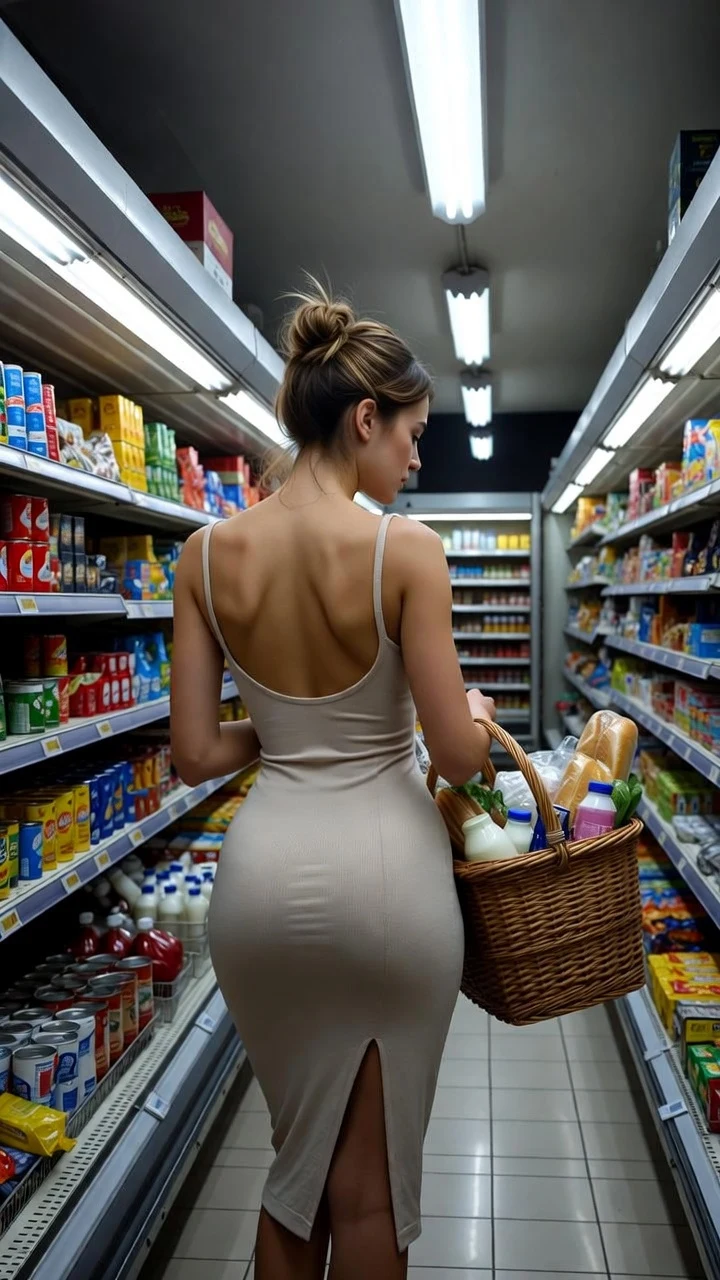
A public SpicyFrame example illustrating the guide. Results depend on the photo and prompt.
Fanvue AI video means using AI tools to create clips for a Fanvue creator page, and Fanvue explicitly allows AI-generated content as long as it is clearly disclosed and never depicts a real person other than the account owner without verification. For teasers, SpicyFrame turns your approved photos, or images of an AI persona you created, into non-explicit vertical 9:16 clips of 5, 10 or 30 seconds with native ambient sound, rendered with Seedance 2.5, from $3.99. It does not post to Fanvue, chat with fans or produce explicit content. Platform rules change, so read the live policies linked at the end of this page before you publish.
According to Fanvue’s Community Guidelines and Help Centre, read on October 7, 2026: all AI-generated media must carry a clear and prominent disclosure, and accepted methods include a watermark, a caption, an accompanying message or a statement in the bio. AI media must not be misleading or used to impersonate real individuals other than the account owner. Deepfaked or AI-replicated media of a real person needs documented consent and identity verification of that person, and Fanvue asks creators to verify the real model behind face-swapped content. AI-generated individuals must not resemble minors, and Fanvue states that prompt text or disclaimers do not overcome a visual resemblance. Failing to disclose can lead to content removal or account suspension.
OnlyFans AI content is allowed under conditions. The OnlyFans Terms of Service, in the version captured on May 5, 2026, say AI-generated content must comply with the Terms and be clearly and conspicuously captioned as AI-generated, with a signifier such as #ai or #AIGenerated. OnlyFans creator accounts are built around a verified creator, and anyone else appearing in content must have consented. Read the current Terms and Acceptable Use Policy before posting, because wording and enforcement can change. Our guide to AI video for OnlyFans creators covers the OnlyFans workflow in depth.
Use only images you own or are entitled to use. If the clip shows you, you are the consenting adult. If it shows anyone else, such as a collaborator, a model or another creator, you need their explicit agreement to this AI transformation and to its commercial use on a subscription platform; owning the photo is not consent. Never animate a fan, an ex, a celebrity or anyone who looks under 18. On SpicyFrame you confirm your rights before each generation, and that declaration does not verify another person’s consent for you. Keep written releases with your source files.
Teasers work best when they promise personality and style, not explicit content. Profile intro: a direct look, a small turn and a slow push-in. Outfit reveal: a controlled walk in a new look, lingerie-style or swimwear, with editorial light. Lifestyle: a rooftop, a beach, a hotel corridor or a café with natural ambience. Mood: candlelight, red neon or golden hour. Each format fits in five or ten seconds, which is enough for a feed-stopping gesture. Keep anything on public profile surfaces, such as the profile picture, banner or intro video, clearly safe for a general audience, and check Fanvue’s current rules for those surfaces.
1. “@Image 1 turns from the window toward the camera and smiles, slow push-in, soft morning light, quiet room tone, keep face unchanged.” 2. “@Image 1 in the outfit from @Image 2 walks down a hotel corridor and glances back, steady tracking shot, warm wall lights, soft footsteps.” 3. “@Image 1 in a black swimsuit sits on the pool edge and pushes her sunglasses up, locked camera, sparkling water, distant splashes.” 4. “@Image 1 leans on a rooftop rail at night, city lights behind, wind in the hair, slow side track, distant traffic.” 5. “@Image 1 in a silk robe sits on a velvet armchair, playful look, very slow push-in, candlelight, soft lounge music.” 6. “@Image 1 waves at the camera on a sunny beach, gentle orbit, waves and gulls.” Then add “#AIGenerated” or your platform’s required label in the caption.
Upload one photo or up to 12 JPG, PNG or WEBP references under 10 MB each and name them @Image 1, @Image 2 and so on: one for the face, one for the outfit, one for the place. Choose 5, 10 or 30 seconds and Medium 480p, High 720p or Ultra High 1080p. Before uploading you can turn off storage so no new files are saved to My studio or the browser draft; guest videos use a link available for 24 hours after completion. Review the whole clip for face, hands, tattoos and outfit details, then download the MP4, add your disclosure and upload it to Fanvue or OnlyFans yourself.
Pick one goal for the week, such as a new outfit set or a travel theme. Select one or two approved photos and note the details that must not change: face, hair, tattoos, jewelry. Write one prompt per teaser with one action and one camera move. Render five seconds in Medium, check every frame, and change only one variable if a revision is needed. Render the approved teasers in High 720p. In an editor, add captions, branding or licensed music if you want them. Apply the AI disclosure on each post, in the caption or as a watermark, and keep a bio statement too. Archive the source photos, prompts, consent records and final files together, and compare subscriber growth against the full cost of the week.
Both platforms allow AI content under conditions, and both put the responsibility on the creator. Fanvue openly accepts fully AI-generated creators with clear disclosure and has written rules for AI personas, face swaps and resemblance to minors. OnlyFans asks for an AI signifier such as #ai or #AIGenerated in the caption and is organised around a verified creator. If you run a fictional AI persona, read Fanvue’s rules on AI-generated models first. If you are a real creator using AI teasers of yourself, either platform’s disclosure rule applies to each post.
Prices are shown before you pay. Medium 480p costs $3.99 for 5 seconds, $4.99 for 10 and $11.99 for 30. High 720p costs $4.99, $8.99 and $24.99. Ultra High 1080p costs $11.99, $23.99 or $70.99. You can pay per video without an account or subscription, or top up piments at 100 per dollar. Optional weekly plans give 25% more piments for the same money: Starter at $9.99 for 1,249 piments, Creator at $19.99 for 2,499 and Studio at $39.99 for 4,999, cancellable before each weekly renewal. For a weekly posting rhythm, test new concepts in Medium for five seconds and render only approved teasers in High 720p.
SpicyFrame is an 18+ studio for glamour, lingerie-style, swimwear, boudoir and NSFW-style aesthetics, and it never produces explicit sexual content. It does not connect to Fanvue or OnlyFans accounts, schedule posts, write messages, manage subscribers, clone voices or lip-sync a script. It cannot verify your account, tag a collaborator or guarantee a post will be accepted. The provider’s safety checks apply to every request. Exact likeness is never guaranteed, so a clip that does not clearly look like the verified creator should not be posted as them.
| Topic | Fanvue | OnlyFans |
|---|---|---|
| AI content allowed | Yes, including fully AI-generated content | Yes, if it complies with the Terms |
| Disclosure | Clear and prominent: watermark, caption, message or bio | Caption with a signifier such as #ai or #AIGenerated |
| Real people | No real person other than the account owner without documented consent and verification | Verified creator; others in content must have consented |
| Minors | AI people must not resemble minors | Prohibited |
| Where SpicyFrame fits | Non-explicit teaser clips, uploaded by you | Non-explicit teaser clips, uploaded by you |
Yes. Fanvue allows AI-generated content, including fully AI-generated creators, as long as it is clearly disclosed and follows its rules on real people and minors.
Fanvue accepts a clear and prominent disclosure such as a watermark, a caption, an accompanying message or a bio statement. Labelling each AI post is the safest habit.
Yes, under conditions. Its Terms require AI-generated content to be clearly captioned with a signifier such as #ai or #AIGenerated and to comply with all other rules.
Only with that adult’s explicit consent to the AI transformation and its commercial use. Fanvue also requires documented consent and identity verification.
No. SpicyFrame makes non-explicit teaser clips: glamour, lingerie-style, swimwear and NSFW-style moods of consenting adults.
No. You download the MP4, add the required AI label and upload it yourself.
From $3.99 for five seconds in Medium 480p up to $70.99 for 30 seconds in Ultra High 1080p, with no subscription required.
Fanvue allows AI-generated creators with clear disclosure, a verified human behind the account and no resemblance to minors. Check its current AI-model rules first.
External pages, opened in a new tab. Rankings reflect the time of writing.