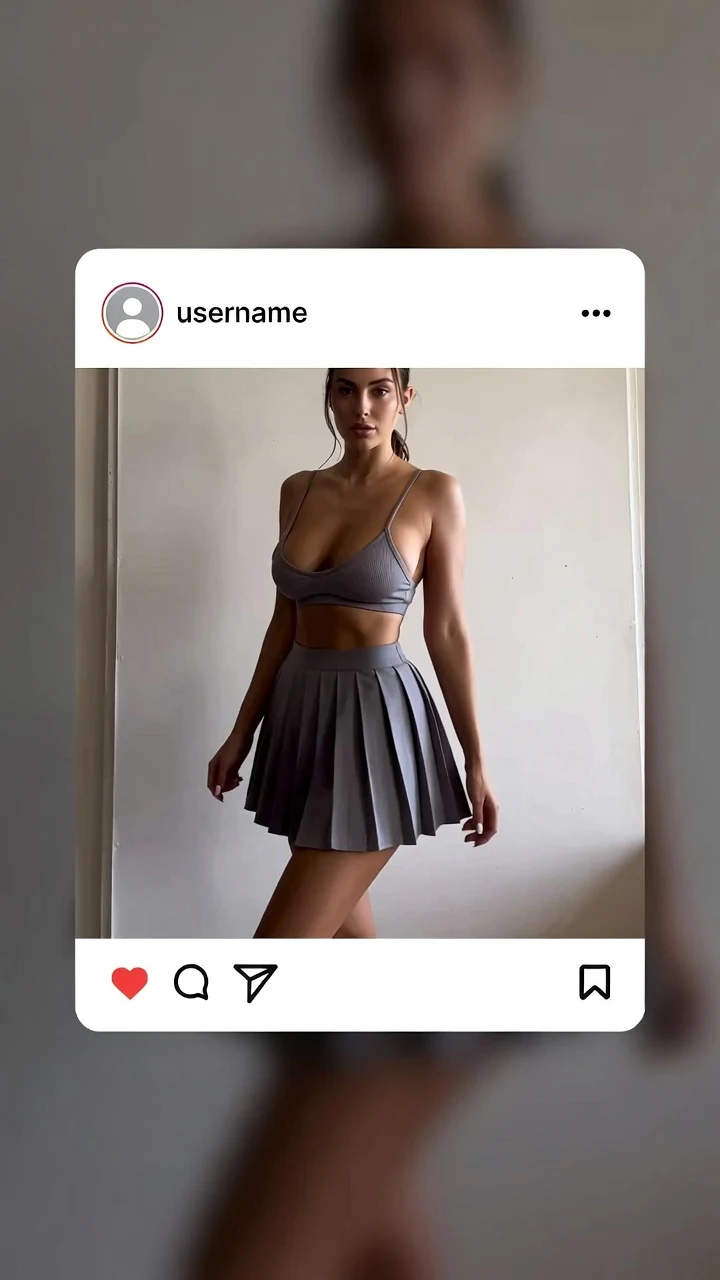
SpicyFrame is an AI influencer video generator for turning approved character or adult creator photos into 5, 10 or 30-second vertical scenes with native audio. It suits fashion, lifestyle and glamour motion clips, but it does not create a saved influencer identity, scripted talking avatar, voice clone or complete social campaign.
Decide which kind of AI influencer tool you need
The phrase “AI influencer generator” now describes four different products. Character builders create a new recurring persona and generate still images. Talking-avatar platforms turn a script or voice recording into presenter video. UGC-ad builders assemble hooks, product shots, captions and calls to action. Image-to-video generators animate an existing approved image into a new scene. SpicyFrame belongs to the fourth category. It is useful when you already have the character artwork, campaign photo or creator portrait and want a short cinematic vertical clip. It is not a substitute for identity training, lip-sync dialogue, editing, scheduling or campaign analytics. Start by naming the output you actually need, because comparing monthly prices across these categories hides more than it reveals.
Use a fictional character or a consenting adult
For a virtual influencer, the cleanest foundation is a character you created or commissioned with documented commercial rights. Keep the character visibly adult and record who owns the design, source images and derivative-video rights. If the references show a real identifiable person, that person must be 18 or older and must have agreed to the AI transformation and intended use. A public photo is not automatic permission to animate someone, copy a creator’s persona or place them in an endorsement. SpicyFrame requires users to confirm rights and consent before generation, blocks explicit content and does not allow misleading or non-consensual use. Never imitate a celebrity, competitor or deceased person to attract attention; disclosure cannot cure missing consent or deceptive impersonation.
Build a reference set that protects identity
An AI influencer only feels recognizable when the face, hair, wardrobe, proportions and visual tone remain stable. SpicyFrame accepts one to 12 JPG, PNG or WEBP images under 10 MB each, but more references are not automatically better. Start with a sharp hero portrait, then add a second angle, an approved full-body view and one wardrobe or location reference only when needed. Use the same character version, hair color, styling and age presentation across the set. Conflicting outfits or near-duplicate low-quality images create ambiguity. In the prompt, assign each source a job: “@Image 1 for face and hair, @Image 2 for outfit, @Image 3 for rooftop setting.” Keep a dated character sheet outside the generator so every campaign starts from the same approved visual rules.
Choose motion that reads naturally in a social feed
The strongest influencer clips use one action that can be understood without sound in the first second. Try a slow turn toward camera, a confident walk, lifting sunglasses, adjusting a jacket, looking over the shoulder or pausing beside a product. Add one camera instruction such as slow push-in, side tracking shot, gentle orbit or locked tripod. Then specify light and mood. A useful prompt is: “@Image 1 walks slowly across the rooftop, @Image 2 for the exact outfit, warm sunset backlight, gentle side tracking shot, natural hair movement, relaxed confident smile, preserve face and clothing.” Avoid asking for five poses, a location change and dialogue in one short scene. Complexity usually creates discontinuity rather than more usable content.
Use 5, 10 and 30 seconds for different jobs
Five seconds is the best first purchase for testing identity, styling and a single feed-stopping gesture. It can become a loop, Story opener or visual hook. Ten seconds gives an action enough time to establish and settle, making it useful for a Reel insert, product reveal or mood clip. Thirty seconds supports a slower continuous scene, but it also asks the model to maintain the face, outfit and background over many more frames. SpicyFrame generates a native single scene rather than assembling an edited sequence. For a multi-location post, create separate approved shots and edit them later. The practical buying sequence is five-second Medium test, revised test only if needed, then the chosen final duration in High.
Test in 480p and finish in 720p
SpicyFrame’s Medium setting outputs 480p, High outputs 720p and Ultra High outputs 1080p, all as vertical 9:16 MP4 files. Medium is the cost-efficient way to validate the prompt, face, motion and composition. High is the stronger choice after the direction is approved for phone-first publishing. Resolution does not repair identity drift, changing jewelry, unstable logos, extra fingers or invented text. Review content accuracy before buying more pixels. SpicyFrame does not export square, landscape or native 4K masters, so creators who need those deliverables should choose another workflow or place the vertical clip inside a deliberately designed canvas. Never advertise an upscaled file as native 4K.
Understand what native audio can and cannot do
Each SpicyFrame render includes generated ambient audio. Describe sound that belongs naturally in the scene, such as soft footsteps, rooftop ambience, waves or quiet room tone. Treat it as creative output that needs review, not guaranteed dialogue or licensed music. SpicyFrame does not accept a script, clone a voice, upload a soundtrack, perform reliable lip sync or provide an audio timeline. If the influencer must speak exact words, use a dedicated talking-avatar or dubbing tool after checking voice and likeness rights. If a post needs music, add properly licensed audio in the destination platform or an editor. Listen to the final MP4 before publication because unintended words or effects can change how a scene is interpreted.
Plan three repeatable content pillars
A consistent virtual influencer needs a recognizable editorial system rather than endless random scenes. Build three pillars around the audience and commercial goal. A lifestyle pillar can show morning light, travel, cafés or city walks. A fashion pillar can feature approved outfits, accessories and controlled runway movement. A brand pillar can place an authorized product beside the character without inventing performance claims. For each pillar, define two locations, two camera moves and one color direction. Generate one tested clip per concept instead of flooding the feed with minor variations. SpicyFrame’s expertise is short image-to-video motion, so pair its clips with human-written captions, verified facts, deliberate thumbnails and a real publishing calendar. Consistency comes from the brief and review process, not from one magic prompt.
Disclose synthetic media on social platforms
Platform requirements change, so check them again at publication. TikTok’s current help guidance asks creators to label realistic AI-generated content and provides creator-applied and automatic labels. That includes realistic subjects shown doing or saying things they did not actually do. Use the platform’s AI label when required, add plain-language context in the caption and preserve provenance information when possible. C2PA Content Credentials provide an industry framework for recording media origin and edits, but metadata can be removed during export or reposting and is not a replacement for visible disclosure. Do not design a virtual influencer around fooling viewers into believing a fictional person is real. Trust is a business asset, and a concealed synthetic identity can damage it faster than polished visuals can build it.
Treat brand deals as advertising
An AI influencer can still communicate an endorsement. If a brand paid, gifted a product, supplied an affiliate link or has another material connection, disclose that relationship clearly where viewers will notice it. The US Federal Trade Commission’s influencer guidance says material connections should be obvious; platform tools may not be sufficient on their own. Do not make a fictional character claim personal experience it could not have, such as “I used this skincare for 30 days,” and do not fabricate reviews or before-and-after results. Keep product names, prices, ingredients, certifications and performance claims outside generated pixels, then add verified copy in an editor. The brand remains responsible for monitoring accuracy even when the spokesperson is synthetic.
Review every frame before publishing
Watch the full result once for the story, again for identity and a third time with sound. Pause at the first frame, midpoint and ending. Compare facial proportions, eye color, hairline, hands, clothing seams, jewelry, tattoos, product labels and background architecture with the approved references. Check whether an object appears or disappears and whether generated audio suggests speech. A technically completed render can still fail the creative brief. Save accepted prompts and reference IDs, but do not assume the next generation will be identical. If the face drifts, shorten the clip, simplify the movement, use a clearer lead image or remove conflicting references. Never hide a serious error behind a fast cut when viewers can pause or screenshot the video.
Calculate the cost of an approved post
SpicyFrame shows the price before submission and supports single-video payment without a subscription. Medium costs 399, 499 or 1,199 piments for 5, 10 or 30 seconds; High costs 499, 899 or 2,499, with 100 piments corresponding to US$1 for reference. Ultra High 1080p costs 1,199, 2,399 or 7,099 piments. The useful business metric is not price per generation but cost per approved, published asset. Include rejected tests, editing, captions, music, disclosure, brand review and staff time. Start with one five-second Medium test on the hardest recurring character or wardrobe. If identity and motion pass, create one High final and record the total cost and time. Scale only when that workflow produces a reliable acceptance rate; cheap generations become expensive when most cannot be used.
When SpicyFrame is the right AI influencer purchase
Choose SpicyFrame when you already own approved character or creator images and need a short vertical fashion, lifestyle, glamour or product-adjacent motion clip with optional ambient audio. It fits creators who value pay-per-video access, 5, 10 or 30-second scenes, up to 12 references and an adult-only non-explicit environment. Choose a character platform when you need a saved reusable identity and new still images. Choose a talking-avatar tool when you need scripts, voices, lip sync or localization. Choose an ad builder when you need hooks, captions, templates and batch variants. Choose filmed content when a real experience, demonstration or testimonial must be proved. The best AI influencer video generator is the narrowest honest tool that matches the actual deliverable.
AI image-to-video questions answered
Can SpicyFrame create an AI influencer from scratch?
SpicyFrame can animate prompt-only or approved reference-based scenes, but it does not train or save a reusable influencer identity. A dedicated character platform is better for building the persona first.
Can I animate a real influencer’s photo?
Only when the person is an adult and has agreed to the AI transformation and intended use, and you have the necessary rights to the source image.
Does SpicyFrame make talking AI influencers?
No. It generates native ambient audio but does not provide scripted speech, voice cloning or reliable lip sync. Use a dedicated avatar or dubbing workflow for exact dialogue.
Which duration should I buy first?
Start with five seconds in Medium 480p to test identity and motion. Move to the chosen duration and High 720p only after the direction is approved.
Must AI influencer videos be labeled?
Rules vary by platform and jurisdiction. TikTok currently requires labels for specified realistic AI-generated media, and transparent disclosure is the safer default for a synthetic persona.
Can an AI influencer promote products?
Yes, with authorization, accurate claims and clear disclosure of brand relationships. Do not fabricate personal experience, reviews or product performance.
Sources
External pages, opened in a new tab. Rankings reflect the time of writing.