Can SpicyFrame generate explicit OnlyFans videos?
No. SpicyFrame supports adult, tasteful glamour, fashion, lingerie-style, swimwear and lifestyle scenes, but it does not generate explicit sexual content.
SPICYFRAME · PRACTICAL GUIDES
How OnlyFans creators can turn approved photos into non-explicit vertical AI videos, with prompts, costs, disclosure and a practical review workflow.
5 seconds · 480p · $3.99. Pay per video, no subscription required.
Updated
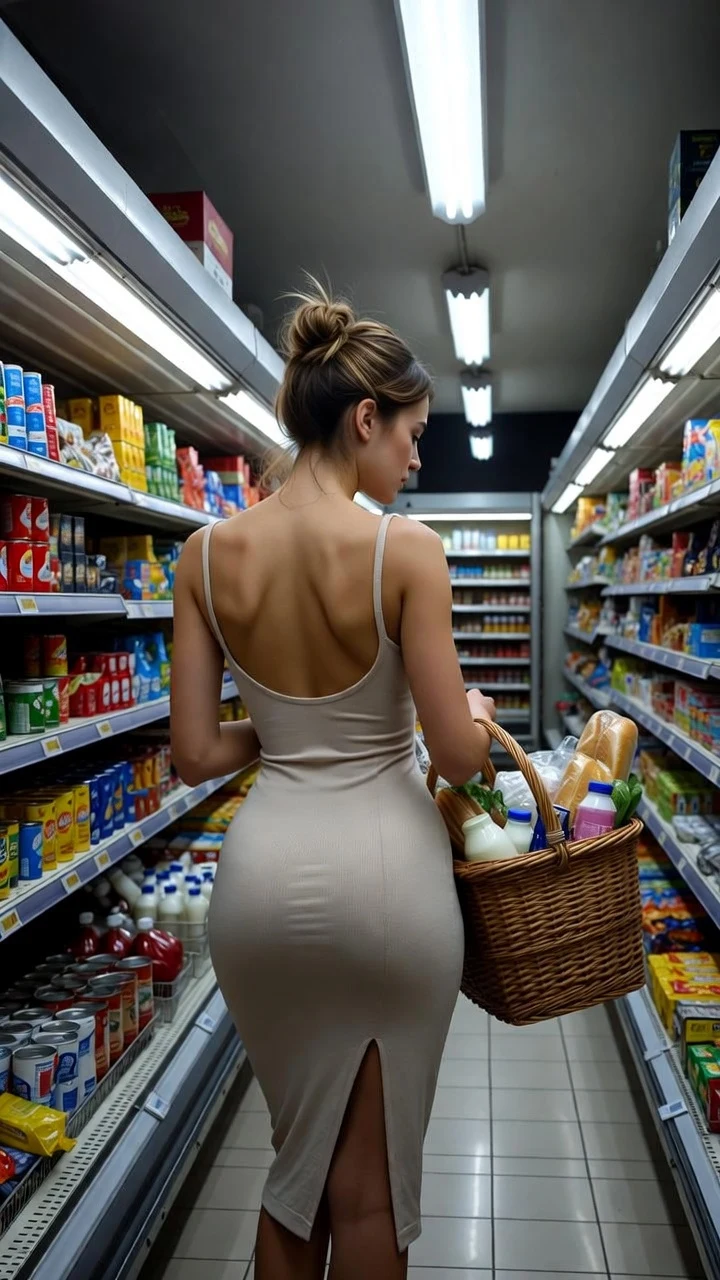
A public SpicyFrame example illustrating the guide. Results depend on the photo and prompt.
SpicyFrame is an AI video generator for adult OnlyFans creators who want non-explicit vertical teaser clips from approved photos. It creates 5, 10 or 30-second 9:16 MP4 scenes with native audio, but it does not generate explicit sexual content, clone voices, publish posts, automate messages or manage subscribers.
SpicyFrame turns an existing portrait, fashion image or glamour photograph into one continuous moving scene. It is useful for profile trailers, safe-for-work previews, outfit reveals, lifestyle inserts and social teasers that point viewers toward a creator page. It is not an OnlyFans management tool, scheduler, chatbot, paywall, caption writer or full video editor. It also does not create explicit sexual content. That distinction matters when comparing products: many search results bundle image generation, synthetic personas, fan messaging and analytics under “OnlyFans AI,” even though those are different jobs with different platform risks. Buy an image-to-video tool only when motion from an approved picture is the deliverable you actually need.
Use only images you own or are authorized to transform. Every identifiable real person must be an adult, must have consented to the AI treatment and must be cleared for the intended commercial use. Never animate a fan, another creator, a celebrity or a former partner without explicit permission. OnlyFans rules can change and account decisions belong to the platform, so read the live Terms of Service, Acceptable Use Policy and creator help before posting. The terms available in October 2026 require AI-generated material to comply with the service rules and be clearly identified with a marker such as #ai or #AIGenerated. SpicyFrame cannot verify an OnlyFans account, tag a participant, collect a release or guarantee that a post will be accepted.
Begin with the camera-roll original rather than a screenshot or compressed download. A sharp face, visible hands, clear clothing edges and simple background give the model better evidence. Leave space around the subject for a turn, step or camera move; tightly cropped elbows and hair are difficult to reconstruct. Avoid text overlays, watermarks and mirrors that show conflicting views. SpicyFrame accepts one to 12 JPG, PNG or WEBP references under 10 MB each, but one strong lead image often beats a stack of near-duplicates. Add a second angle or full-body view only when it resolves identity, wardrobe or framing. Keep every reference from the same adult, look and session unless the prompt assigns a precise role to each file.
A profile teaser introduces the creator with a direct look, small turn and slow push-in. An outfit or glamour reveal uses a controlled walk, fabric movement and editorial light without nudity or explicit action. A lifestyle clip places the creator at a café, rooftop, beach or hotel corridor with natural ambience. These formats are reusable because the creative job is clear and the movement stays modest. Plan a beginning and an ending even for five seconds: look away, turn toward camera, then settle. For a longer campaign, generate separate approved scenes and assemble them later in an editor. Do not force dialogue, costume changes, several locations and multiple actions into one generation; the result is more likely to drift than to tell a richer story.
Use a four-part formula: reference role, visible action, camera instruction and mood. For example: “@Image 1 for face and outfit, the adult creator walks slowly toward the balcony and looks over the shoulder, gentle side tracking shot, warm sunset backlight, natural hair movement, quiet city ambience, preserve facial features and clothing.” State what must remain stable, but do not bury the request under adjectives. If a second image establishes clothing, say “@Image 2 for the exact outfit.” Avoid prompts that invent a different body, remove clothing, imitate a real person or imply an act the photographed person did not approve. SpicyFrame’s expertise is controlled glamour motion: one readable gesture usually produces a more usable teaser than a complicated choreography.
Five seconds is the best first purchase for checking face consistency, clothing and one feed-stopping gesture. Ten seconds gives a walk, turn or reveal time to establish and settle. Thirty seconds can support a slower continuous scene, but every extra frame creates another opportunity for hands, jewelry, tattoos, fabric and background objects to change. SpicyFrame does not automatically cut several shots together, so a 30-second order should have one coherent action. Test a new concept at five seconds before paying for a longer version. If you need a trailer with titles, multiple angles and a call to action, create several short approved clips and assemble them in an editor rather than expecting one generation to replace post-production.
Medium outputs native 480p and is appropriate for testing composition, identity and motion. High outputs native 720p and is the stronger SpicyFrame choice for a selected phone-first final. Both are vertical 9:16 MP4 files. Resolution adds pixels but does not correct a changing face, warped hand, unstable tattoo or invented garment detail, so review the idea before upgrading quality. Ultra High 1080p is also available. SpicyFrame does not export square, landscape or native 4K masters. If a destination needs another canvas, place the vertical clip inside a designed edit or choose a tool that natively supports the required format. Never describe an upscaled file as native 4K, and preview compression after upload before selling or promoting the asset.
Every SpicyFrame generation includes native audio. Ask for sounds that naturally belong to the scene, such as quiet room tone, soft footsteps, sea breeze or distant nightlife. Listen to the full export because generative audio may contain an unintended sound or speech-like fragment. SpicyFrame does not accept a script, clone a voice, guarantee lip sync, add licensed music or mix separate tracks. If exact speech matters, record the creator or use a dedicated consent-based voice workflow, then edit it onto an approved clip. Music licenses and platform libraries also have territory and commercial-use limits. A creator should never assume that generated ambience grants rights to a recognizable song or that a visual AI disclosure automatically explains synthetic speech.
Do not hide material AI alteration. On OnlyFans, check the current creator guidance and use the required clear signifier on each relevant post; a profile note alone may not explain an individual clip. For TikTok promotion, its current help center requires labels for specified realistic AI-generated or significantly edited media and offers a creator-applied AI label. Add plain language to the caption when a realistic person is shown doing something they did not actually record. Keep original files, prompts and approvals together, and preserve Content Credentials when your workflow supports them. C2PA provenance can help record origin and edits, but metadata may disappear during export or reposting, so it does not replace a visible disclosure that viewers can understand.
A clip acceptable behind an age-gated subscription is not automatically suitable for TikTok, Instagram, YouTube or an advertising network. Build public teasers around fashion, beauty, fitness, travel, personality and cinematic atmosphere rather than explicit promises or nudity. Check the destination’s current sexual-content, adult-solicitation, advertising and synthetic-media rules before every upload, because enforcement and labeling tools change. Crop and captions cannot rescue an underlying policy violation. SpicyFrame’s non-explicit limit helps narrow the creative brief, but it is not a guarantee of distribution. The creator remains responsible for the thumbnail, caption, link, audience setting and context in which the video appears. When in doubt, keep the public version clearly safe for work and reserve platform-specific material for the appropriate verified channel.
Watch the complete MP4 once for overall effect, again without sound for visual consistency and a third time only for audio. Pause at the beginning, midpoint and end. Compare eyes, hairline, teeth, hands, tattoos, piercings, jewelry, clothing seams and background reflections with the approved source. Make sure the clip still clearly depicts the verified creator rather than a synthetic replacement. A technically completed render can still be unsuitable for publication. If identity drifts, shorten the duration, reduce motion, use a clearer lead image or remove conflicting references. If a distinctive tattoo or garment detail changes, do not hide it behind a fast cut; regenerate or use conventional editing. Record which prompt and reference set produced the approved final.
SpicyFrame shows the exact charge before submission. Medium costs 399, 499 or 1,199 piments for 5, 10 or 30 seconds; High costs 499, 899 or 2,499, with 100 piments corresponding to US$1 for reference. Ultra High 1080p costs 1,199, 2,399 or 7,099 piments. The useful business number is cost per approved post, not cost per generation. Include rejected tests, editing, captions, disclosure, moderation review and staff time. Start with one five-second Medium test on a representative photo. If the face and motion pass, order the chosen High final and record the complete cost and time. SpicyFrame supports single-video checkout and prepaid piments, but it does not promise that every generation will be creatively usable. Confirmed technical failures restore piments or refund the single-video payment according to the order flow.
Choose one campaign goal and one destination. Select an authorized photo, confirm releases and define details that cannot change. Write one prompt with one action and one camera move. Generate five seconds in Medium, inspect every frame and change only one variable if revision is needed. Create the approved duration in High, then add verified copy, subtitles, branding and licensed music in an editor. Apply the required AI disclosure, run the destination policy check and publish manually. Archive the source, prompt, consent record and final export together. Measure profile visits, subscriptions or renewals against the complete production cost. Repeat only the concepts that attract the intended audience without confusing viewers or increasing moderation risk. This disciplined loop is more durable than producing large batches of barely reviewed variations.
Choose SpicyFrame when an adult verified creator already has approved portraits or glamour photography and needs a short, non-explicit vertical teaser with optional ambient sound. It fits a pay-per-video workflow using 5, 10 or 30-second clips, up to 12 references and 480p, 720p or 1080p output. Choose a conventional editor when you only need cuts, captions or color correction. Choose a consent-based talking-avatar service when exact scripted speech and lip sync are essential. Use filmed content when a real interaction, testimonial or performance must be proved. Do not choose SpicyFrame for explicit generation, fully synthetic creator accounts, fan messaging, scheduling or subscriber management. The best AI video generator for OnlyFans is the narrowest honest tool that fits the creator’s verified identity and actual publishing plan.
No. SpicyFrame supports adult, tasteful glamour, fashion, lingerie-style, swimwear and lifestyle scenes, but it does not generate explicit sexual content.
Only when the identifiable adult has consented to the AI transformation and intended commercial use and you have the necessary rights to the source image.
No. SpicyFrame creates a downloadable vertical MP4. The creator must review, disclose and upload it manually under the destination’s current rules.
Yes. Check the live OnlyFans rules at publication and clearly identify relevant AI-generated or AI-altered content with the required signifier.
No. It does not access OnlyFans accounts, write chats, send direct messages, schedule posts or manage subscribers.
Start with five seconds in Medium 480p. Approve identity, clothing and motion before choosing a longer duration or High 720p final.
External pages, opened in a new tab. Rankings reflect the time of writing.