Can SpicyFrame make a Halloween video from one photo?
Yes. Upload an authorized photo, describe one Halloween action, camera move, lighting setup and sound environment, then review the generated vertical MP4.
SPICYFRAME · PRACTICAL GUIDES
Create spooky Halloween AI videos from one photo with 15 prompts for vampires, witches, ghosts, gothic portraits and playful seasonal social clips.
5 seconds · 480p · $3.99. Pay per video, no subscription required.
Updated
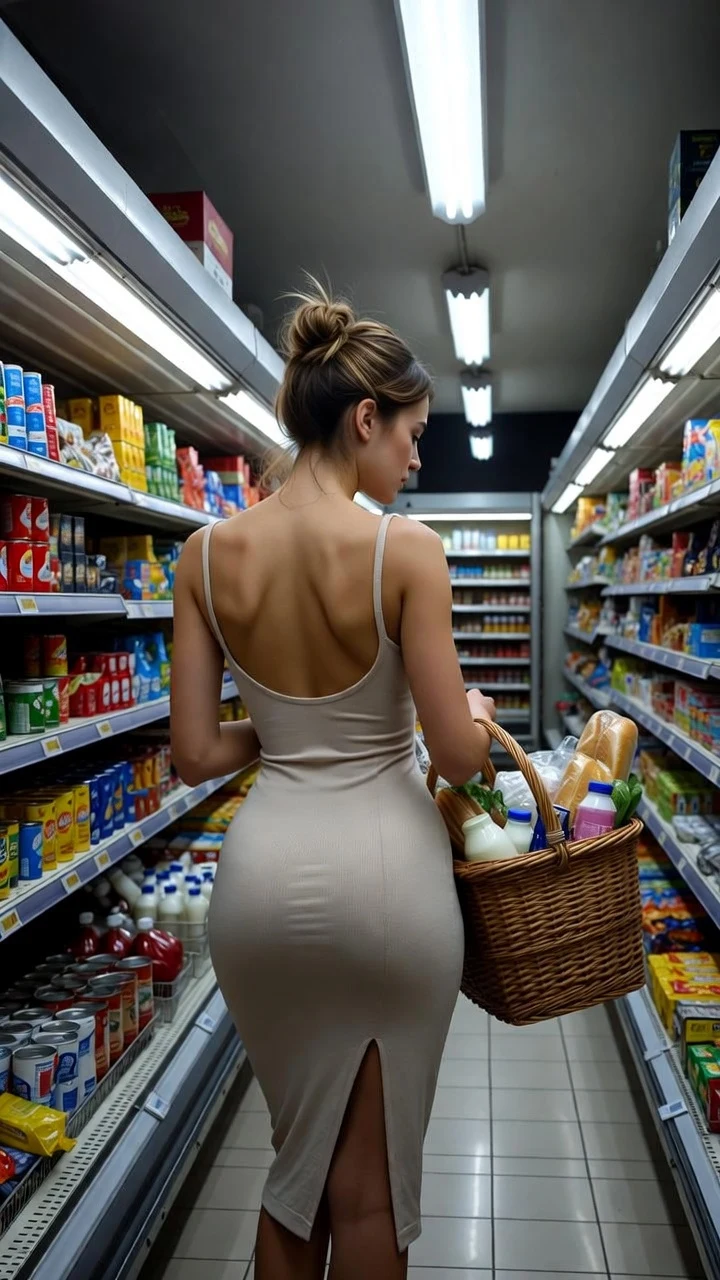
A public SpicyFrame example illustrating the guide. Results depend on the photo and prompt.
SpicyFrame turns an authorized photo into a short Halloween AI video when you pair one visible action with a simple camera move, seasonal lighting and ambient sound. Start with five seconds, keep costumes and faces close to the reference, and adapt these 15 prompts for spooky, gothic or playful results without requesting graphic violence or explicit content.
Halloween has become a full seasonal campaign rather than a one-night post. The National Retail Federation’s September 2026 survey estimates US Halloween spending at $13.5 billion, with 74% of consumers planning to celebrate; 49% began shopping in September or earlier. Costumes, decorations, pumpkin carving and scary movies remain major activities. For creators and small brands, that makes early October a useful window for costume reveals, themed portraits, party invitations, product teasers and vertical social clips. The opportunity is not to copy every viral effect: publish a recognizable concept that fits the source image, brand and audience.
Choose a sharp portrait or full-body photo with the adult subject, costume and hands visible. Leave space for fog, fabric, a candle glow or a small camera move. Use the camera-roll original rather than a compressed screenshot, and avoid group photos when every face must remain consistent. SpicyFrame accepts one to 12 JPG, PNG or WEBP references under 10 MB each. Start with one lead image; add a compatible profile or outfit reference only when it resolves missing information. Use only images you own or may transform, and obtain explicit consent from every identifiable real adult.
1. Elegant vampire: “@Image 1 stands in a candlelit stone hall, small turn toward camera, deep burgundy velvet outfit, slow push-in, candle flames flicker gently, distant thunder, preserve face and costume, tasteful gothic mood.” 2. Moonlit creature: “@Image 1 looks toward a full moon from a misty forest clearing, hair and coat move in the wind, restrained side track, cool blue backlight, low woodland ambience, keep the human face recognizable.” 3. Living portrait: “@Image 1 remains inside an antique framed portrait, eyes glance toward camera, dust moves through one shaft of light, locked shot, quiet floorboard creak, preserve painted style and facial features.”
4. Modern witch: “@Image 1 raises one hand over an open book, pages flutter slightly, warm candlelight and green accent glow, slow orbit limited to a few degrees, preserve face, hands and outfit.” 5. Enchanted mirror: “@Image 1 looks into an old mirror while the glass clouds with soft mist, locked camera, violet edge light, subtle whispering ambience; keep the reflection abstract, not a second face.” 6. Potion table: “@Image 1 gently stirs a glass vessel, colored vapor rises, close medium shot, amber and teal light, quiet bubbling sound, preserve fingers, labels and table objects.” Keep the action small; complex hand choreography and readable generated labels are fragile.
7. Friendly ghost: “@Image 1 smiles as a soft translucent shape passes in the distant background, slow camera push-in, pale moonlight, curtains move gently, playful not threatening, preserve face and clothing.” 8. Haunted hallway: “@Image 1 takes one slow step through a candlelit corridor, symmetrical tracking shot, doors remain closed, light fog at floor level, quiet footsteps, preserve architecture and costume.” 9. Independent shadow: “@Image 1 remains still while one elongated shadow moves slightly across the wall, locked camera, single lamp source, low room tone, no body transformation.” Background motion often works better than forcing a large supernatural change to the person.
10. Pumpkin glow: “@Image 1 sits beside carved pumpkins, lifts the eyes toward camera, warm orange light flickers softly, static portrait, autumn wind and distant laughter, preserve face and costume.” 11. Party invitation: “@Image 1 opens a decorated doorway and gestures once toward the room, gentle pull-back, purple and amber lights, paper decorations move slightly, upbeat party ambience.” 12. Costume reveal: “@Image 1 takes one confident step from shadow into warm light, slow low-angle push-in, cape or fabric moves naturally, preserve the exact costume and proportions.” These playful Halloween photo animations suit broad social audiences better than gore-heavy imagery.
13. Gothic editorial: “@Image 1 turns slightly beside tall curtains, black lace or velvet outfit unchanged, soft window backlight, slow push-in, fabric moves in a light breeze, cinematic room ambience.” 14. Masked mystery: “@Image 1 lifts a decorative masquerade mask toward the face without covering it completely, locked waist-up framing, red rim light, preserve eyes, fingers and mask shape.” 15. Rainy night: “@Image 1 stands under an umbrella as rain streaks through distant streetlight, gentle side track, wet pavement reflections, quiet rainfall, preserve face and clothing.” Use generic original designs rather than copying a protected film character, costume or trademark.
Five seconds in Medium 480p is the practical first test for one glance, step, light change or background effect. Ten seconds can hold an entrance and final pose. Reserve 30 seconds for one restrained continuous scene, not 15 prompts combined into a miniature film. Use High 720p after the action, face and costume pass review; additional pixels do not fix a distorted hand or changing mask. SpicyFrame generates vertical 9:16 MP4 video with native ambient audio. Name one sound environment—rain, wind, floorboards, party room tone or distant thunder—then listen to the complete export before mixing it with licensed music in an editor.
Frame the key face, costume or product in the central area so interface buttons and captions do not cover it. Generate one self-contained shot, download the approved MP4 and add exact event details, offers, usernames, subtitles and logos in a normal editor; do not rely on generated text inside the scene. A useful three-shot sequence might combine a five-second costume reveal, a five-second detail and a five-second reaction. Publish early enough to learn which concept earns attention before Halloween week. Check the destination’s current rules for realistic synthetic media, sexual content, frightening imagery, advertising and music rights.
Watch the clip normally, then pause the first frame, midpoint and ending. Compare eyes, teeth, hands, costume seams, masks, props, mirrors, shadows and background faces with the approved references. Regenerate a visible defect instead of hiding it behind a fast cut. Do not depict an identifiable person as injured, violent, frightened or endorsing a product without specific consent for that context. Keep Halloween content non-explicit and avoid graphic gore. Clearly label realistic AI-generated or significantly altered media when required, preserve Content Credentials when available and retain the source, prompt, permission record and final export together.
Yes. Upload an authorized photo, describe one Halloween action, camera move, lighting setup and sound environment, then review the generated vertical MP4.
Start with pumpkin glow, gothic editorial or a candlelit portrait because the subject movement is small and the seasonal atmosphere comes mainly from light and background motion.
No. SpicyFrame supports spooky, gothic, costume, glamour and playful themes, but it does not generate graphic violence or explicit sexual content.
Use five seconds for the first test, ten for one developed action and 30 only for a simple continuous scene with a clear beginning and ending.
Only when the identifiable adult has consented to the AI transformation and its intended use, and you have the necessary rights to the photograph.
Check the destination’s current policy. Realistic AI-generated or significantly altered people and events should be disclosed whenever the platform or context requires it.
External pages, opened in a new tab. Rankings reflect the time of writing.