Is an NSFW AI image generator the same as a video tool?
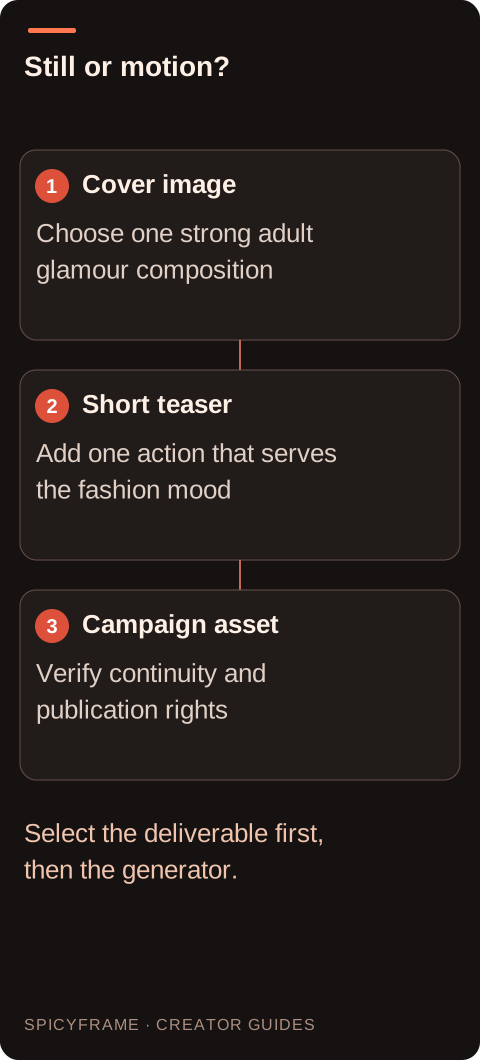
No. Still creation, photo editing and motion generation are different workflows. Define the final deliverable before comparing prices, examples or claims about adult glamour support.
SPICYFRAME · PRACTICAL GUIDES
Compare NSFW-style still images with adult glamour video, choose a clear visual brief, and understand reference preparation, movement, rights and costs.
5 seconds · 480p · $3.99. Pay per video, no subscription required.
Updated

An NSFW AI image generator search can lead to tools that create still pictures, edit existing photos or animate a reference. These are different jobs. For this guide, NSFW-style means non-explicit adult glamour: dramatic eveningwear, fashion portraits, confident posing and cinematic nightlife lighting. If you need a cover image, a still may be sufficient. If you need a short vertical scene, movement and continuity become part of the brief. Decide what the final asset must do before comparing a gallery of impressive examples. SpicyFrame is a video option for authorized references or a text prompt; it should not be mistaken for a dedicated still-image editor or a service that promises unrestricted content.
A strong glamour reference establishes a clearly adult subject, readable styling, a coherent light direction and enough space for the intended movement. An elegant dress beside a window can be visually complete without relying on exposed anatomy or exaggerated posing. Check the eyes, hands, garment closures and background edges before animation. Defects in those areas may become more obvious across time. If you are creating the still elsewhere, inspect it as a finished image rather than accepting the first attractive thumbnail. The reference photo guide explains practical quality checks. A video generator adds another interpretation; it is not a dependable repair stage for an unclear face or inconsistent clothing already baked into the input.
Still-image decisions concern what appears in one frame: outfit, setting, pose, palette and composition. Video decisions concern what changes: a small gaze shift, a gentle turn, a moving curtain or a camera approach. Combining a complete wardrobe redesign with a large turn and new lighting makes it difficult to diagnose a disappointing result. Establish the adult glamour look first, then select one movement that expresses its mood. A poised evening portrait may need only a subtle change of gaze. A fashion campaign about the garment may benefit more from a slight movement in the hem. The image-to-video prompt examples show how to describe one scene without turning a short clip into a list of unrelated transformations.
A high resolution output does not prove that facial features or fabric texture were faithfully preserved. A small input may leave the model to infer details, while a large input can still be blurred or heavily compressed. Examine the actual subject area, not only the file dimensions. If a necklace or embroidered motif matters, it should be readable before movement begins. SpicyFrame accepts up to 12 authorized JPG, PNG or WebP images under 10 MB each; HEIC and animated formats require external preparation. Multiple references are useful when they provide consistent evidence, not when they introduce competing outfits. The multiple reference guide helps decide whether another image clarifies the chosen look or makes it less coherent.
Suppose the goal is a short teaser featuring a fictional adult character in a burgundy evening dress under soft red and amber light. The still-image stage would establish the dress silhouette, face and background. The video brief could then read: “Clearly adult fashion character in the reference evening dress, calm upright posture, one subtle glance toward the camera, steady soft light, still vertical composition.” This is a planning example, not a tested generation result. It asks for a restrained fashion action and keeps the outfit central. If the real deliverable is a poster, stop at the still instead. Motion is valuable when it contributes attention, rhythm or atmosphere, not simply because a tool offers it.
A still generator's free allowance or subscription does not establish the cost of a video made elsewhere. For SpicyFrame, choose 5, 10 or 30 seconds and a delivery resolution. Medium 480p costs $3.99, $4.99 or $11.99; High 720p costs $4.99, $8.99 or $24.99; Ultra 1080p costs $11.99, $23.99 or $70.99 respectively. The result is one vertical 9:16 MP4 with ambient sound. These prices describe delivery options, not a promise that higher resolution fixes a weak reference. Pay per video as a guest or consider optional weekly plans according to actual use. Keep a budget for the whole project, including any external still creation, layout or video finishing you genuinely require.
Check the opening, middle and final portions for facial drift, changing jewelry, moving seams and an unintended camera crop. A still image only has to resolve one pose; a video has to maintain relationships across many frames. Watch at normal speed before inspecting individual frames so that you notice distracting movement rather than only isolated imperfections. Verify that the adult styling and non-explicit framing remain consistent throughout. Ambient sound is another creative element to review; it is not scripted voice delivery. If text, exact timing or a soundtrack is essential, finish those elements externally. The fashion video guide adds garment checks that matter when an attractive opening frame is not enough to represent the intended design.
Use your own authorized adult image, a consenting adult subject or a fictional adult character you are entitled to use. A tool's output terms do not automatically supply permission for a real person's likeness, a photographer's image, a logo or music added later. Keep source files, permissions and the chosen brief together. Label generated material where the intended publication context requires it, and check the destination's rules for adult glamour independently of the generator's rules. If you only need an image, use the relevant image workflow; if you need movement, choose a video workflow with clear costs and deliverables. That distinction makes comparisons more useful than treating every service carrying the NSFW label as an interchangeable solution.
| Requirement | Decision | Evidence to check |
|---|---|---|
| Cover image or poster | Use a still-image workflow | Composition works without movement |
| Short glamour teaser | Plan one restrained video action | Face and wardrobe remain consistent |
| Exact garment design matters | Inspect the reference before animation | Seams and motifs are readable |
| Several outfit references conflict | Select one coherent look | Every image supports the same scene |
| Branded publication is planned | Check source and destination rights | Permission covers the intended use |
No. Still creation, photo editing and motion generation are different workflows. Define the final deliverable before comparing prices, examples or claims about adult glamour support.
No. Its relevant use here is non-explicit adult glamour and fashion video. A search label does not change the service's content boundaries or the need for authorized references.
Use an authorized JPG, PNG or WebP under 10 MB, after checking the source tool's terms and the image's quality. Permission and technical compatibility are separate checks.
It does not guarantee recovery. Facial features, embroidery and jewelry that are unclear in the source may be interpreted rather than accurately reconstructed in the output.
Choose one small action, such as a gentle gaze shift or restrained fabric movement, with stable lighting and framing. Avoid adding several transformations to the same short shot.
A still may satisfy that goal more directly. Choose motion when the final placement needs a moving scene, then budget separately for any external layout or finishing work.