Can AI water effects demonstrate how the swimsuit performs?
No. Generated splashes and wet fabric are not reliable evidence of drying, support, opacity or resistance. Use verified real-world testing and accurate specifications for those claims.
SPICYFRAME · PRACTICAL GUIDES
Create a non-erotic adult swimwear campaign with consistent garment details, truthful locations, authorized model references and review of water effects.
5 seconds · 480p · $3.99. Pay per video, no subscription required.
Updated
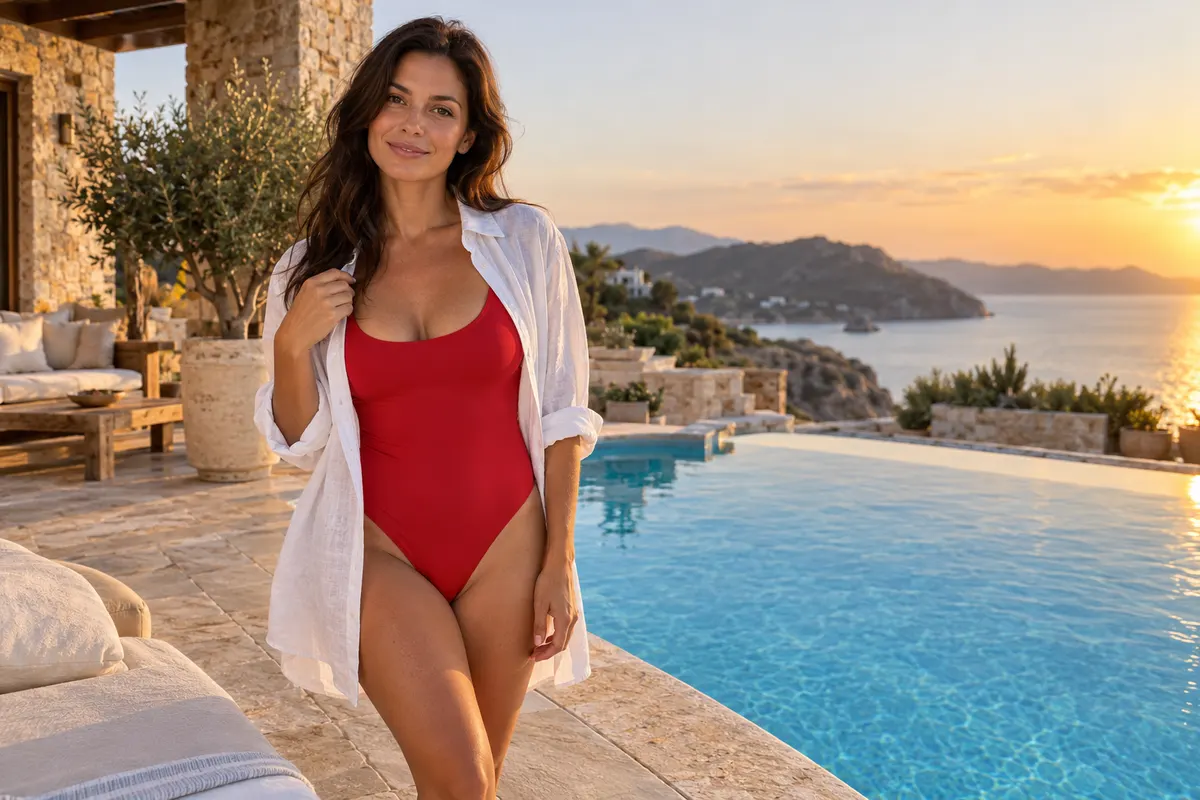
An AI swimwear brand video should make the garment and its styling easy to understand without inventing performance or changing coverage. Start with the exact product variation, campaign purpose and approved adult model. A hypothetical resort collection might feature a navy one-piece swimsuit with a white trim in a calm poolside composition. Record the trim width, strap arrangement, back design and included accessories before animation. Keep the presentation non-erotic and focused on adult fashion. The scene can suggest a seasonal mood, but it should not imply that the suit has been tested in water or photographed at a particular hotel unless that is true. Accurate stills and specifications remain the basis for a shopper's decision. If the line includes bikinis, the AI bikini generator guide shows how a single bikini image becomes a beach clip.
Use an authorized background and check what it appears to claim. A recognizable resort sign or landmark can suggest permission, sponsorship or an actual shoot that did not happen. For a fictional setting, avoid attaching a real venue name or documentary caption. For a real location, confirm the relevant photography and commercial-use permissions. Consider whether a simple studio or generic approved backdrop serves the campaign more clearly. The storyboard guide helps assign a role to each scene: garment introduction, color detail or campaign atmosphere. Do not let scenic beauty obscure the swimwear or create a false product promise. A synthetic poolside illustration should remain distinguishable from evidence about facilities, travel experiences or a brand collaboration.
Use references of the same consenting adult or a clearly fictional adult character, with stable hair, accessories and garment version. Do not combine a real person's face with an unrelated body or use a reference whose age is uncertain. The adult's consent should cover the swimwear context, AI transformation, final framing and intended commercial distribution. Assign the lead image to overall identity and use accurate supporting views only where they clarify the same suit. The reference guide explains why contradictory variations can produce a hybrid product. Keep a campaign sheet with the actual color, trim and fastening details so separate clips can be compared against the same factual source rather than against one another's generated errors.
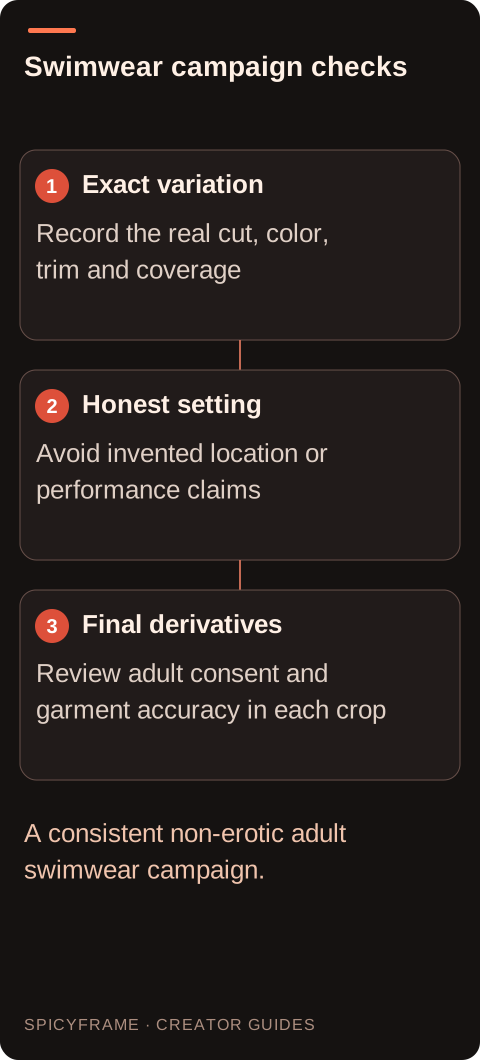
A small posture adjustment or slow camera move can show the silhouette without staging a swim, dive or stretch test. Generated water effects may change color, opacity and fit, so treat them cautiously. Do not imply chlorine resistance, drying speed, sun protection or support from an invented splash sequence. Those claims need appropriate evidence outside the animation. If wet fabric behavior matters, film the real product under controlled, authorized conditions. For an illustrative poolside scene, keeping the suit dry and stable may communicate the campaign mood with fewer factual risks. The camera movement guide offers restrained options that keep the garment visible and avoid body-focused framing inconsistent with the non-erotic catalog brief.
Place the brand mark, collection name and product details in an external editor or the destination's normal content fields. Exact logo preservation is not guaranteed by generation. Verify that a date, price or availability statement is current and refers to the depicted variation. Do not add a badge that suggests an unsupported certification or a real location partnership. If the model is fictional, describe that context where it matters to understanding the campaign. Keep the first frame and poster representative of the full clip. Generated ambience should not imply a real recorded beach session or spoken endorsement. Music introduced afterward needs its own rights review, separate from permission for the source photographs and the garment design.
Use the cheapest suitable draft to inspect the exact navy suit, white trim and approved adult framing. Five seconds in Medium 480p costs $3.99, while High 720p is $4.99 and Ultra 1080p is $11.99. SpicyFrame produces vertical 9:16 MP4 clips with ambient audio and offers 10 or 30 second durations when the scene needs more time. It does not create a multi-shot campaign timeline, preserve logos exactly or automatically deliver platform crops. Those tasks belong in external editing. Use authorized JPG, PNG or WebP references under 10 MB each, up to 12, and avoid conflicting colorways. Check the dry fabric and background together before spending on a larger version. A higher resolution cannot validate invented wet-fabric behavior or a venue partnership. Retain the clean master and campaign sheet so every derivative can be checked against the actual product rather than against another generated image that may already contain an error.
Compare the animation with the campaign sheet at the beginning, middle and end, then watch continuously. Check strap count, trim position, fabric opacity, waist shape and any print alignment. Look for water appearing where the suit was meant to stay dry, a changing background sign or an extra accessory that seems included. The artifact guide supports a systematic review of hands, hair and garment edges. Reject unintended exposure or a shift toward erotic framing. The depicted adult should approve the actual final motion and crop, not only the source pose. A second reviewer familiar with the physical suit should assess whether a shopper could infer a false feature from the finished scene.
Prepare each required crop and exact overlay externally, then inspect the processed version at the actual publishing destination. Check current content and advertising rules for that placement; adult swimwear catalog intent does not guarantee acceptance everywhere. Compare all campaign clips against the same real product references so color and construction stay consistent. Retain the approved source set, model permission, final files and product version together. If a new colorway or revised cut is introduced, create a new approval record rather than recoloring an old generated scene without checking the merchandise. The campaign's success is not guaranteed by resolution, location or motion. Its practical foundation is a coherent adult fashion presentation with accurate swimwear and honest production context.
| Decision | Practical action | Approval evidence |
|---|---|---|
| Product sheet | Record color, trim, straps and coverage | Every clip matches the same variation |
| Location | Use an authorized honest setting | No invented resort partnership |
| Adult model | Approve swimwear context and final crop | Identity and permission remain consistent |
| Water effects | Avoid unsupported performance implications | No false opacity or drying claim |
| Campaign delivery | Review each destination and derivative | Product truth survives every crop |
No. Generated splashes and wet fabric are not reliable evidence of drying, support, opacity or resistance. Use verified real-world testing and accurate specifications for those claims.
Use it with honest context and appropriate source rights. Do not identify it as a real venue or imply a location partnership, facilities or travel experience that the campaign cannot substantiate.
Reuse a coherent authorized reference set and review every output. Identity consistency is not guaranteed, so compare each clip against the original adult reference rather than treating an earlier generation as proof.
Reject the result or replace the affected treatment. The final presentation must preserve the actual garment's coverage and the approved non-erotic adult catalog context throughout the clip.
Exact logo preservation is not guaranteed. Use accurate product imagery for the physical mark and approved external branding where appropriate, without creating a false impression of the garment's real print.
Have the relevant reviewer inspect the actual derivatives. A wide catalog view and a close vertical crop can create different impressions, so consent and product accuracy should be checked in each intended presentation.