Does Grok AI generate videos?
Yes. Grok Imagine, made by xAI, generates short videos from a text prompt or from a still image, in the Grok app and through the xAI API. Limits depend on the model version and your plan.
SPICYFRAME · PRACTICAL GUIDES
Grok image to video explained: does Grok AI generate videos, how Grok Imagine animates a photo, its limits, prompts and a photo-to-video alternative.
5 seconds · 480p · $3.99. Pay per video, no subscription required.
Updated
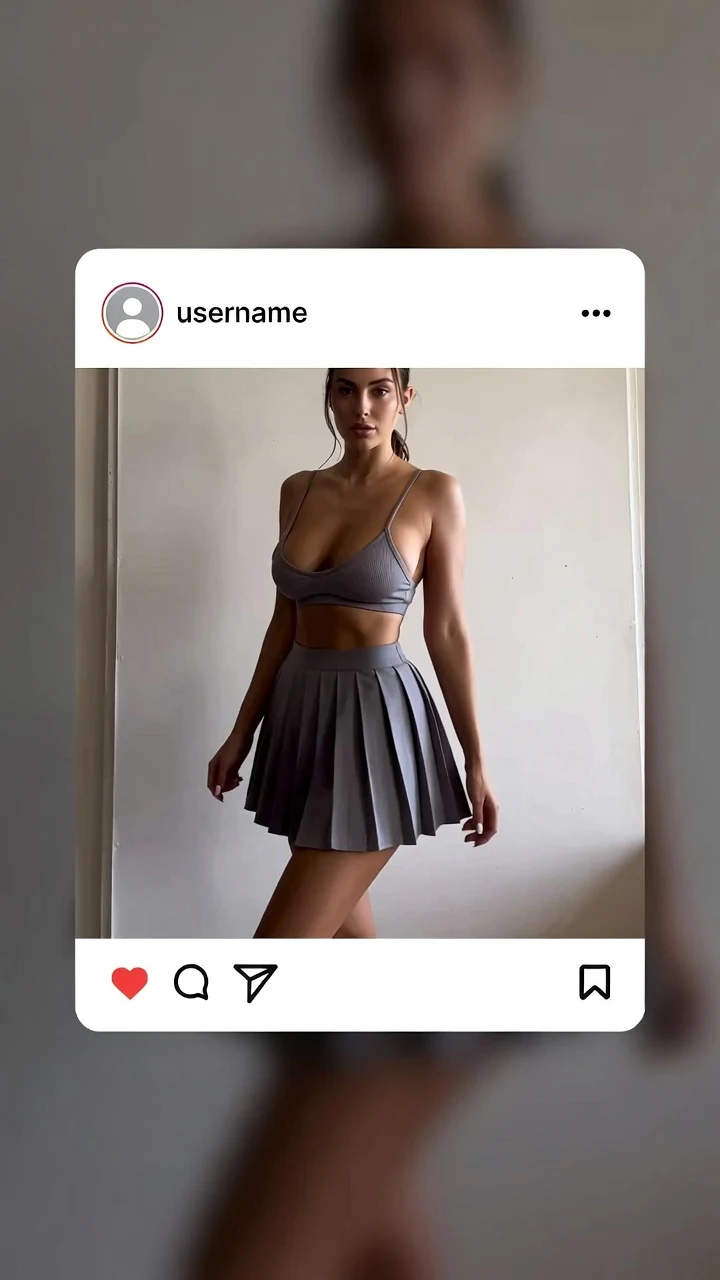
A public SpicyFrame example illustrating the guide. Results depend on the photo and prompt.
Grok image to video is a real feature: Grok AI generates videos through Grok Imagine, the image and video generator made by xAI, which can animate a still image with a text prompt or create a clip from text alone. It is offered in the Grok app and, for developers, through the xAI API. Features, limits and access tiers are decided by xAI and change often, so every detail below is dated and sourced, and you should check xAI’s current pages before relying on it. If your goal is to turn your own photos into short vertical glamour clips, SpicyFrame, an independent studio not affiliated with xAI, is covered later on this page as an alternative.
The idea is the same as in most image-to-video tools. You start from one image, either a photo you upload or a picture Grok Imagine generated for you, add a short text prompt that describes the motion, and generate. The image acts as the starting point of the clip, and the prompt tells the model what changes: who moves, how the camera travels and what the atmosphere feels like. In xAI’s developer documentation, the video model is listed as grok-imagine-video-1.5 at the time of writing, and duration, resolution and aspect ratio are configurable settings that also affect cost. In the Grok app, the controls are simpler, and the options you see can depend on your plan and region.
Grok AI videos have moved quickly. Video generation first arrived in Grok Imagine in 2025. On February 2, 2026, xAI released Grok Imagine 1.0, which press coverage described as supporting text-to-video and image-to-video, clips of up to 10 seconds at 720p and generated audio, available in the Grok app and the API. In June 2026, xAI released Grok Imagine Video 1.5 as a preview through its API, focused on turning a single still image into a short video at up to 720p while keeping the original image’s details and lighting. xAI’s video guide now mentions durations of up to 15 seconds for text-to-video. Expect these numbers to keep moving; this guide only reports them.
Four limits matter most. First, length: a single Grok clip is short, measured in seconds, and longer scenes are built by chaining or extending shots. Second, resolution: published figures for image-to-video sit around 720p, and higher tiers may depend on the model version. Third, access: what you can generate, how many clips and at what length can differ between free and paid Grok plans and between the app and the API. Fourth, content rules: xAI states that generated media is subject to content policy review, so a prompt or an output can be blocked. Modes such as Spicy are defined by xAI and their behaviour can change, so do not assume any mode allows a given type of content.
Image-to-video prompts work best when they describe what changes, not what the photo already shows. Use one action, one camera move and one light or mood note. 1. “She turns slowly toward the camera and smiles, slow push-in, warm golden-hour light.” 2. “Wind moves through the hair and the dress, static camera, soft afternoon light.” 3. “He walks forward through the street, steady tracking shot, light rain and neon reflections.” 4. “Waves roll in behind her as she looks over her shoulder, gentle side track, sunset glow.” 5. “The camera orbits slowly around the subject, shallow depth of field, cinematic mood.” 6. “Steam rises from the coffee cup while she laughs, locked frame, cosy café ambience.” Add a sound cue at the end if the tool generates audio.
Whatever tool you use, the starting image decides most of the result. Pick a sharp photo with good light, a clearly visible face and hands, and some space around the subject so movement has room. Avoid heavy filters, tiny faces in a crowd, hands crossing the face and busy backgrounds with straight lines that can bend. A vertical photo suits a vertical clip; a wide photo cropped too tightly can lose detail. Use the original file rather than a compressed screenshot when you can.
SpicyFrame is built for one job: turning your own references into a single vertical scene. You can add one photo or up to 12 JPG, PNG or WEBP images under 10 MB each, such as camera-roll shots, saved social posts, screenshots or AI images you have the right to use, then name them in the prompt as @Image 1, @Image 2 and so on. One image can set the face, another the outfit, another the location. Each render is a 9:16 MP4 of 5, 10 or 30 seconds in Medium 480p, High 720p or Ultra High 1080p with native ambient audio, made with Seedance 2.5, 2nd on LMArena image-to-video at the time of writing. Faces, outfits and style stay consistent with your references, but exact likeness is never guaranteed.
1. “@Image 1 turns slowly toward the camera under warm neon, slow push-in, confident smile, keep face and outfit unchanged.” 2. “@Image 1 wearing the outfit from @Image 2 walks along a hotel corridor, steady tracking shot, soft room tone.” 3. “@Image 1 lifts the sunglasses and smiles by the pool from @Image 3, sparkling reflections, gentle push-in, distant splashes.” 4. “@Image 1 sits by a tall window in a silk robe, morning light, very slow push-in, playful glance.” 5. “@Image 1 in a satin dress sways gently on a rooftop at night, city lights behind, side tracking shot, light wind.” For a first test, keep one action and one camera move, and render five seconds before going longer.
The price is shown before you create. Medium 480p costs $3.99, $4.99 or $11.99 for 5, 10 or 30 seconds; High 720p costs $4.99, $8.99 or $24.99. Ultra High 1080p costs $11.99, $23.99 or $70.99. You can pay for one video without an account or subscription, top up piments at 100 piments per dollar, or choose an optional weekly plan, which gives 25% more piments for the money: Starter at $9.99 for 1,249 piments, Creator at $19.99 for 2,499 or Studio at $39.99 for 4,999. Plans renew weekly and can be cancelled before renewal. Confirmed provider failures restore piments, and a confirmed failure on a single-video payment is refunded.
SpicyFrame is an 18+ studio for hot, glamorous, lingerie-style, swimwear and NSFW-style aesthetics, but it does not produce explicit sexual content and has no feature that removes clothing. Every person shown must be an adult, identifiable real people must have agreed to the transformation, and celebrities, impersonation and misleading content are not allowed. You confirm your rights to the images before each generation, and the provider’s safety checks still apply, so a prompt can be refused. If what you want is explicit output, neither this page nor this studio is the right place.
| Question | Grok Imagine | SpicyFrame |
|---|---|---|
| Maker | xAI, inside Grok and the xAI API | Independent studio, not affiliated with xAI |
| Starting point | One still image or a text prompt | 1 to 12 reference images, or a prompt alone |
| Clip length | Short clips; xAI documents up to 15 seconds | 5, 10 or 30 seconds in one pass |
| Resolution | Up to 720p reported for image-to-video | Medium 480p, High 720p or Ultra High 1080p |
| Format | Configurable aspect ratio | Vertical 9:16 MP4 |
| Audio | Generated audio reported since version 1.0 | Native ambient audio on every render |
| Price | Depends on Grok plan or API usage | From $3.99 per video, shown before you pay |
| Content rules | Set by xAI, with content policy review | 18+, consenting adults, never explicit |
Yes. Grok Imagine, made by xAI, generates short videos from a text prompt or from a still image, in the Grok app and through the xAI API. Limits depend on the model version and your plan.
Yes. Grok image to video animates a still image using a text prompt that describes the motion, the camera and the mood.
Clips are short. Grok Imagine 1.0 was reported at up to 10 seconds, and xAI’s current video guide mentions up to 15 seconds. Check xAI for today’s limits.
Yes. xAI released Grok Imagine 1.0 in February 2026 and a Video 1.5 image-to-video preview through its API in June 2026.
No. SpicyFrame is an independent image-to-video studio that uses Seedance 2.5. This guide does not rate or compare output quality between the two.
On SpicyFrame, yes: up to 12 references, named @Image 1, @Image 2 and so on, so one can set the face and another the outfit or the place.
SpicyFrame does not produce explicit sexual content. Grok’s content rules are set by xAI and include content policy review; read xAI’s current policies.
From $3.99 for five seconds in Medium 480p up to $70.99 for 30 seconds in Ultra High 1080p, with no subscription required.
External pages, opened in a new tab. Rankings reflect the time of writing.