Can AI turn a selfie into a video?
Yes. Upload the selfie to SpicyFrame, describe a small action, a camera move and the light, and Seedance 2.5 generates a vertical clip with ambient audio.
SPICYFRAME · PRACTICAL GUIDES
Selfie to video AI made simple: framing, light and expression tips, 15 ready prompts and the right length and price to turn a selfie into a vertical clip.
5 seconds · 480p · $3.99. Pay per video, no subscription required.
Updated
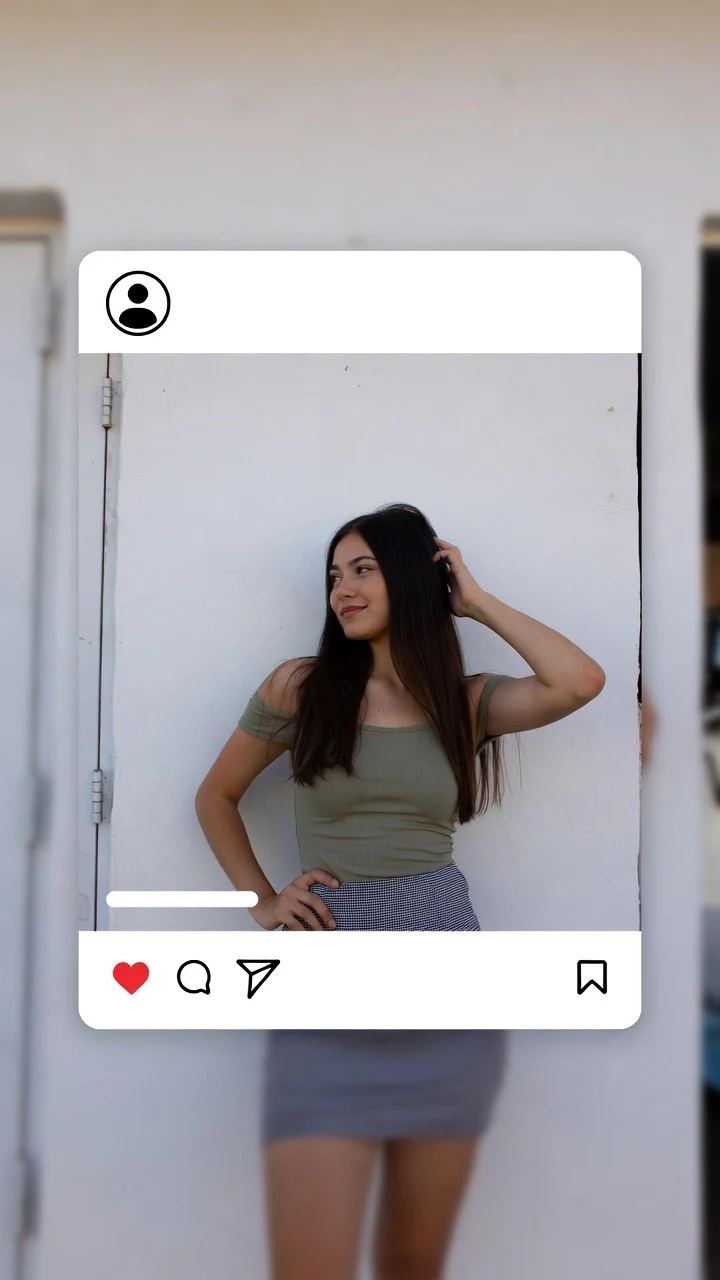
A public SpicyFrame example illustrating the guide. Results depend on the photo and prompt.
Selfie to video AI turns one front-camera photo into a short moving clip: you upload the selfie, describe a small action such as a blink, a smile or a head turn, and the model generates new frames around it. On SpicyFrame, Seedance 2.5 renders a 5, 10 or 30-second vertical 9:16 video with native audio, from $3.99, and selfies already match that vertical format. To start right away, the photo to video AI page opens on the studio.
A selfie is close, wide-angle and usually lit by whatever happened to be in front of you. The phone’s wide front lens enlarges whatever is nearest, often the nose or forehead, and the arm holding the phone may be cropped or visible at the edge. Selfies also tend to catch a strong expression mid-moment. The model has to keep all of that consistent while inventing motion, so choosing the right selfie and asking for movement that suits close framing matters more than writing a long prompt.
Choose a selfie where the face fills roughly a third to half of the frame, the top of the head and the chin are not cut off, and there is some space around the hair and shoulders for motion. Hold the phone at eye level or slightly above, at arm’s length rather than very close, to limit lens distortion. Mirror selfies work if the phone does not cover the face; the phone will stay in the scene, so plan an action that keeps it there. Use the camera-roll original, not a screenshot of a story with stickers or text on top.
Soft, even light from a window in front of you gives the model the clearest face. Avoid harsh overhead light that hides the eyes, mixed coloured lights across the face and noisy night shots. Beauty filters and strong smoothing make skin and features less stable once they move. For expression, a neutral face or gentle smile animates more naturally than a wide laugh or a pout frozen in place: it is easier to make a calm face smile than to make a big expression move believably. Leave sunglasses off unless they are part of the look you want to keep.
1. “@Image 1 blinks, then smiles softly at the camera, soft window light, very slow push-in, quiet room tone, keep facial features unchanged.” 2. “@Image 1 tilts the head slightly and laughs quietly, locked frame, warm afternoon light, relaxed mood.” 3. “@Image 1 brushes hair behind one ear and looks back at the camera, gentle push-in, natural daylight.” 4. “@Image 1 glances away, then back at the camera with a small smile, shallow depth of field, café ambience.” 5. “@Image 1 breathes in and relaxes the shoulders, locked frame, golden-hour light on the face, soft wind.”
6. “@Image 1 stands under red and violet neon at night, turns slightly toward the camera, haze in the air, slow push-in, low city hum.” 7. “@Image 1 on a rooftop at sunset, hair moving in the breeze, gentle side track, warm backlight, distant traffic.” 8. “@Image 1 by a rain-streaked window, small turn toward the light, cool blue tones, rain on glass.” 9. “@Image 1 on a beach at golden hour, squints at the sun and smiles, slow pull-back, waves.” 10. “@Image 1 in a cosy café, lifts a cup and smiles over it, fixed medium shot, morning light, clinking cups.” A new setting works best when the selfie background is simple; a busy bathroom or car interior may stay partly visible.
11. “@Image 1 in a satin top under soft pink light, slow turn toward the camera, confident half-smile, slow push-in, quiet lounge ambience.” 12. “@Image 1 adjusts an earring and smiles at the camera, warm vanity bulbs, locked frame, soft room tone.” 13. “@Image 1 leans against a hotel window at night, city lights behind, playful glance, gentle side track.” 14. “@Image 1 takes off sunglasses and looks into the lens, bright poolside light, slow push-in, water lapping.” 15. “@Image 1 flips hair over one shoulder in slow motion, studio backlight, glamorous mood, low hum.” These stay glamorous and non-explicit: SpicyFrame does not produce explicit content, and the provider can refuse prompts that ask for it.
A selfie supports small motion, so five seconds is often enough: one blink and smile, one glance. It costs 399 piments ($3.99) in Medium 480p, 499 ($4.99) in High 720p or 1,199 ($11.99) in Ultra High 1080p. Ten seconds (499, 899 or 2,399 piments) gives a turn time to settle. Thirty seconds (1,199, 2,499 or 7,099 piments) is possible in one pass but asks the model to hold a close face for a long time, so describe a slow arc and review carefully. Test in Medium, then render the approved prompt in High for posting. The exact price is shown before you pay.
Only animate selfies you took or have permission to transform. If someone else is in the frame, including in a group selfie, they must be 18 or older and agree to the AI video. Never use a selfie taken from someone’s profile, never create a clip that attributes words or behaviour to a real person without consent, and label realistic AI content where the platform requires it. If privacy matters, turn storage off before uploading: nothing new is saved to your library or browser draft, and you download the result within 24 hours.
If you post regularly, build a small routine instead of one-off experiments. Take three selfies in the same light: a neutral face, a soft smile and a three-quarter angle. Use the neutral one as @Image 1 and add the three-quarter one as @Image 2 when a turn is needed. Keep a short list of prompts that worked, such as the window-light blink or the neon turn, and change only the setting or mood each time. Generate five-second clips, then join two or three in an editor for a Reel or Story, and add captions and music there rather than inside the video.
Exact likeness is never guaranteed. If the face drifts, try a sharper, better-lit selfie taken at arm’s length, remove filters, reduce the motion to a blink or small smile, lock the camera and shorten the clip. Adding a second selfie from a similar angle and light can help; mixing old and recent photos usually hurts. Change one thing per attempt so you learn what worked, and keep the prompt that gave the best result for your next selfie video.
| Problem in the selfie | What happens in video | Fix |
|---|---|---|
| Phone very close to the face | Distorted nose or jaw as the head moves | Retake at arm’s length |
| Beauty filter or heavy smoothing | Skin and features shift between frames | Use the unfiltered original |
| Hard overhead or mixed light | Eyes darken and colours flicker | Face a window for soft front light |
| Cropped chin or forehead | The model invents the missing part | Choose a selfie with the full head in frame |
| Stickers or text on the image | Artifacts or warped text | Use the camera-roll original |
| Wide laugh frozen mid-moment | Mouth and teeth change shape | Start from a neutral face or soft smile |
Yes. Upload the selfie to SpicyFrame, describe a small action, a camera move and the light, and Seedance 2.5 generates a vertical clip with ambient audio.
A sharp, unfiltered selfie taken at arm’s length in soft front light, with the full head in frame and a calm expression.
Not guaranteed. Seedance 2.5 keeps faces consistent with your references, but review the clip and retry with a clearer selfie or smaller motion if it drifts.
Yes, if the phone does not hide your face. Plan an action that keeps the phone in place, such as a glance or a smile.
Five seconds for a blink, glance or smile. Use ten seconds for a turn, and 30 seconds only for a slow, simple scene.
Only with their permission, and only if they are 18 or older. Never animate a selfie taken from someone’s profile.
From $3.99 for five seconds in Medium 480p, $4.99 in High 720p or $11.99 in Ultra High 1080p; 30 seconds in Ultra High costs $70.99. The price is shown before you pay.
External pages, opened in a new tab. Rankings reflect the time of writing.