Is 720p good enough for TikTok and Reels?
Yes. A vertical 720p clip uploads and plays well on phones. Platforms recommend 1080 × 1920, so it will be slightly softer than native 1080p footage.
SPICYFRAME · PRACTICAL GUIDES
480p vs 720p AI video compared: real prices, pixel counts, when Medium is enough, when High is worth it and why resolution can’t fix motion or face errors.
5 seconds · 480p · $3.99. Pay per video, no subscription required.
Updated
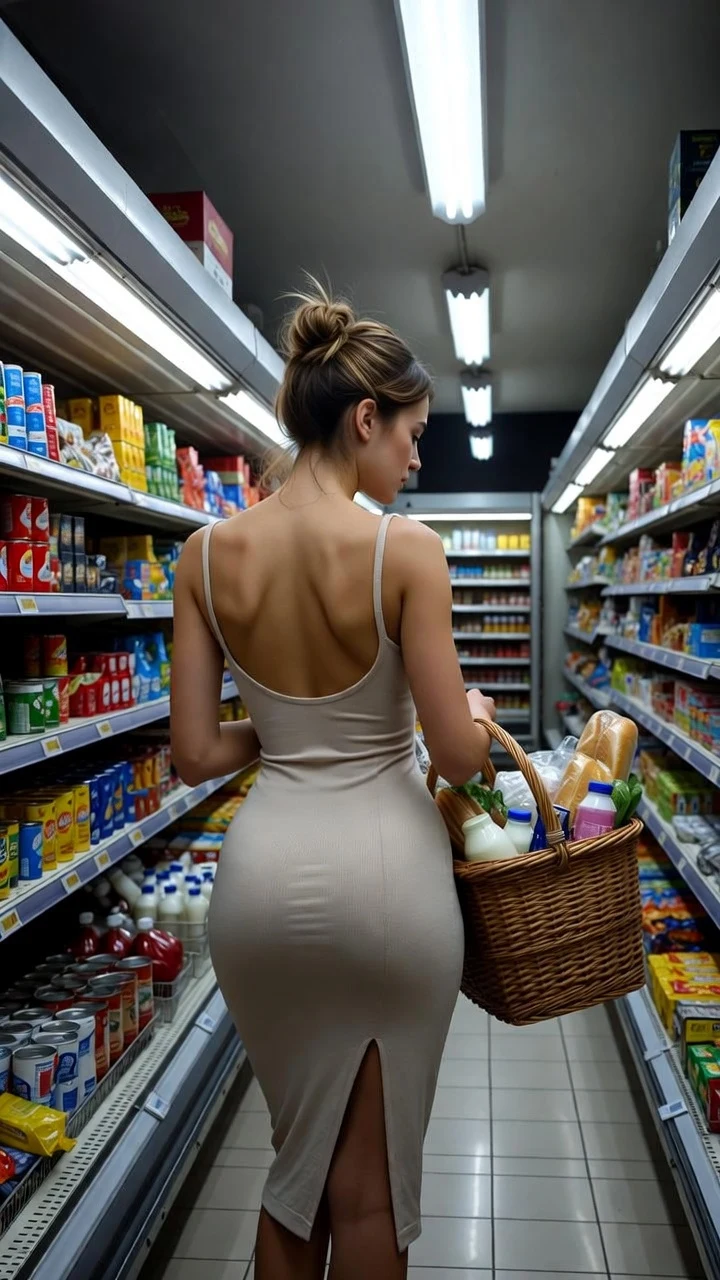
A public SpicyFrame example illustrating the guide. Results depend on the photo and prompt.
Choose 480p for tests and drafts and 720p for the version you publish. In SpicyFrame, Medium generates native 480p video and costs 399, 799 or 1,999 piments for 5, 10 or 30 seconds; High generates native 720p and costs 799, 1,599 or 4,499 piments. A third option, Ultra High, generates Full HD 1080p for 1,999, 3,499 or 9,999 piments and is covered below. 720p shows more detail, but it does not correct a wrong movement, a changing face or warped hands.
The number describes the short side of the frame. Every SpicyFrame video is vertical 9:16, so 480p is roughly 480 pixels wide by about 850 tall, and 720p is roughly 720 by 1,280. That gives 720p about 2.25 times as many pixels per frame, which shows up as sharper hair, fabric texture, jewellery and background detail. Exact encoded dimensions are set by the provider, but the ratio is the useful comparison. Both qualities are true generation settings, not a 480p video stretched to 720p.
High costs 1.25 to 2.1 times as much as Medium, depending on duration: $7.99 instead of $3.99 for five seconds, $15.99 instead of $7.99 for ten and $44.99 instead of $19.99 for thirty. On a 30-second clip, that is roughly 67 piments per second in Medium and 150 in High. The gap matters most on long clips: one 30-second High render costs about as much as eleven five-second Medium tests. Weekly plans give 25% more piments for the money, but the piment price of each quality does not change.
Medium is the right choice whenever you are still deciding. Use it to check whether a reference animates well, to compare two camera moves, to see if a face stays consistent through a turn, or to try a 30-second structure before committing. It also works for private previews, storyboards, a client concept round and small background clips where detail is not the point. On a phone screen, a 480p test is good enough to judge motion, timing and mood, which are the things that most often need a second attempt.
Choose High once the motion and likeness are approved and the clip is going somewhere people will watch it full-screen: TikTok, Reels, Shorts, a portfolio or a client delivery. It pays off most on close-ups, where skin texture, eyes and hair benefit from extra pixels, and on fashion and product shots, where stitching, patterns, labels and materials need to read clearly. For a fast, busy clip that will be cut to two seconds in an edit, the difference is smaller and Medium may be enough.
Resolution is a detail setting, not a quality guarantee. A face that drifts, a hand with the wrong number of fingers, a background that wobbles or a logo that morphs will appear at 720p too, often more visibly. These problems come from the reference, the amount of movement and the prompt. Fix them with a sharper reference, a simpler action, a slower camera or a shorter duration, test again in Medium, and only then pay for High. Quality words in the prompt such as “4K” or “ultra-detailed” do not change the selected resolution.
Run a five-second Medium test with your final references and prompt (399 piments). If it works, order the duration you need in High: a 10-second final brings the total to 1,998 piments, about $19.98, compared with 2,398 piments if you had tested in High as well. Remember that each render is a new interpretation, so the 720p version will not copy the 480p test frame for frame; the test validates the references, action and camera, not an exact clip. Keep the same prompt and change nothing else when you upgrade.
Short-video platforms recommend uploading vertical 9:16 video at 1080 × 1920. A 720p vertical clip uploads and plays normally on all of them and looks clean on a phone, but it will not be as crisp as footage captured at 1080p, especially after the platform re-compresses it. Avoid exporting the clip several times through different apps, because each re-encode loses detail. If you edit, export once at the end. Captions and text added in the app or editor stay sharp regardless of the video’s resolution.
Ultra High 1080p is also available in the studio: $19.99 for five seconds, $34.99 for ten seconds or $99.99 for thirty seconds. It is Full HD, not 4K. Medium 480p and High 720p remain lower-cost options. The studio does not upscale an existing video; a 4K delivery requires a separate external process, and enlarging a file does not guarantee real recovered detail. Compare the 720p versus 1080p decision and the generation versus 4K upscaling guide.
Usually a little, because more pixels must be generated, encoded and delivered, but the bigger factors are clip length and provider demand. SpicyFrame shows live status rather than a countdown, and you can prepare your next scene while a render runs. Do not pay again if a High render takes longer than your last Medium test; a slow job is not a failed one, and confirmed failures restore piments or refund a single-video payment.
| Criterion | Medium 480p | High 720p |
|---|---|---|
| Approximate vertical frame | About 480 × 850 pixels | About 720 × 1,280 pixels |
| 5-second price | 399 piments · $3.99 | 799 piments · $7.99 |
| 10-second price | 799 piments · $7.99 | 1,599 piments · $15.99 |
| 30-second price | 1,999 piments · $19.99 | 4,499 piments · $44.99 |
| Best for | Tests, drafts, storyboards, previews | Final social clips, close-ups, client delivery |
| Fixes faces or motion? | No: test and fix them here first | No: only adds detail to what is generated |
Yes. A vertical 720p clip uploads and plays well on phones. Platforms recommend 1080 × 1920, so it will be slightly softer than native 1080p footage.
It can look soft full-screen, especially on close-ups. Use 480p to test motion and likeness, then generate the version you publish in 720p.
Between 1.25 and 2.1 times as much: 799 vs 399 piments for five seconds, 1,599 vs 799 for ten and 4,499 vs 1,999 for thirty.
No. Higher resolution makes details easier to see but does not prevent identity drift. Fix the reference and movement first.
Not the same clip. A 720p order is a new generation, so it will differ slightly from the test even with the same prompt and references.
Ultra High 1080p is available alongside Medium 480p and High 720p. All are vertical 9:16. The studio does not offer native 4K generation or a built-in upscaler.